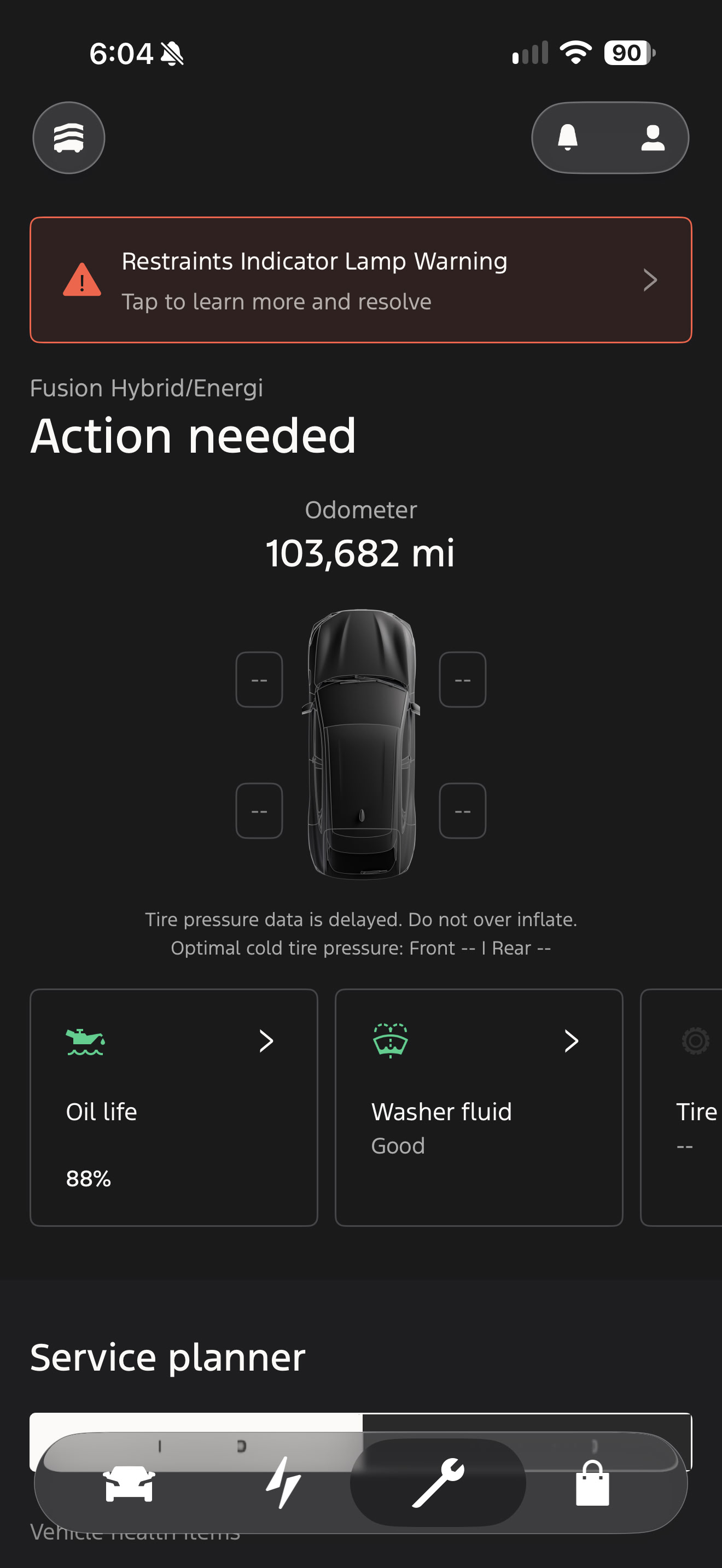
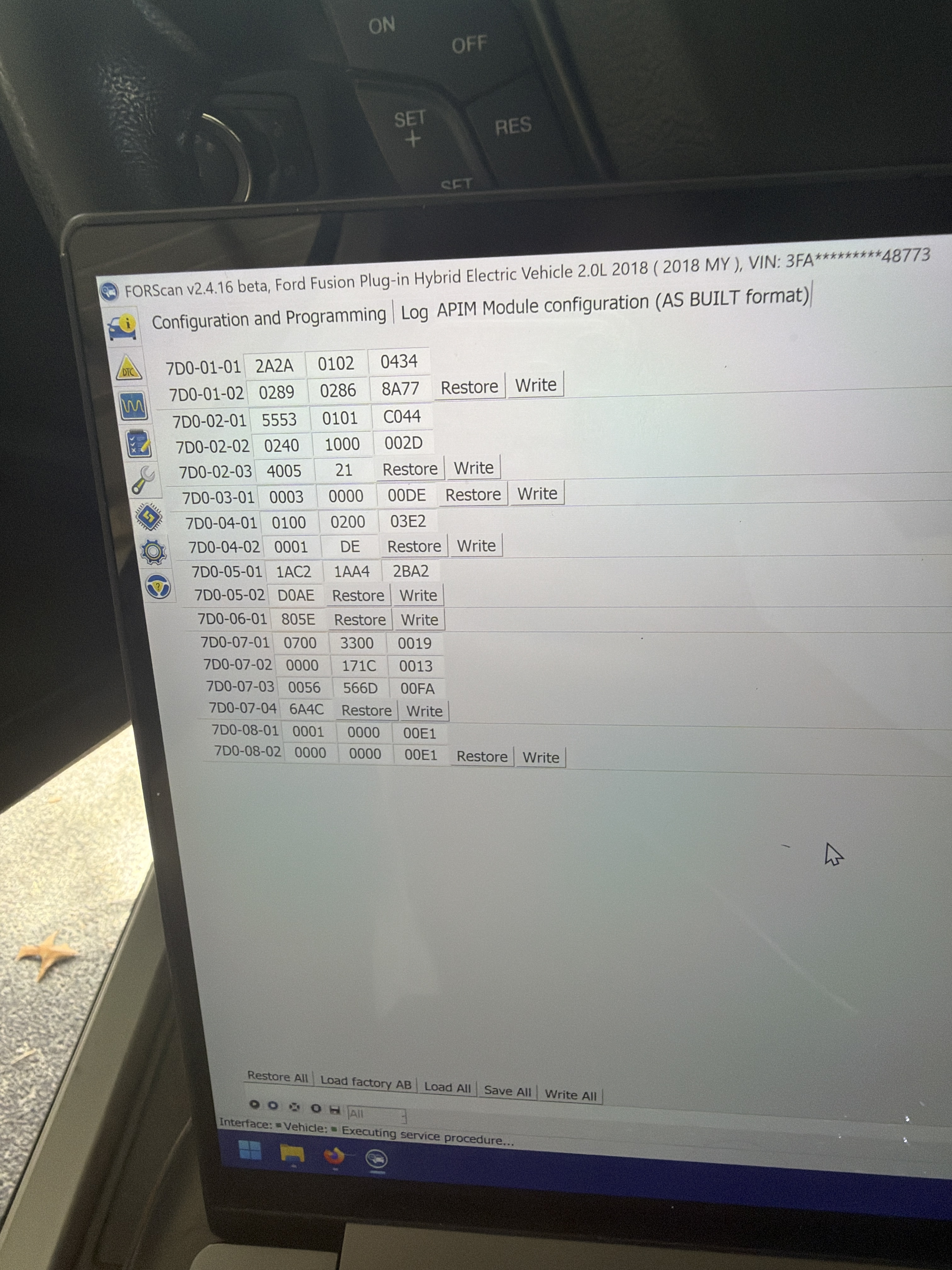
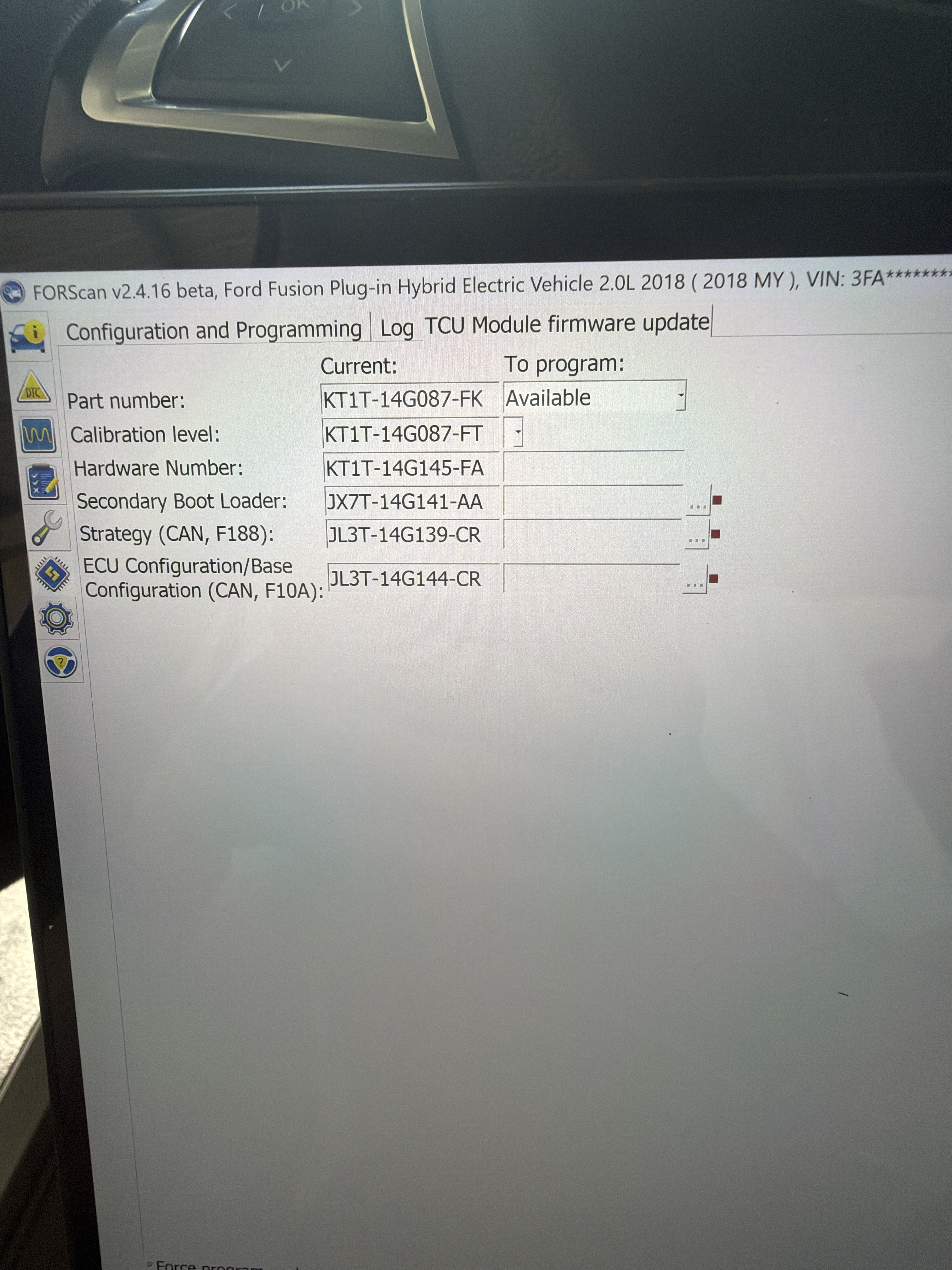
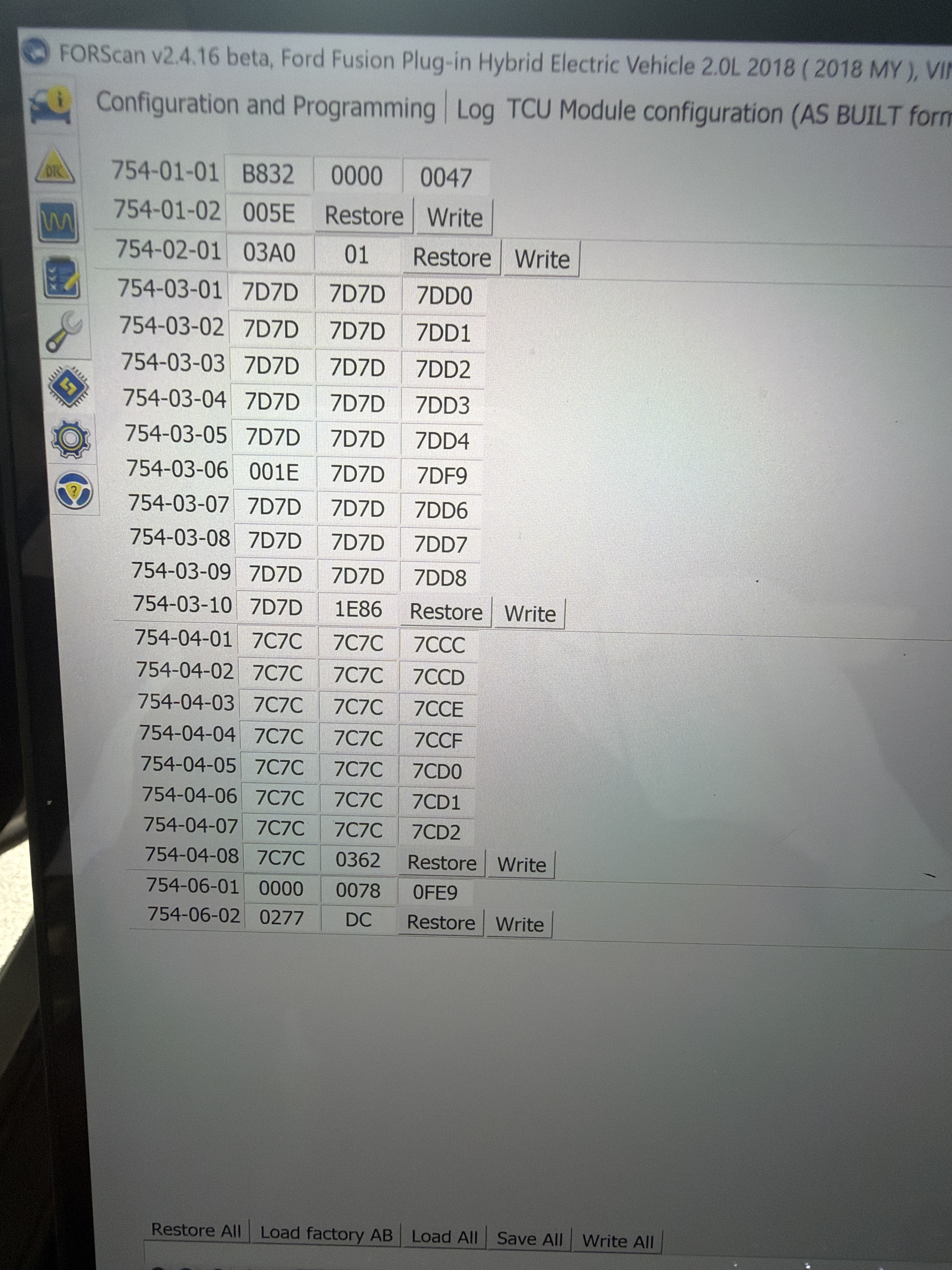
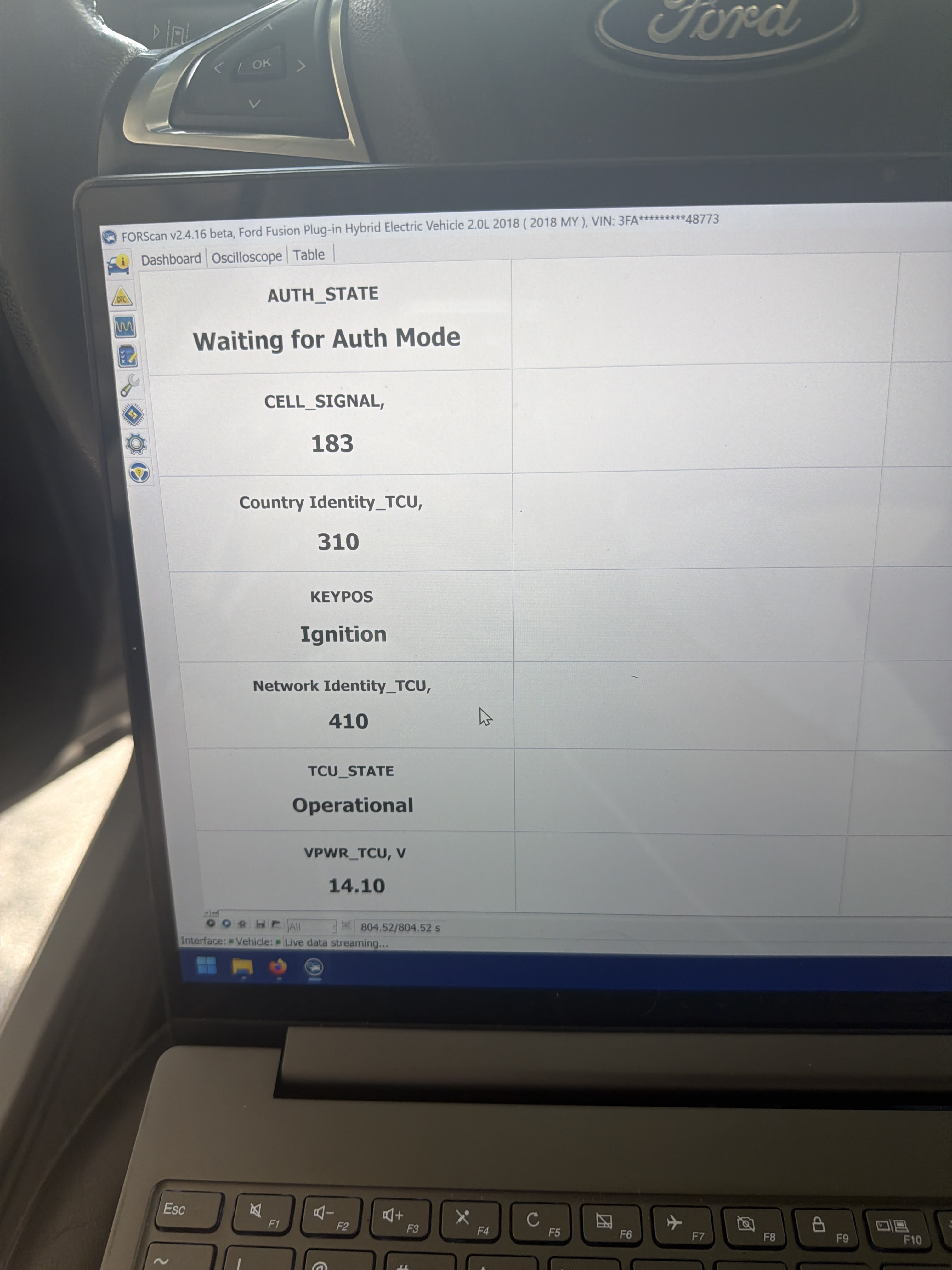
I have a k series TCU installed in my 2018 for fusion Energi, it is working on the forscan side, and the hotspot is fully functional, I can connect to it and use the internet through it, and forscan says “waiting for authorization”, but every time I try to go into the app it just says “mobile capabilities not available for this vehicle”. I called ford twice and they said it’s not communicating to them, anyone know how to solve this? Ford still registers it as having a 3g modem even though the 4g modem is installed and working. Included is photos of as built and firmware versions and anything else relevant.
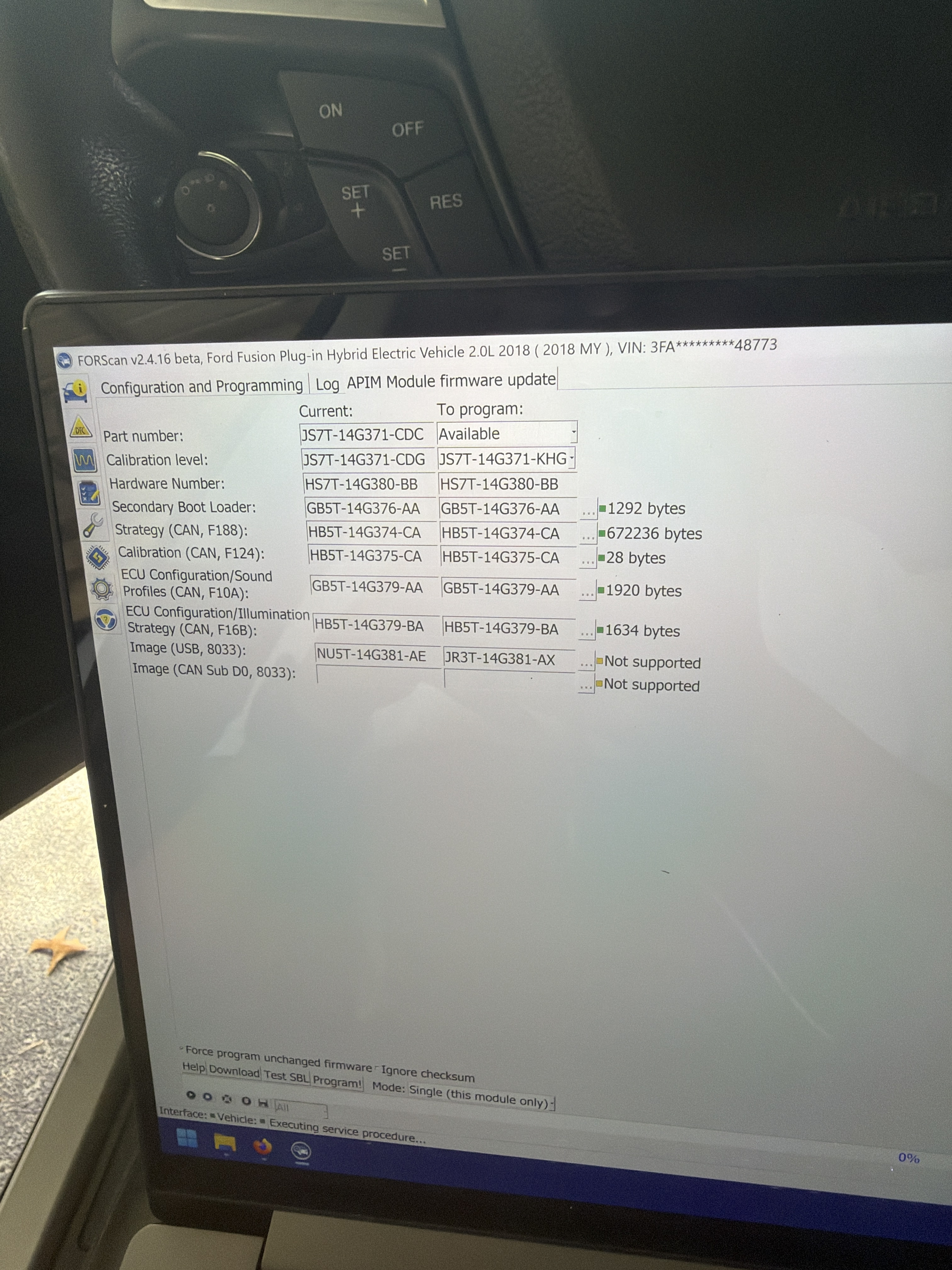
You can’t use a K or L series in any Fusion prior to 2019 without flashing the firmware down to a J.
On top of that the Energi you have to use an H series (which is the same series Ford used on the CSP) for replacing the old G series that were put in the Energi(s) all the way through 2020.
Bill has a copy of his H series dealer installed AsBuilt that can be used on an H series to get the charge timers etc.
I have flashed the firmware of it down to a j series, and I thought that the k would work but it just wouldn’t have the go times and stuff? The old modem was an h series but I don’t think it was a 4g because there were no external antennas.
Energi(s) came with G series.
H has a single purple for a PFIA antenna, J/K has 2 PFIA antenna connectors tan & purple.
Contrary to what you find with AI the tan is not WiFi.
There’s a whole set of threads on here about putting TCUs in Fusion Energi(s).
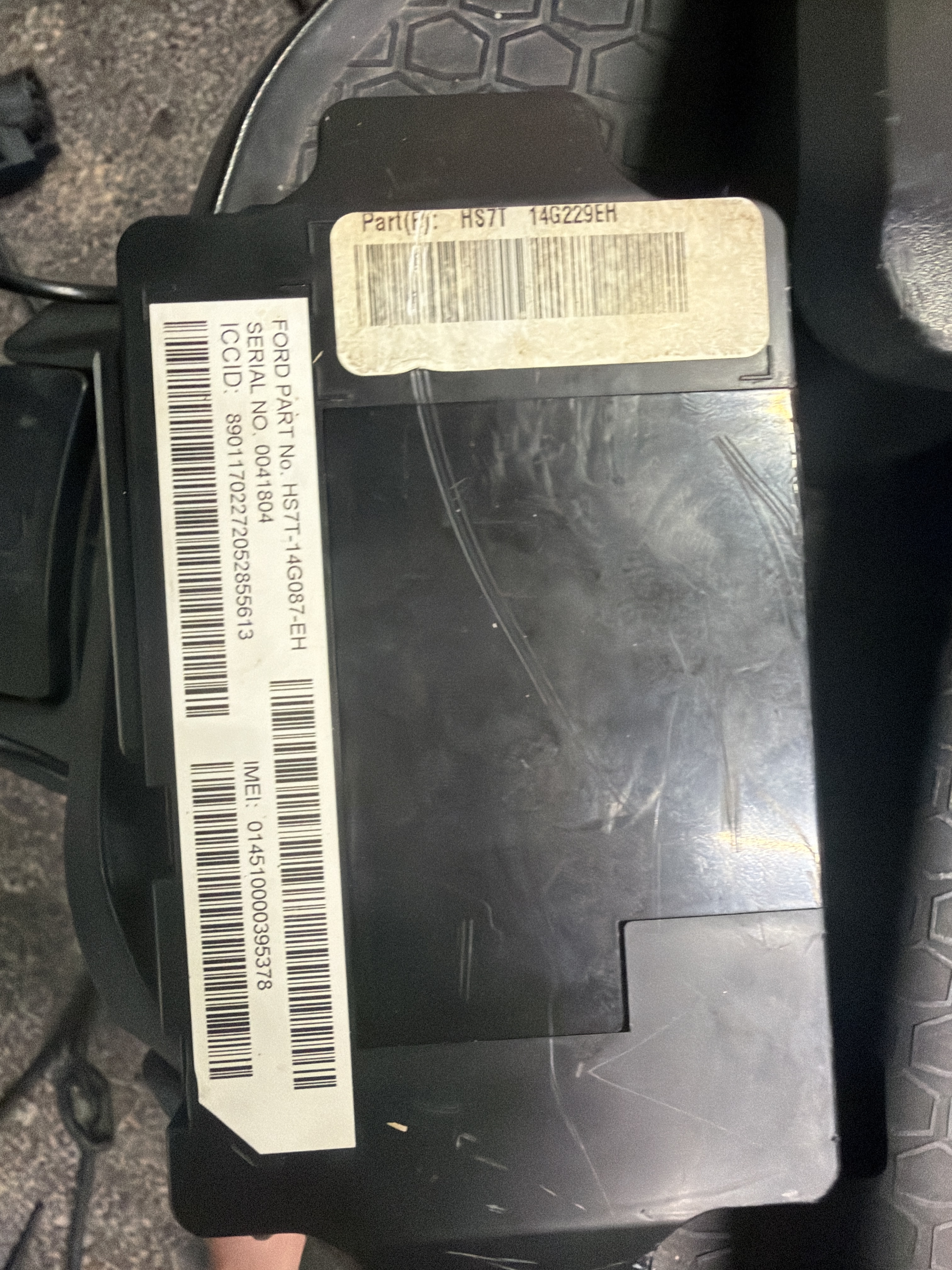
That’s definitely a 3G TCU, I’ve only seen G series in most of the MKZ & Energi(s) I’ve done.
To get a J working in a 2017-2018 Fusion Hybrid (not the Energi) I’ve had to use the AB from a 2019 Fusion Hybrid, converting a K series to a J took the combination in the pic below.

Ok I will try that combo of firmwares, do you happen to have the as built for the hybrid? I don’t care about go times or scheduled charges that much, and only somewhat care if it shows battery percentage, mainly want vehicle location remote unlock/lock, start, vehicle health data etc. side note is it normal my ipc doesn’t show oil life? It only lets me reset it for some reason.
Hybrid doesn’t show battery percentage at all, has to be setup with an H series 4G TCU and the correct AB config to support seeing it.
The changes in the AB by using the 2019 AB on a J series supports TPM, the platform fault alarms (eg HVB battery fault which is HEV/PHEV specific since a non Hybrid doesn’t have one), and keep the TCU from dropping completely online.
You can grab an AB for a 2019 Hybrid pretty easily, get the VIN from a used car site and then download the AB from https://www.motorcraftservice.com/Asbuilt/ just go into the TCU and select load all and pick the downloaded .ab file. There’s nothing in the TCU AB that is VIN specific, its all platform.
ForScan like IDS and FDRS only loads the AB for the specific module you in, not the entire car.
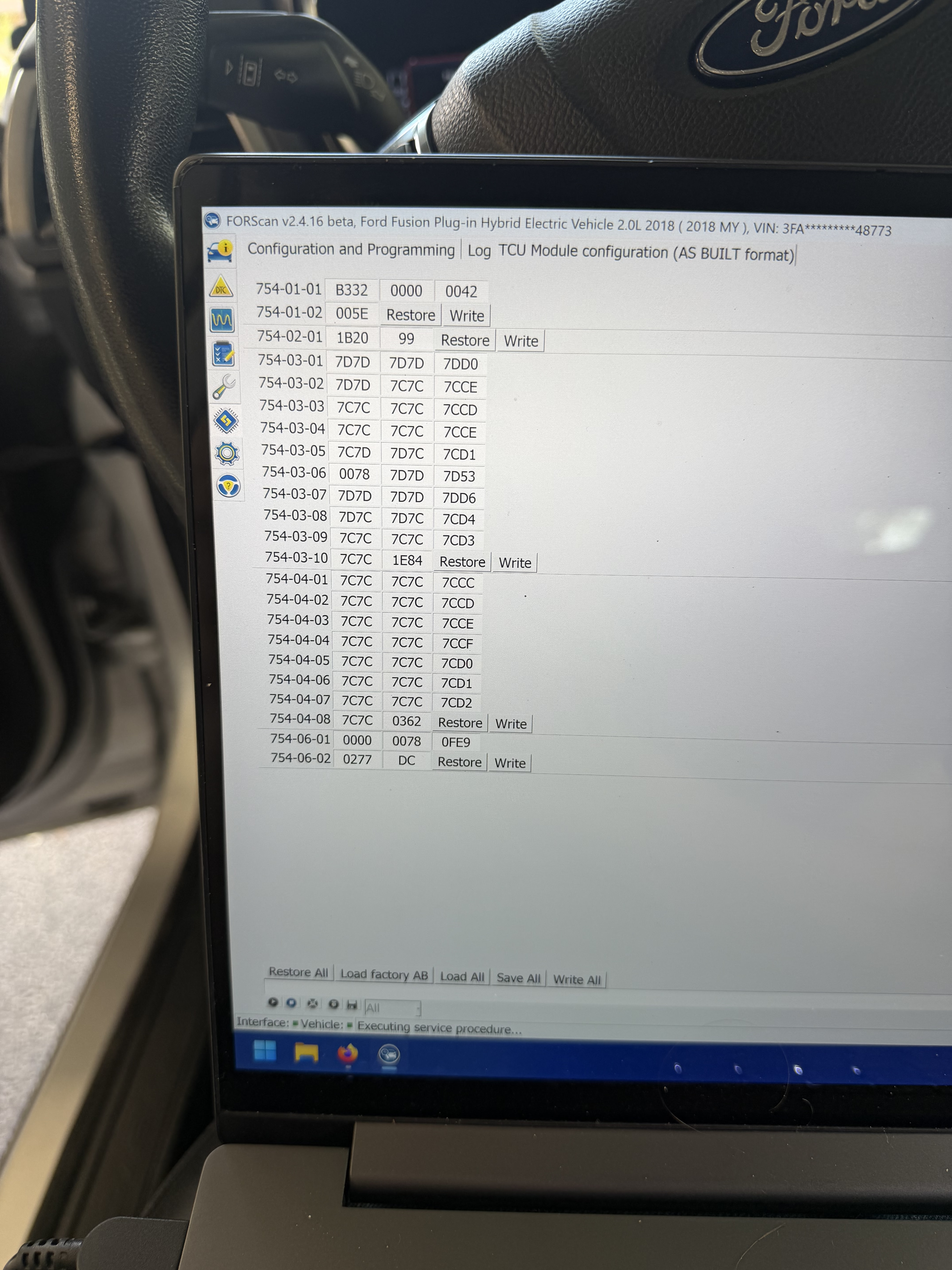
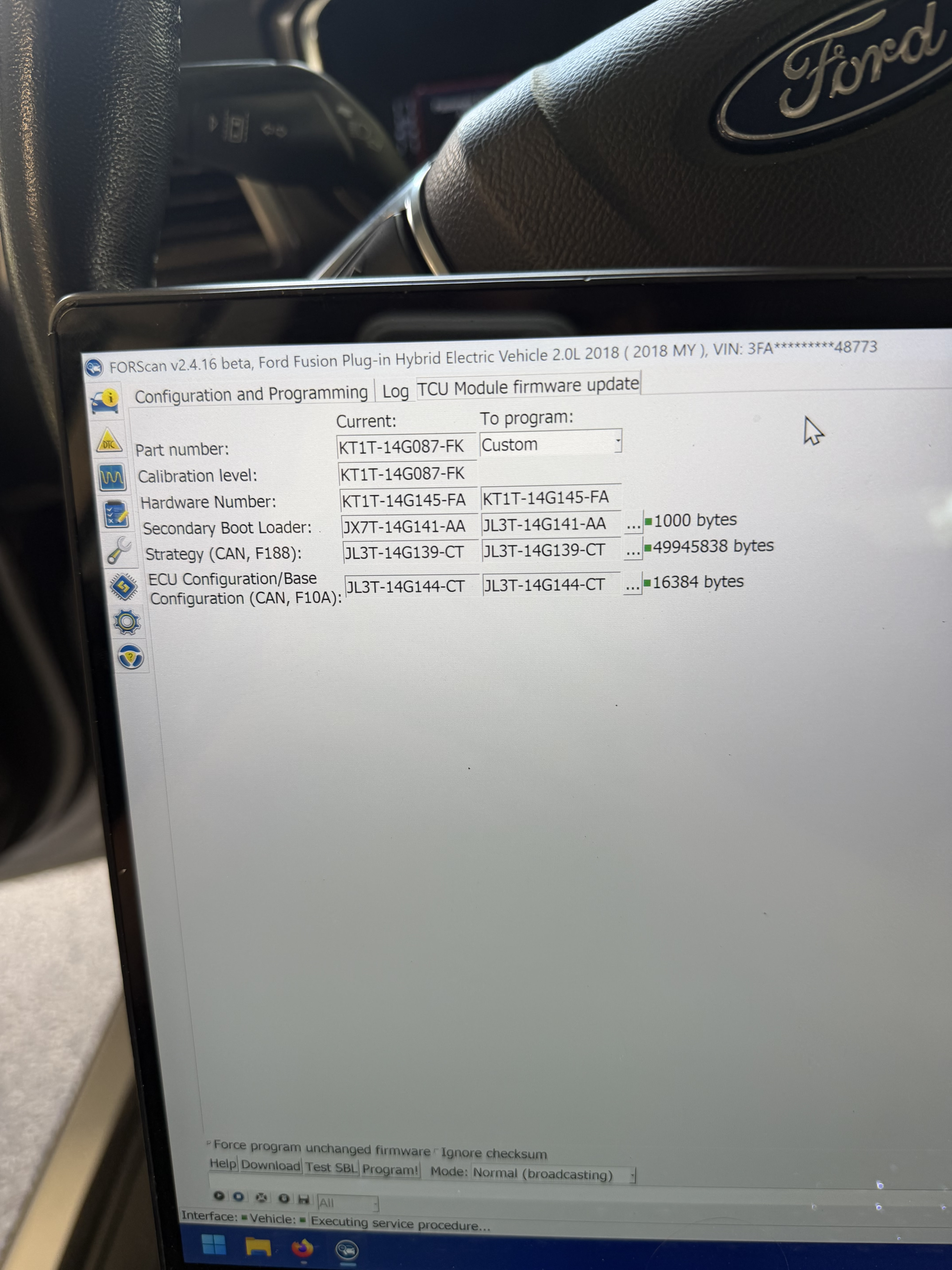
Guessing you didn’t read F150 Chief’s guide.
https://community.cyanlabs.net/uploads/short-url/prRmRy67rRvn4LYQk3AayyQ4KFl.pdf
Set 754-01-01 to B100 it gets changed after you get a valid activation
Look at the secondary boot loader.
I changed the vin number in all the modules to the donor cars vin and now it’s working fine. Any way I can get it to go through with my cars vin? I honestly don’t know why ford said before it wasn’t communicating to them and when I change it over it connects fine.
That’s because the IMEI of the module is matched to the VIN just like the hotspot.
You have to get the TCU in factory mode in order for the IMEI to register with another VIN on Ford’s back end servers.
Follow F150 Chief’s guide.
Funny thing is I’ve put it into factory mode with the I think 3 different as built codes (03,33,00) and it didn’t work, but changing the vin in all the modules to the vin of the donor at the junk yard worked. I also tried the vin of a junk yard 2018 hybrid fusion with a 4g tcu and ford again said the module isn’t communicating, but when I called to reset the donor car they said it was communicating fine so now I’m very confused as to what is happening exactly. It’s not supposed to be vin locked after factory mode yet it won’t communicate unless it’s on the vin of the donor. Also I did upgrade it with the sbl you sent and it did it to jx after it finished installing instead of Jl, idk if I need a newer forscan beta version or what but I’m using my brothers laptop, it’s on I believe 2.4.16. I selected the force unchanged firmware and did not have the “ignore checksum” selected so I don’t know if that affects it in any way. Also the car being activated now (under donor cars vin) still doesn’t have the connectivity settings under fordpass in the apim, only the hotspot settings.
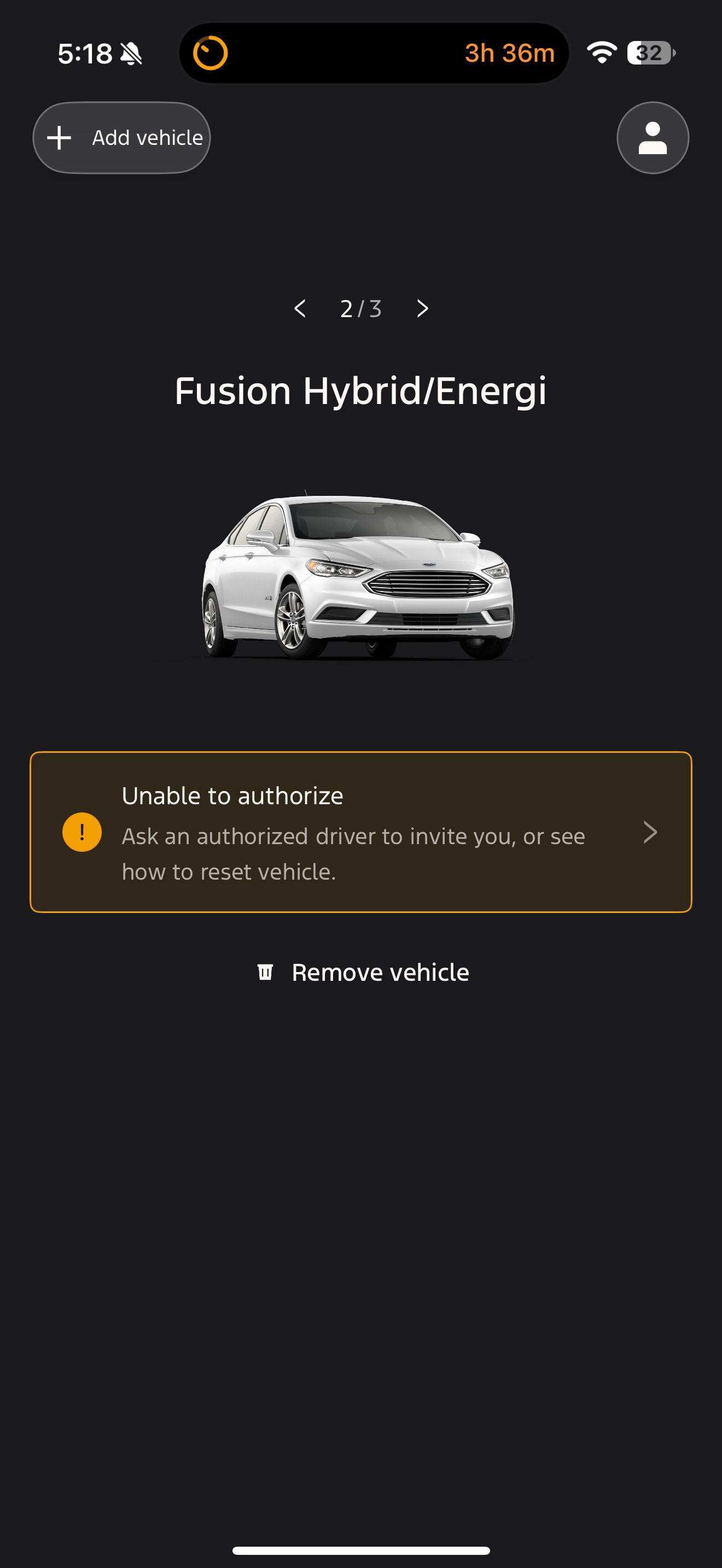
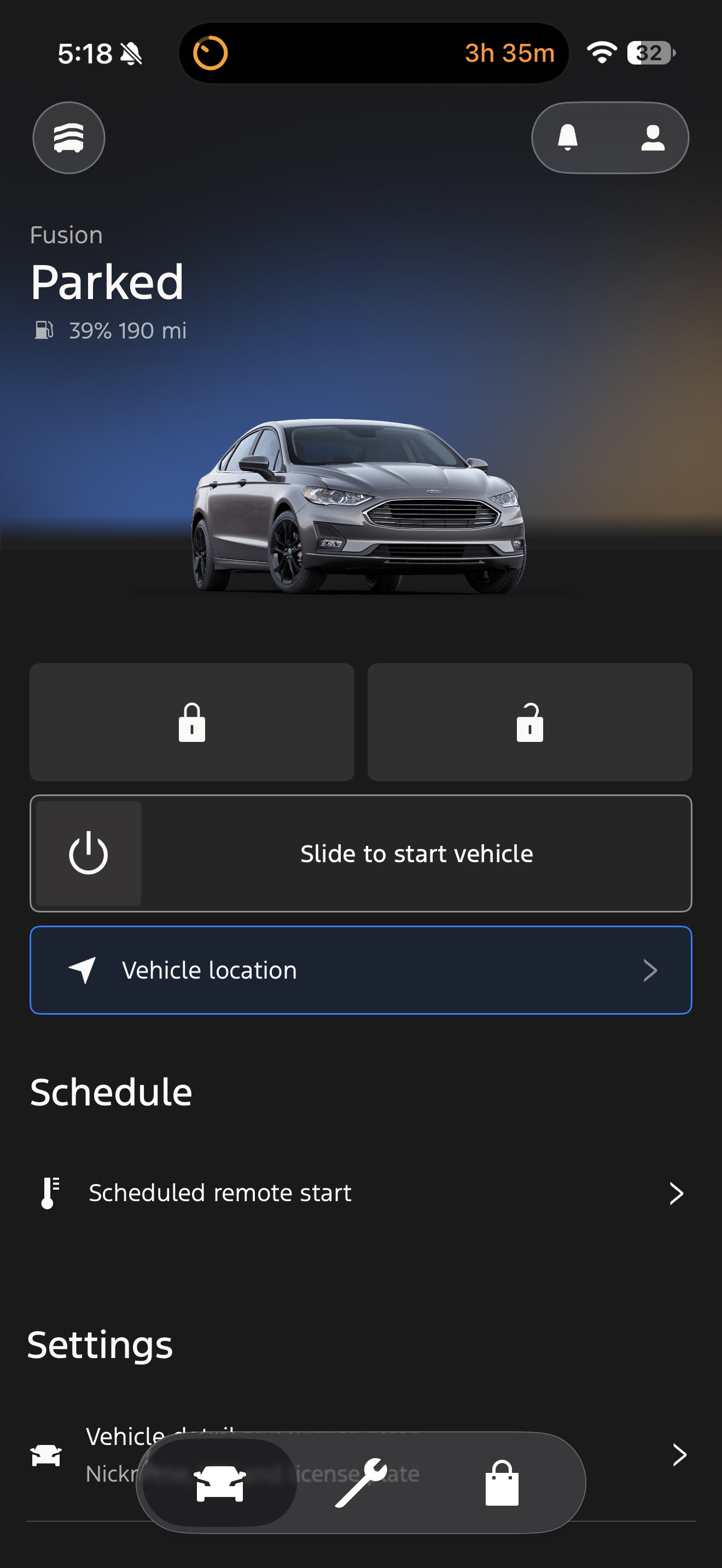
Do I need to leave it in factory mode for a long time or just until it gets signal, I never left it in factory mode for very long could that be the issue?
1st problem, you’ve changed the VIN all over the car, the TCU in factory mode is going to keep reading that VIN and pushing it to Ford along with that IMEI. Change the VIN back to the real VIN.
2nd Do an APIM master reset.
3rd Follow the guide, dont get hung up on the AB, follow the guide,
Pay attention to the PIDs and set it to gas the way that the guide says to do it.
Once it gets to awaiting auth try adding it to Fordapp/Fordpass on your phone, its not unusual to have to uninstall the app and reinstall it.
Once you get the TCU authed you can drop in the AB from the 2019 Fusion Hybrid.
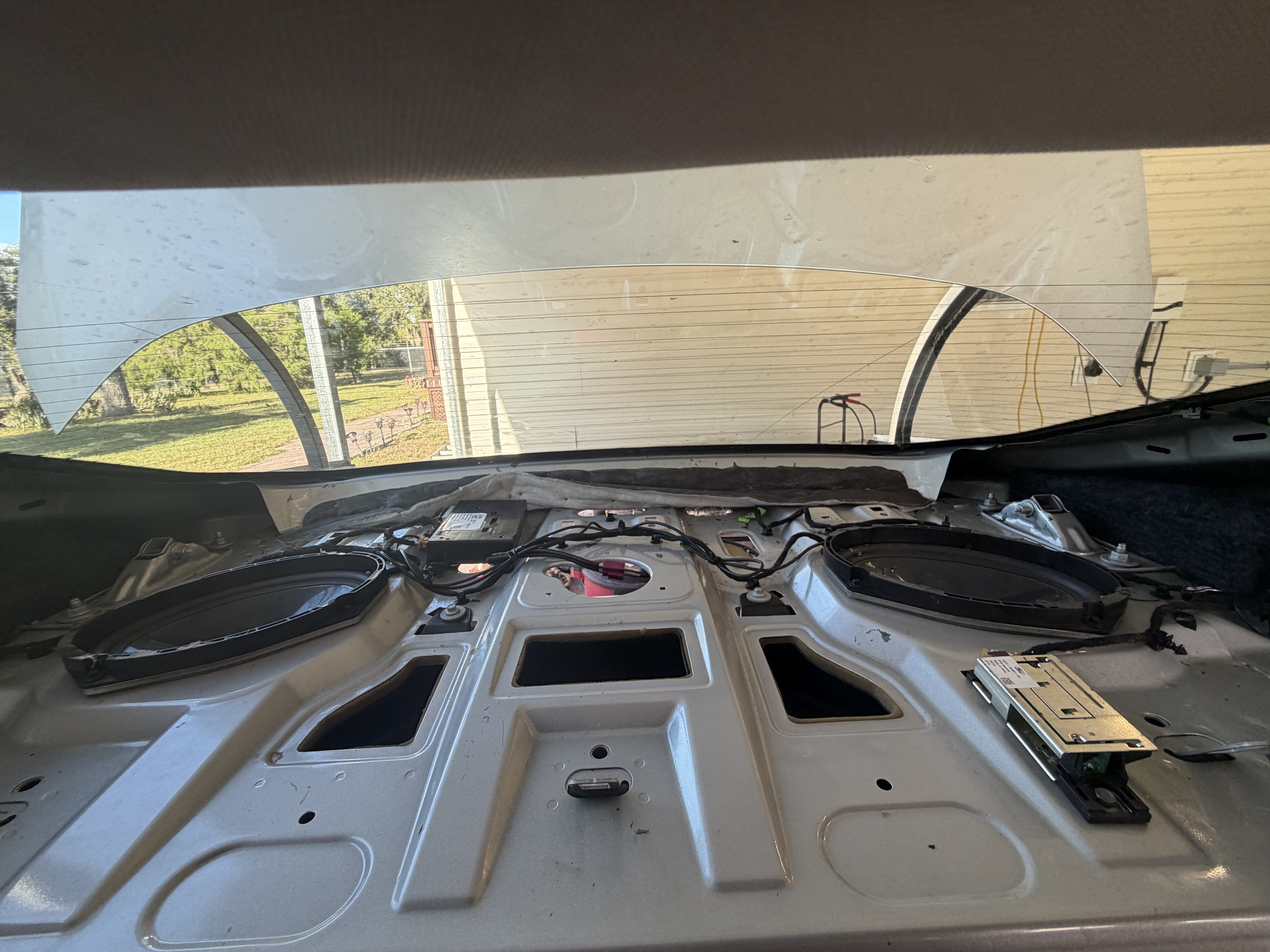
The link you sent is just an installation guide, not an activation guide, so I need to keep it at b100 the whole time or switch it to b132 after it hits improvised. I’ve changed the vin back and kept it at factory mode(b103) for about 10 minutes after changing to the real vin and then switched it to b100 for over 10 minutes and it’s sitting now in the driveway off and locked at that. Last I checked it stayed on unprovisioned mode on b100. Do I need to change it to b132 or something else? I’d appreciate the guide with the activation, as my installation has been done right, even have the shark fin connected, granted it’s not mounted at the roof and just hooked up in the trunk mounted on the under side, and the pifa antenna is in its right spot.
As I said above load the 2019 Hybrid, its the closest you’ll get to a 2018 as the config has to be compatible with the IPC and GWM firmware level.
Page 5 has the activation sequence.
After you get it to factory mode change it to B332 which is a Hybrid. (B832 is a PHEV I’d do Hybrid first personally)
The H series firmware has the PHEV charging/alerts in 754-03-xx
The J series in 754-03-xx does not have these.
The guide you sent doesn’t have an activation sequence on page 5, I only see installation guide, and I tried the hybrid as built with changing it from factory to b332 and it doesn’t show up in the app. What do I do for ford to recognize the modem is connected to my vin because I called again and they said it still wasn’t responding. I left it in b100 for like 8 hours and had it in factory more for like 10 minutes or longer.
You do know there’s this wonderful thing called Google right?
https://community.cyanlabs.net/uploads/short-url/43gjq2y7i4NP0axy2RYbUw0p2Ke.pdf
Ok through trial and error I managed to get the tcu working on my own vin, but I had to get a j series tcu to get it working. It was from a 2018 escape. The k series would refuse to work on anything other than its own vin, while the j series worked on any vin, it just took a couple days for ford to realize my car was ford connected now. However the current state is it will show battery percentage and ev milez, fuel level, windshield wiper level, and oil life, but will not lock/unlock/remote start from the app, and will not show tire pressure. I’ve heard from forums that the j series won’t show tire pressure but i saw it on a forum from 2022, and changed as built to try to fix another thing and enable the EV stuff which seemed to have worked. My other issue is connectivity settings are entirely missing on my radio. It only shows hotspot settings under fordpass settings. I don’t know if it’s a setting I need to mess with in the tcu or something other than what’s usually stated in the guides for the apim’s as built, as I’ve changed all that’s needed and said to change in the as built. I’ve gotten the connectivity settings to briefly show up before but when I clicked on it it just said loading, then showed a blank popup window with only a close button on it.
I’ll send the as built if needed to diagnose what’s wrong.
The restraint dtc is because I put a Sony face plate on the radio. It also popped up just today, it all started working and showing up in the app (same state as now just farther along than before) maybe 2 days ago, time is broken for me because of hunting that damn Fortnite token.