I ran the interrogator tool but get an error message from Syn3 updater about the xml file and potential use of overlays. The message advises me to request support here.
SYNC Region: EU
Navigation Variant: Nav
Manufacturer Year: Unknown
Install Type: OEM
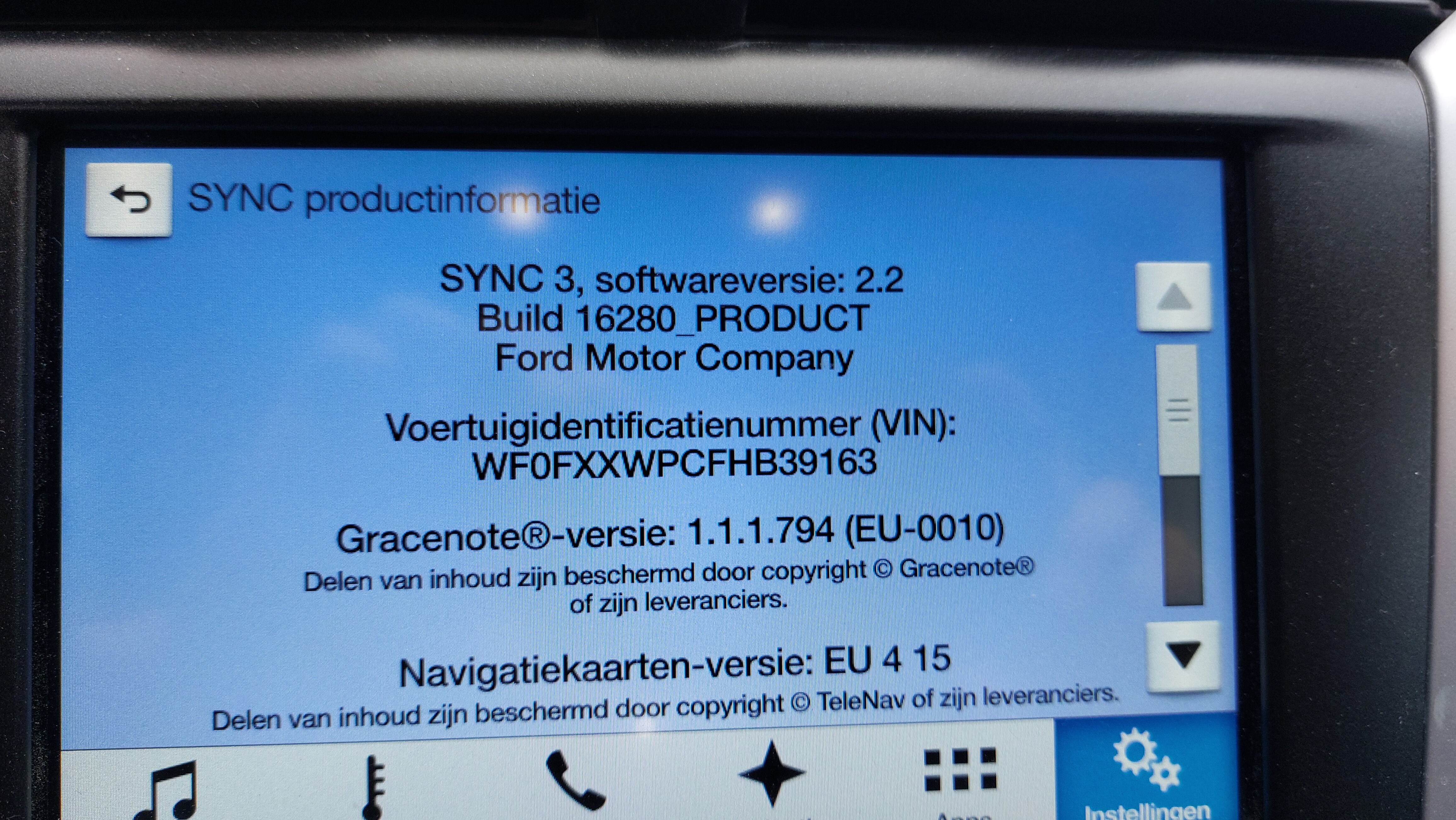
Old SYNC Version: 2.2.16280
New SYNC Version: 3.4.26057
Do you have a error message, if so what is it?
The XML file you have selected does not contain the expected output.
Syn3 updater has determined you are on 2.2.16280 and may be using overlays.
Syn3 is unable to determine the configuration of your APIM
Please request assistance on our forum at …
The end goal is to upgrade to latest sync (3.4) to hopefully fix a very slow user interface. The step I reached was to run the interrogator to confirm if I can do that since I’m not sure if the unit was ever swapped or refurbished. Here I ran into the problem as posted with syn3 updater recommending to request support on this community.
I have not yet tried to actually Install 3.4.
Can I just install the mentioned 2.2 update even with this issue I have with the interrogator? Or should I first try 3.4?
Also from the (partial) xml log it seems like I have a unit without Navigation. Do I understand that correctly and should I change the configuration for Building the updater file?
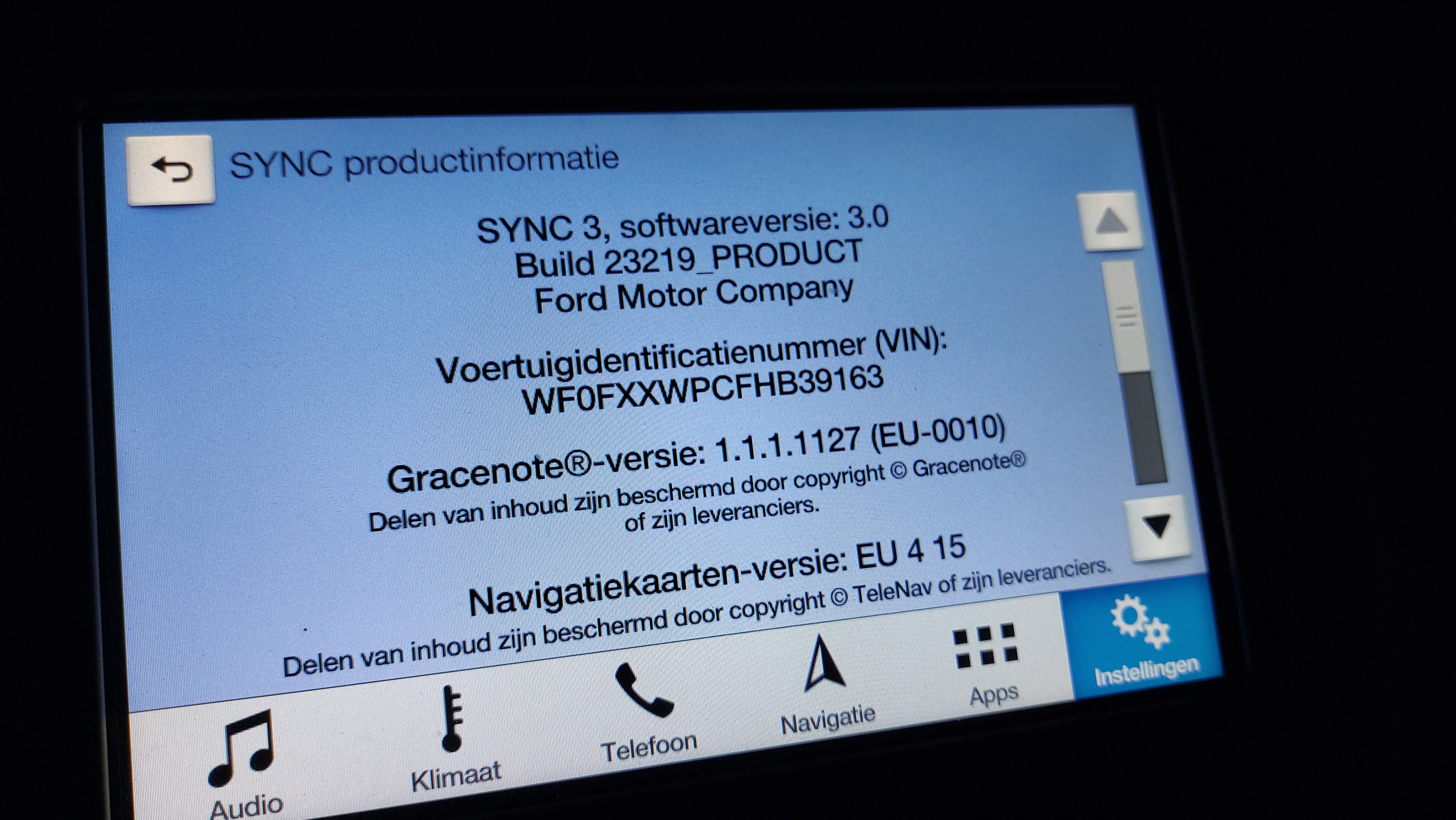
That doesn’t match with my own experience. My unit does have navigation as also shown in the “about” screen so I assume I should select navigation “yes”. See also the picture below. Last line says navigation maps version. Please confirm or help me understand.
Take it to 2.2.17011 first then try the build for your vehicle VIN on owner.ford.com .
If you can’t get it to the last Ford supported build for the vehicle there’s a good chance of the APIM not taking 3.4.x and leaving you with an even worse problem.
Going to 3.4 is a one way street and it may actually make things worse depending on the age of the APIM.