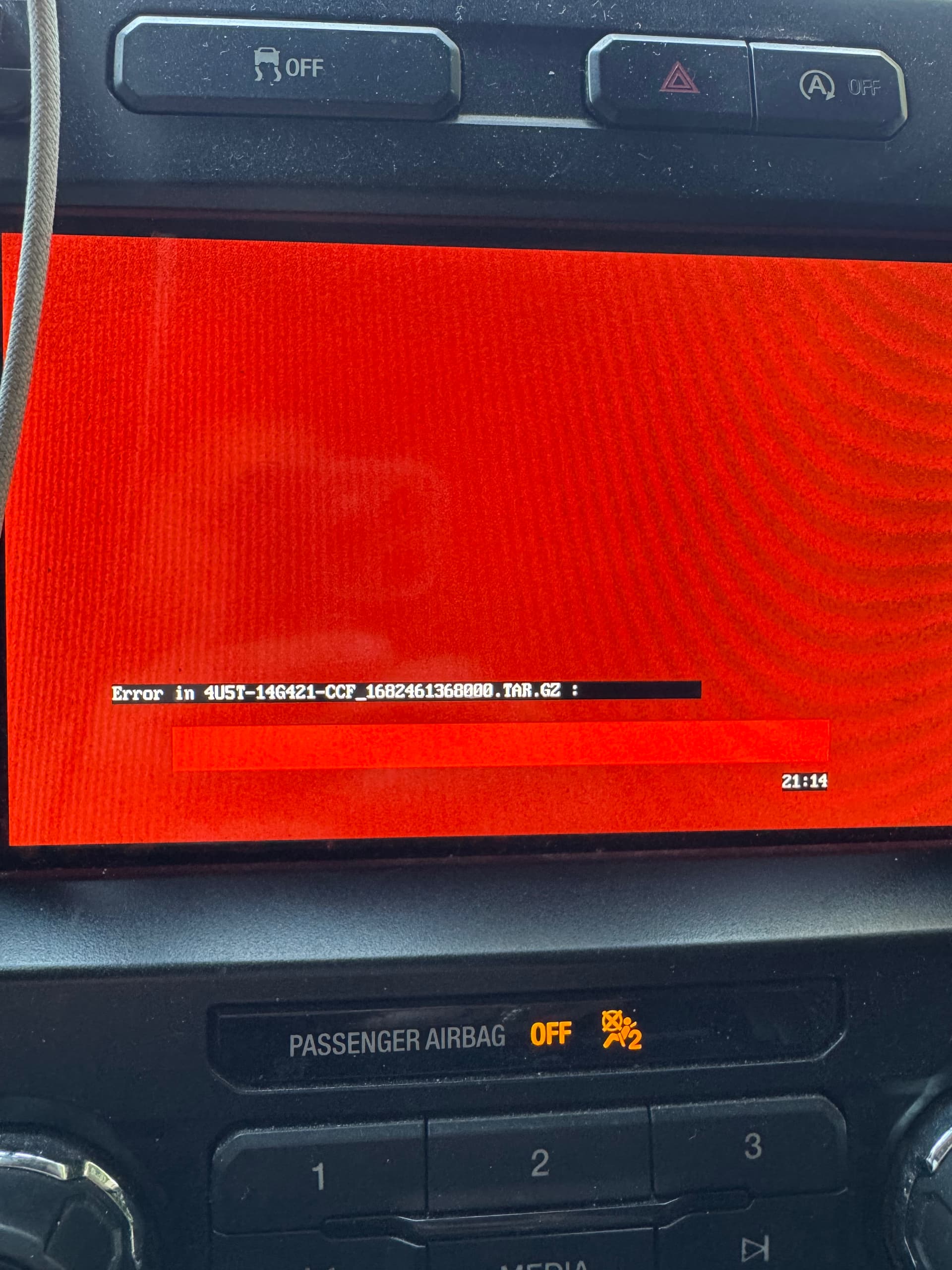
So I figured out how to enable nav on my sync 3 using forscan. Nav button now shows on screen but shows black screen. Probably because I don’t have the license for nav. Anyhow, using cyanlabs, when I go to start the program do I choose nav or non-nav? I guess I confused myself after enabling it. Just need some clarification. Thanks in advance!
SYNC Region: NA
Navigation Variant: Non Nav
Manufacturer Year: Pre MY20
Install Type: OEM
Old SYNC Version: 3.4.23188
New SYNC Version: 3.4.23188
Do you have a error message, if so what is it?
N/a yet
so I redid the flash drive with non-nav but the radio is not reading it. The radio is stuck in the update screen waiting for a USB to update. When I put the new USB it said no programs found. What do I do?
You saw red screen most probably because Sync 3 with Nav is too big for your APIM which is by default without navigation.
I think first try to do an interrogation then come and post your interrogation log?
After interrogation process and when guys on here check the log and all is well maybe you should do a reformat
Disable Nav on forscan
Flash your flash/pen drive and make sure it’s at least 32gb
Use Sync3 updater to download and load sync 3.4 version but be careful, check the logs and make sure you download a version without bugs.
I think in this case it should be a “reformat” process
Connect your usb drive to the car and keep the engine running until update is complete.
I think since you already had sync 3.4 I think you might need to downgrade and then upgrade? I honestly don’t know. I would say try reformat first then if it doesn’t work try downgrading and upgrading