I also noticed while searching for a used one if need be that my unit is a 4G unit, not sure if that makes any difference at all to activation/reset steps.
Let me know if it does, thanks
I also noticed while searching for a used one if need be that my unit is a 4G unit, not sure if that makes any difference at all to activation/reset steps.
Let me know if it does, thanks
PM me your VIN …
It should be a 4G unit, 3G has been discontinued for a while.
I’d love to, however I’m not very familiar with using forums and can’t find anywhere on here to be able to send some sort of private message. I googled it and what they said to do doesn’t match what I see on the site.
I have the entire AB file that I downloaded from Ford that I could send if you let me know how to go about sending a PM. I know this makes me sound like a bit of a dufus but trust me, I’m very computer literate but I just don’t seem to have an email or Chat icon that will allow me to start a new conversation.
I sent you a PM…I granted permissions.
Maybe my settings are completely messed up, I didn’t get any PM from you, at least not yet. I may have figured out a way to send you a chat, I sent the VIN in that, let me know if you at least got that. Thanks for sticking with me on this
Update to current status MISSING CONNECTIVTY MENU OPTION
. I replaced the TCU today with a used one. Made sure the part numbers etc were compatible and it was from a Canadian Vehicle, same as mine.
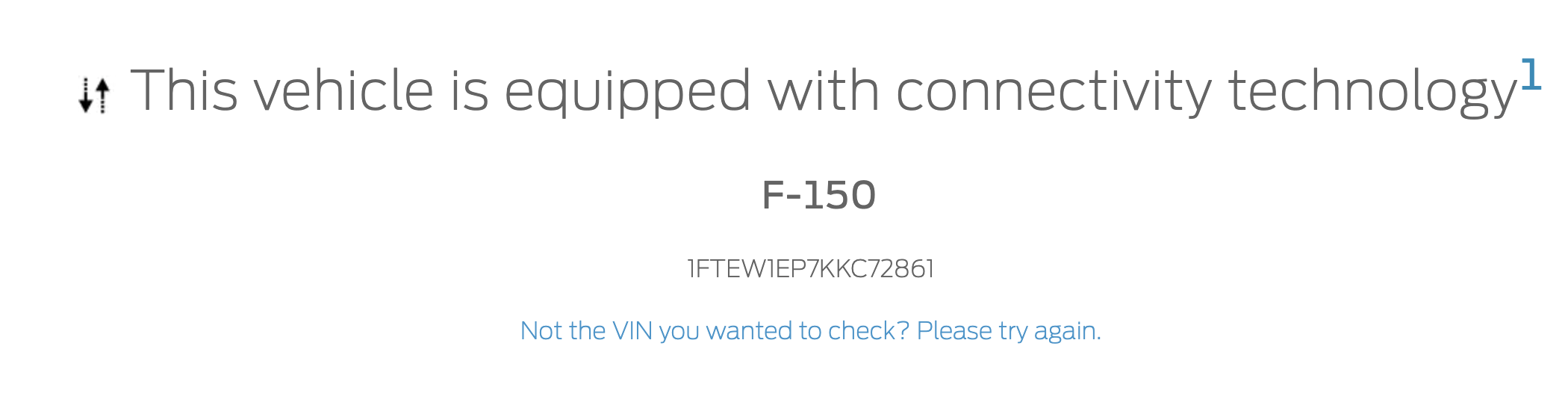
I went through the process to reload the AB info for the TCU and it was in the waiting for authorization state and was able to send a request to link the vehicle in FordPass and got the notifications and emails that it was succesfull. The hotspot also shows now as active so I’m getting close. However the Connections menu option is not to be found and the remote start lock etc don’t work. I’m thinking that somehow the VIN for the old vehicle is registered in the TCU but I’m not sure how to change that. Any help getting over this last hurdle would be great. thanks
2019 F150 will have limited Connectivity Settings/Functions. If the truck didn’t come with a modem, you won’t have the options.
The VIN is not programmed into the modem until later years, but versions of K series do have this. Look for the VIN coding in the BCM.
So if the truck didn’t have a modem before then what else would be causing the remote lock, unlock and start features from working. The FordPass app made the connection and was authorized but it did say to make sure the connections were enabled in the FordPass app in the vehicle. The vehicle location is visible in the Ford Pass app so I know its connected with the truck, just need to get the remote features working again.
Unfortunately this is likely a FordPass issue. There is nothing in the asbuilt that is going to change this.
For example my 2015 Explorer that came out before TCU’s were a thing also shows the Lock/unlock option but it will never work. Same with remote start.
Vehicle location has nothing to do with being connected to the truck. It uses Cell tower triangulation for that feature to work than sends that info back via Cell signal.
Well I am a little confused and may need some clarification. Let me summarize my current understanding.
So some time in your ownership of the truck you had FordPass activated and had both remote start and remote lock/unlock.
Then something happened and you lost FordPass connectivity.
You used Forscan on the TCU in the truck to restore connectivity but was unable to as it was stuck in factory mode and would not budge.
You then got a used TCU and installed it in your truck. You went on Fords website and downloaded your asbuilt and that asbuilt had TCU settings that you then used Forscan to update the asbuilt in the replacement TCU.
You were then able to activate FordPass on your truck with the replacement TCU but you are missing the remote start and remote lock/unlock functionality that you had prior to the original TCU going out.
Is my summary correct?
See what Ford shows….
Your summary is spot on, my truck had all the options remote start, lock, unlock. I drove the truck, parked it, got out, got back in and a message popped up on the screen saying that I needed to connect to wifi etc. When I started looking into it, I then tried my FordPass app and it still showed the truck where I had parked it and it never worked again. Went through the entire ForScan process on the original TCU with no luck. Put in the used one and now have everything back except the remote start, lock unlock won’t work and when Ford Pass activated it told me to make sure that I selected the Connection menu and ensure it was turned on. I have no connection menu visible on my vehicle. So in short, I am not trying to add functionality to my vehicle that wasn’t there before.
Delete the vehicle from your FordPass app and then delete the FordPass app. Delete any Bluetooth entry for the vehicle on your phone and reboot your phone. Master reset the APIM.
This puts everything back in a naive state.
Download the FordPass app onto the phone and reconnect your truck to the FordPass app.
SUCCESS !!! I now have full connectivity and full funtion in the FordPass app:
I tried the above but that didn’t work so I did a line by line review/edit of the AB of the TCU, saved that and then rebooted the module. Then I rebooted the APIM and the BCM and then did a Master Reset. Once all that was done I then re added my vehicle to the FordPass app and everything came back to life. It took some time, I appreciate everyones support. With the FordPass connector and a used TCU I was into it for $160 so i beat the Dealership price of $187.00 per hour and this would have taken them a lot more than an hour.