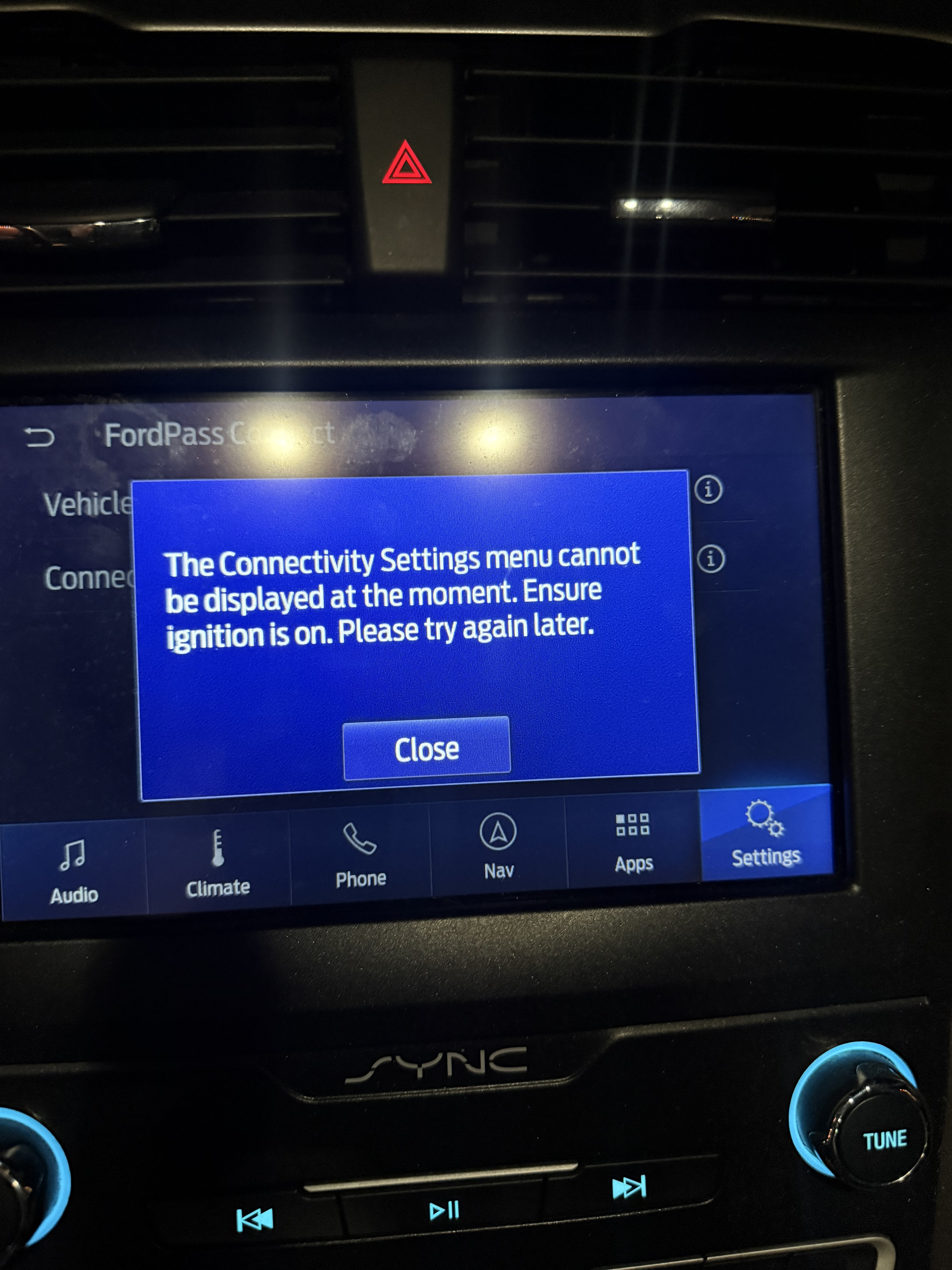
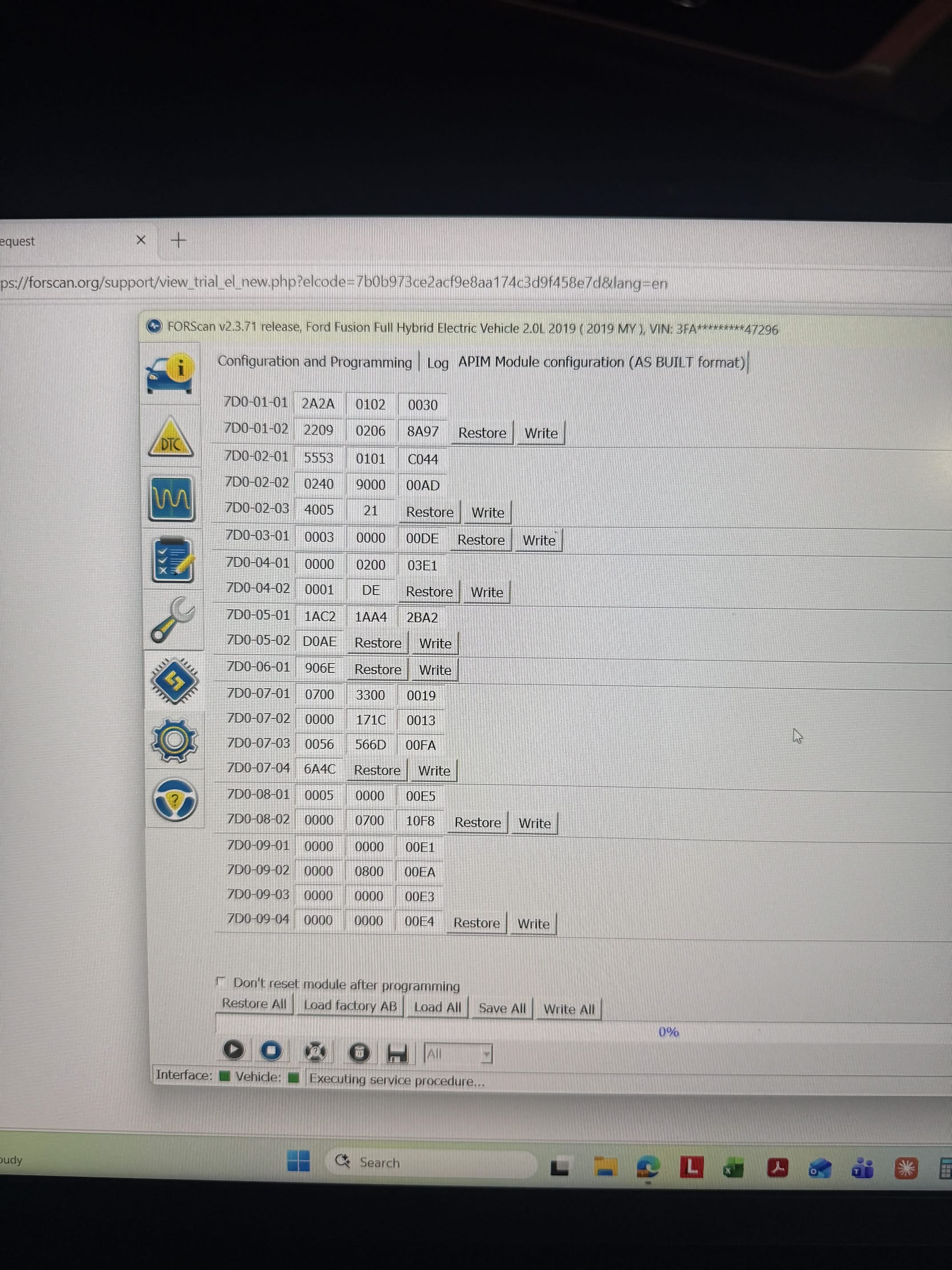
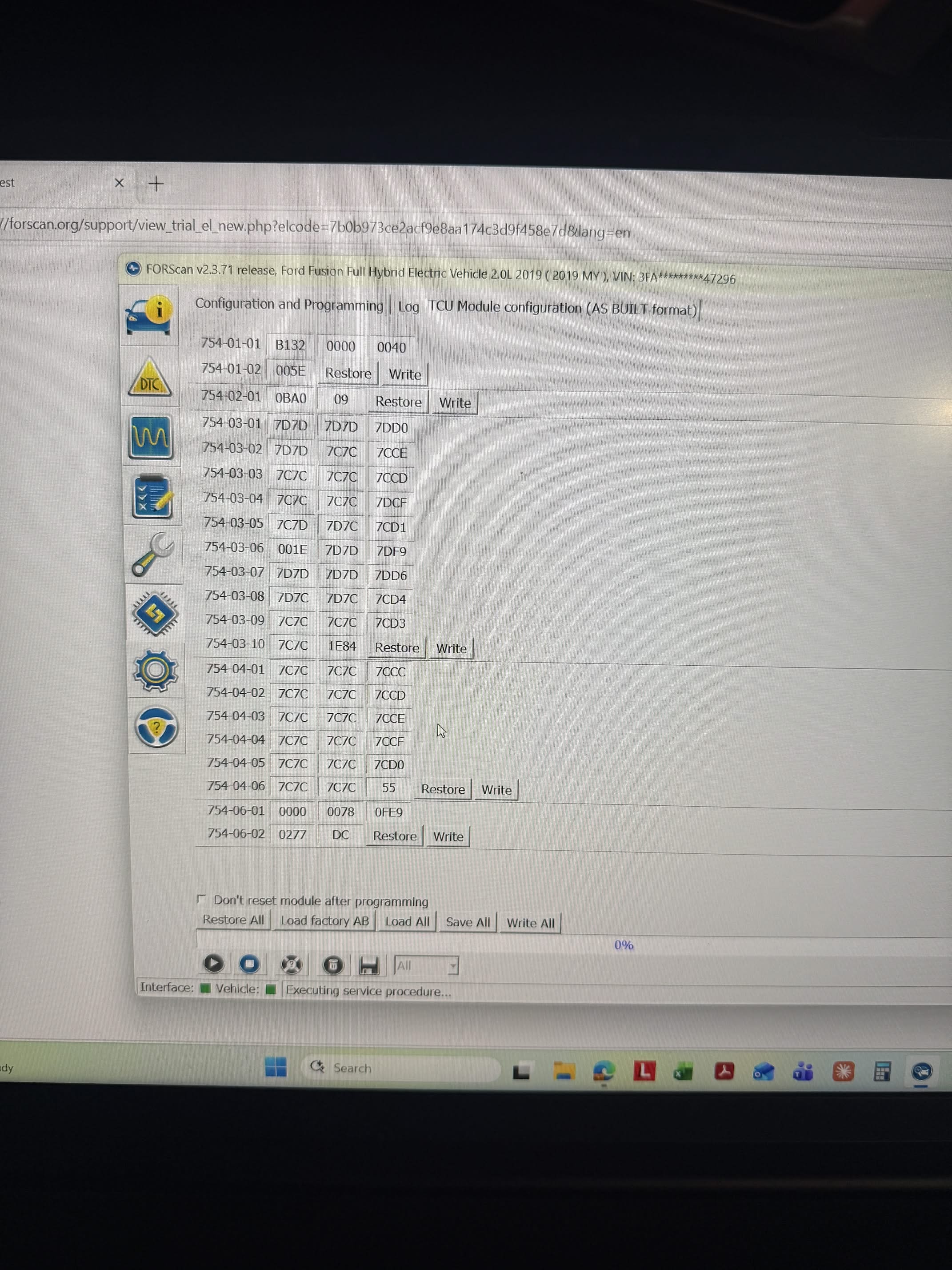
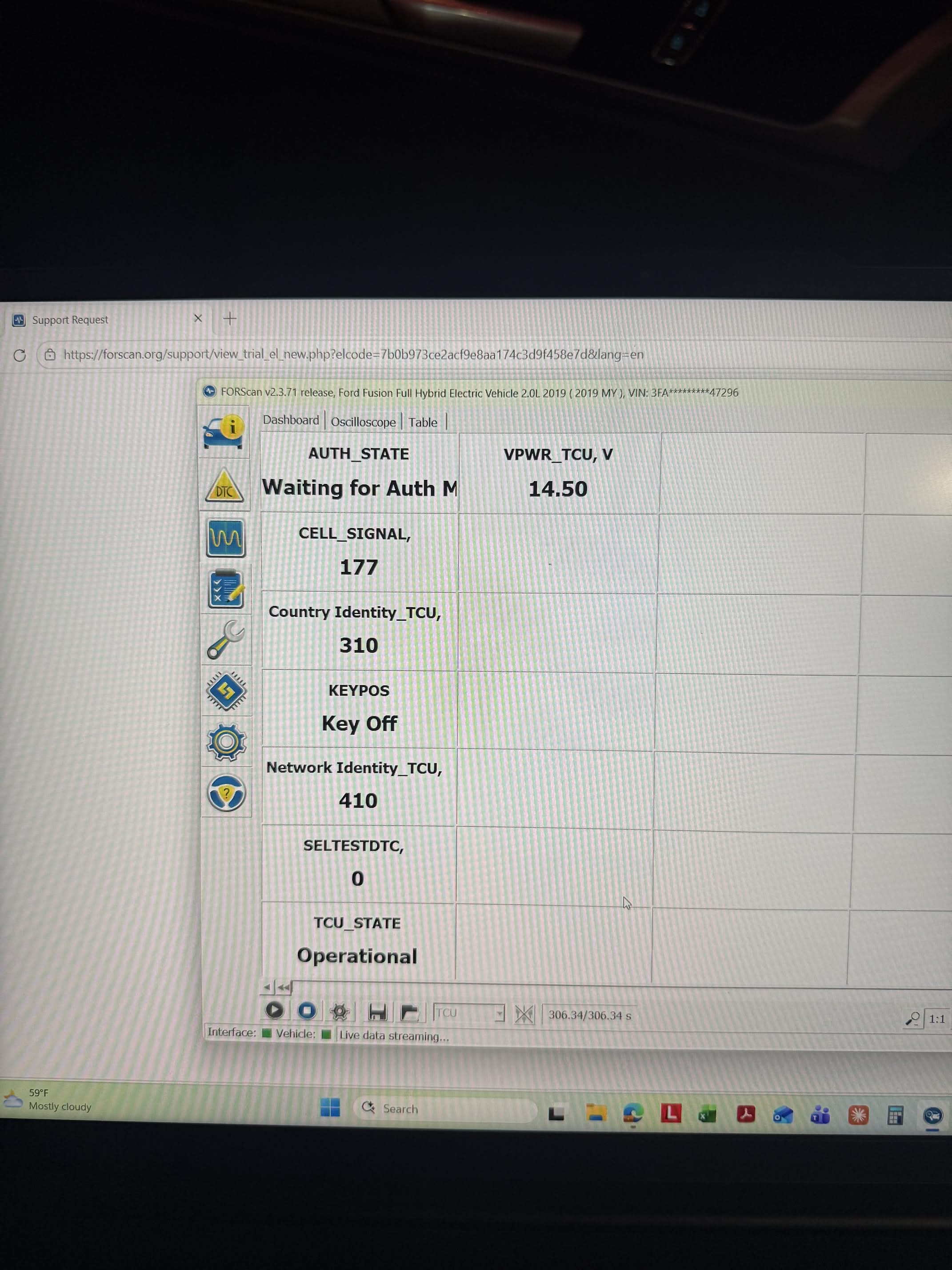
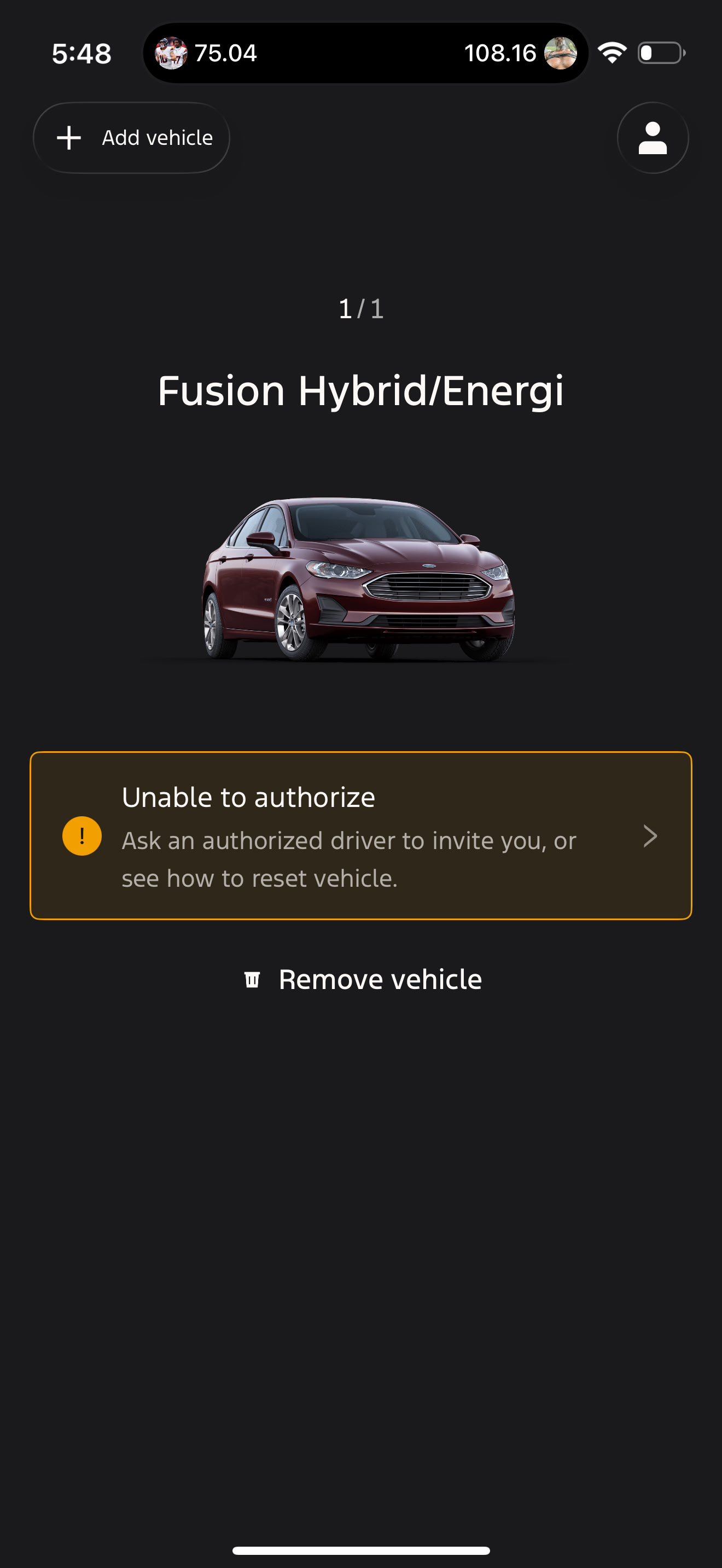
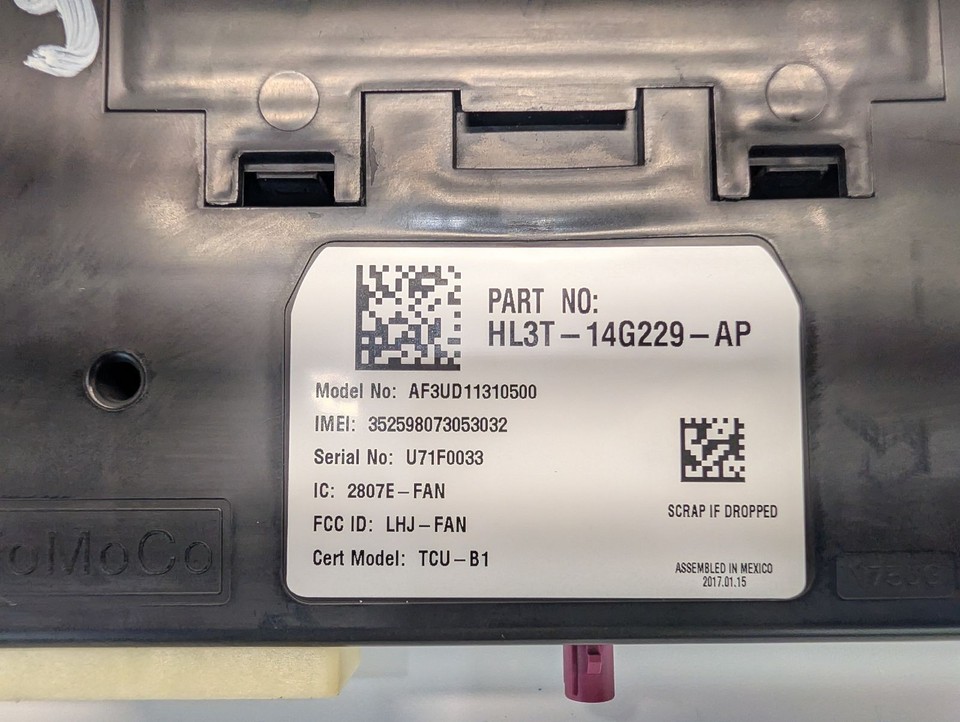
I recently got a 2019 ford fusion hybrid. The original owner never upgraded the 3g to the 4g. I purchased a 4g modem and installed it. I have been following instructions here on this forum and YouTube for the asbuilts and other install instructions and have not gotten anywhere. I still get the same app notification showing I am not authorized even though I wiped everything from the previous owner while on the phone with Ford and through the car itself.
I have done the process of unadding the car, deleting my app, reinstalling it, doing it all again, etc.
Attached are some images of my asbuilts and other useful images. These images are where I left off. If someone could please help me with what I am missing that would be amazing. Thank you
Lets start with what model of 4G TCU did you buy?
You need an H series which has a single purple PIFA antenna plug that looks like this, it doesn’t matter if it came from a Fusion, Escape, etc you just need the correct final AB.
The calibration/strategy needs to be on -CM or higher.
Is this the case even if the original one I pulled out had both the purple and white connection ports?
I installed a JL3T-14G239-AK
The J doesnt have the firmware to support the PHEV functions of the Energi.
You have to use the H style in the picture.
This is the standard hybrid, not the energi. There is no plug in. Would thank change your opinion at all?
2019 should have had a K series inside the left rear quarter.
Are you adding a TCU to a car that didn’t have one?
The H purple connector, J/K/L are all 4G TCU’s, the K & L in the 2019/2020 Fusion Hybrid HEV are setup for HS4 TCUs. The J is an HS3.
This car never got the 4g upgrade so I am swapping out the TCU to be able to use FordPass with the car. It currently does not connect to the ford servers at all because it was the 3g type.
With the J series being an HS3 rather than an HS4, what issues will that cause?
The only Fusions that came with 3G in NA were the Energi’s.
What model TCU did you pull out of the car?
And an added question is this vehicle still in NA or is it in another region?
There was never a 3G to 4G upgrade for the conventional or hybrids that came with H (purple connector), J, K or L TCUs as those are 4G already.
H (purple connector) 4G with support for plug in hybrid functions (eg Fusion Energi, CMax) as well as conventional engines & hybrids (Fusion/CMax) , HS3
J 4G, 2 PFIA connectors (primary/secondary tan is NOT WiFi antenna) has integrated hotspot that requires a DATA plan with the cell carrier, supports TPMS, on some models wiper fluid level and supports non- plug in Hybrids as well as conventional, HS3
K - basically HS4 version of the J
L - HS4, same as K with the addition that on some models if gives the ability to activate the horn/panic alarm from FordPass/FordApp
I really appreciate your help with this.
The model pulled out is KS7T-14G229-AH.
If that is the 4g TCU then now I am confused as to why Ford was telling me they could not see my car at all when in FordPass and that it wasn’t connecting to their system. Do you have any idea as to why that would be?
Few things, did you do a master reset?
The vehicle will be tied to the previous owners account until you do if it wasn’t done.
That screen shot would indicate its still linked to another account.
You could have also have a bad TCU or it got swapped out at some point, the thing here on a TCU being swapped is that the IMEI in Ford’s servers is linked to the VIN (there’s no VIN in the AB).
You want to use your factory AB in the TCU and the APIM, start by hooking up the K series, do a master reset, with ForScan you should see the PID change to waiting for auth.
Worst case use the H series activation guide, the steps are the same, you change the vehicle type back after the auth completes. https://community.cyanlabs.net/uploads/short-url/43gjq2y7i4NP0axy2RYbUw0p2Ke.pdf
I did do a master reset. I also did a manual reset by having them walk me through a sequence of buttons to push over the phone.
Those pictures were taken post master reset. I have done a master reset a handful of times throughout the past 3 months.
I followed that PDF last night as well before posting here. It didn’t seem to change anything.
That would come back to possibly having a bad TCU.
I’ve never had anyone try to drop a J series into a car that came with a K or L, it could very well be that Ford has the model/year lock in their system to a fixed TCU family (in this case a K) or that the firmware in the other modules in the car are looking for a TCU on the HS4 bus or that the J firmware isn’t compatible.
Is there anyway I would be able to tell if the TCU is bad by reinstalling it and using FORScan? Or is this a situation where you buy an exact replacement and see if it fixes the issue?
If I do buy an exact replacement, is there anything I would need to do in FORScan after install?
I just thought about this, how often is it that the factory antenna went bad? If the old TCU was still fine but couldn’t connect to Ford that could explain why they couldn’t find it on there servers, no?
1st you have 2 PFIA antennas, one on the purple, one on the tan, ForScan would throw an open antenna DTC if an antenna was bad.
TCU, you start ForScan with no profile so that it finds the TCU, check it for DTCs and the PID status (TCU AuthState).
You want the factory AsBuilt for your car in the TCU, and IGNORE everything a search AI tells you, follow the guides F150Chief wrote for this.
Assuming this car is in NA you can replace the TCU with pretty much ANY K series TCU (KS7T, K3LT, KB5T, KT1T, etc) you’re going to drop your factory AB into the donor unit and then go through the TCU auth process.
Others on here may be able to chime in if there’s a minimum firmware level, I’ve never run into that on an auth issue.
Ok, I will throw in the original and follow these steps to see what I come up with. I will respond here if I get the same results or it is throwing a weird code.
Do you happen to have the file link to F150Chief’s steps?
Thank you