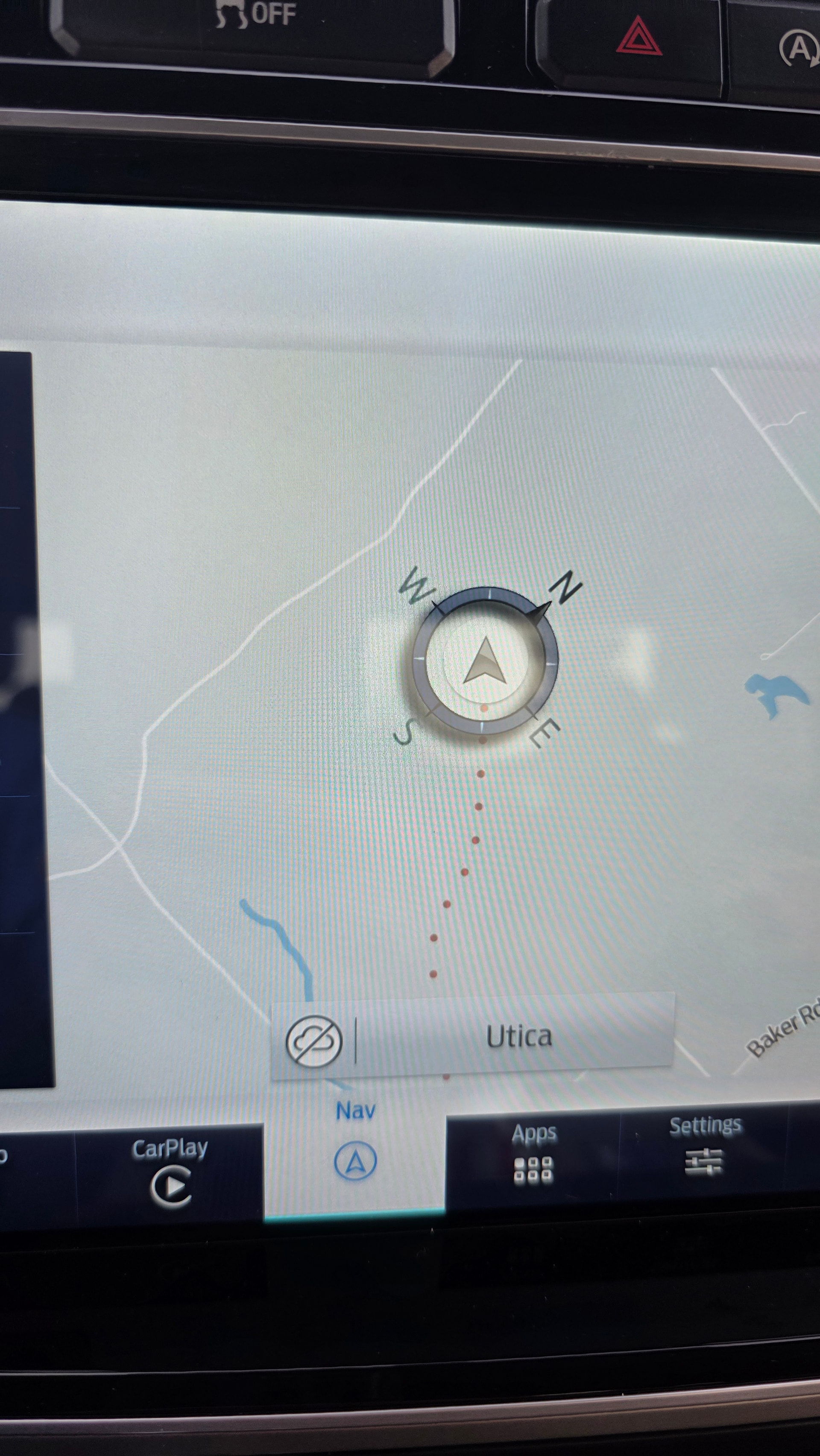
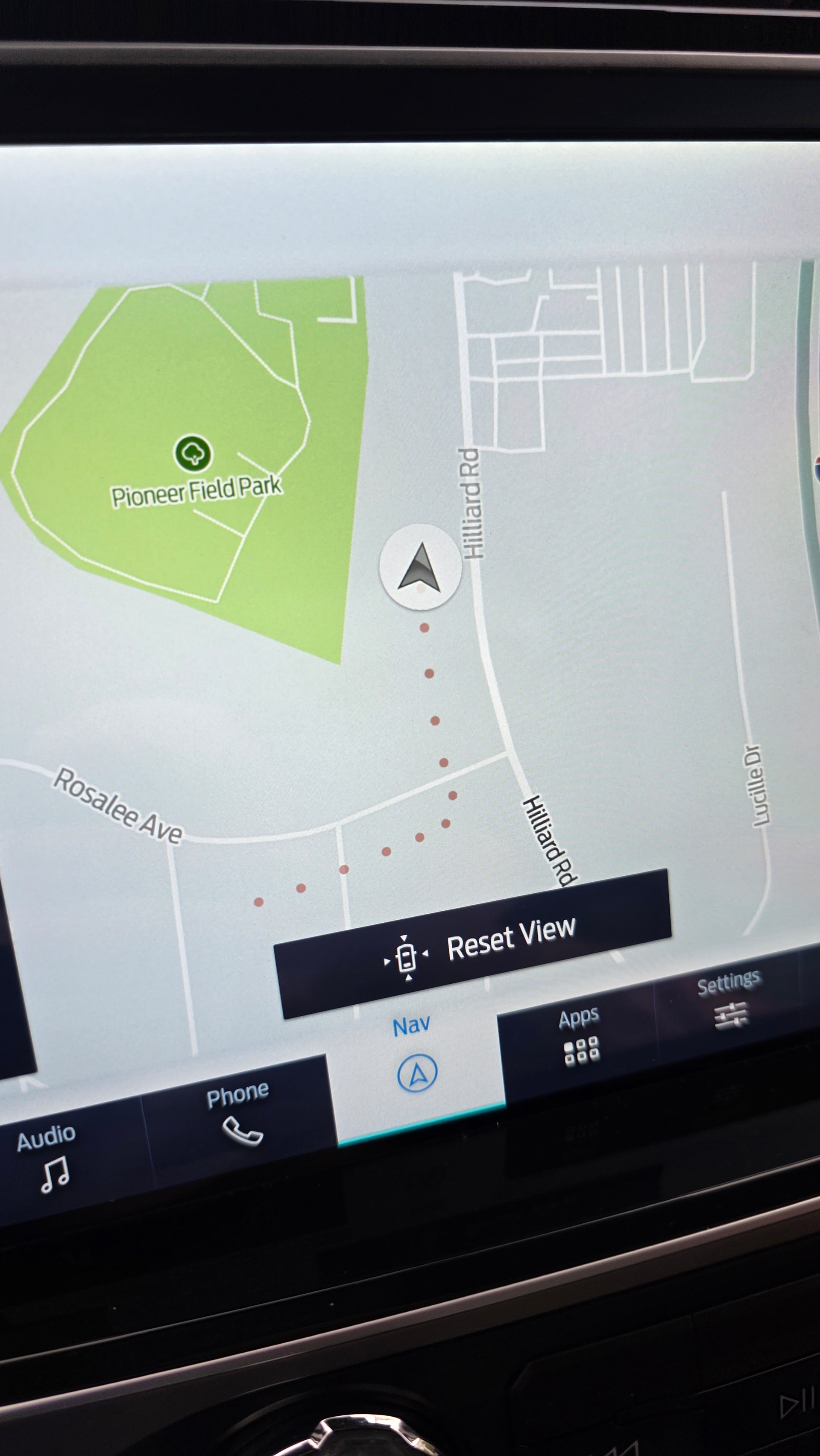
Just did a Sync 4 12” conversion from CarABC in my 2015 F150, which I previously did a Sync 1 to Sync 3 conversion on. Got most of the issues sorted out and everything is working except I’m having a weird GPS issue with the Sync 4 built in navigation and Android Auto.
I’ve attached photos of the behavior. The GPS starts out usually working and on course but then starts drifting and gets worse the longer you drive. When using Android Auto with Waze, it obviously uses the vehicle GPS because it starts wandering and then jumping back on course like it’s playing ping pong with my phones vs vehicle GPS.
I do not have any GPS codes on the apim. Everything appears good. I tried switching GPS antennas and have the same problem with the new one. I also have a GPSM module in the truck which controls the IPC compass. Tried disconnecting it just in case and trouble remains.
I’ve read about wheel speed tick frequency but don’t really understand it. Could that be a problem here?
My truck has OEM raptor wheels and tires and I have the speedo corrected through Forscan via the BCM. Dash speedo is dead on.
My Sync 3.4 setup built in nav worked perfectly. Before I rip out the whole new Sync 4 setup, I’m looking for ideas on something I may have missed? Could it be a bad apim. There is a code u3000 in the apim that has been there since I got it. I assume it’s something from how the seller “modifys” then or something. Not sure. I’ve also tried using as built data from a 2021 Raptor and the problem still remained.
OK, let’s review.
Sync 1 to 3.4 conversion was successful and Nav worked fine, no wandering, etc.
2015 F-150, so leave the OEM GPS receive connected for the IPC. Disconnecting it showed no improvement in the issue as expected.
Do you have a TCU in the truck? You would have had to add it as they did not come standard for a 2015 F-150. There is a setting in Sync 4 for GPS to use APIM GPS or TCU GPS. You need to set for APIM.
By the way…, Waze is terrible about a lot of things Sync, so I would suggest using Android maps. Much more reliable.
Thanks for the reply. I do not have a TCU as my 2015 F150 didn’t come with one. It was a possible project in the future as I have one laying around that should work but for now no. You are always so helpful by the way. Super appreciated.
Any idea where I should look for that TCU vs GPS setting in the as built?
The only thing I can confirm is if I unplug the GPS antenna from the apim I get a GPS error and the red cross through sign. When I plug it back in, it “works” until it starts drifting.
When you switched to a Sync 4 APIM, where did you get the asbuilt info for your truck? It sounds like the asbuilt info specifically for your vehicle is wrong.
Check this:
7D0-02-02 xxxx xxx* xx–
What is your value here? This should be ‘0’.
7D0-05-02 thru 7D0-07-04 should match your Sync 3 asbuilt, for the values that exist.
Yes I basically made the as built from scratch as it came with a generic raptor as built for an unknown year. Thank you for the info. I will try your recommendations.
I’m assuming the Sync 4 APIM is mounted the same as the Sync 3 APIM was, on the rear of the screen? If so you can copy your Sync 3 asbuilt info to the Sync 4 unit for these values. If the APIM is mounted differently it might need custom values.
It is mounted up and down on the back of the screen on a plate, so basically mounted the same way essentially as the sync 3 apim.
I’ll have to see if I can find a breakdown of what lines do exactly what for the sync 4 as built.
That’s been my biggest problem so far, is figuring out what does what. I was relying mostly on module config options built in to forscan since I didn’t know what does what on the as built data. When I first installed it basically nothing worked at all, except the unit powered on. No volume, no presets, nothing. I have slowly been figuring everything out and have it functioning 90%. The last BIG thing is the GPS accuracy as it is basically useless without this working correctly.
I just wanted to follow up. Did a lot of little changes today that DID appear to fix all of the problems I was having. I’m not sure what exactly did it but here’s what I think fixed the issue…
The 2 big things were
Changing the GPS antenna type to windshield non heated vs it was set as rooftop.
Also, I disabled the internal gyro sensor.
NOW the GPS stays on the path and Android Auto works perfectly with Google maps and Waze.