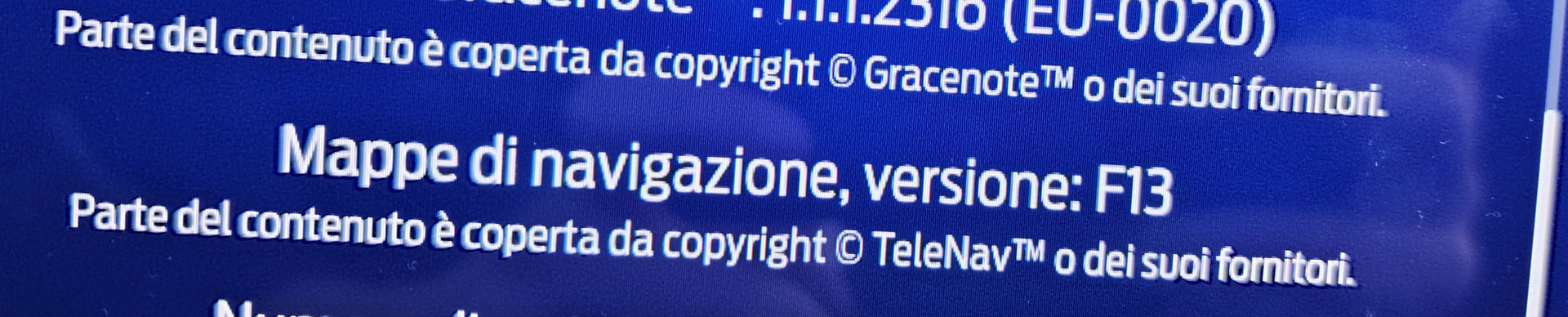
it has been a couple of months since I installed the F13 EU maps on my Fiesta ST 2020, and I’ve realised only recently since my friend has the same car but didn’t do the update that my position icon keeps stuttering and freezing many times during a trip, like complete 3/5 second freezes whilst his never freezes.
My question is, can it be an issue of the maps being heavier? or could it be related to the fact that the first time I tried to install them it didn’t go through and had to restart the whole process? Any tip or answer will be gladly appreciated since I don’t know what I have to do, if I have to format or if it’s normal this way, thanks
Thanks for the reply! Yes indeed, so is it normal? Or maybe the latest maps version is too heavy for this sync and that’s why they didn’t officially let you download them yet?
I was wondering what I have to do, if I need to install an older maps version or if it’s just how it is with the latest maps.
Have you tried a master reset?
If the answer is not, try with that.
Then create, run and share the output for the interrogator log. (redact the VIN from the file’s name and content if you care about it)
So we do not really know… Ok, here is what I think: you should not be experiencing lag, unless the hardware is going bad…
There’s something to try, but it will be a pain…
install F12 EU maps, the whole package.
see if the about sync3 screen changes (it should)
run the interrogator log to see how much free space the APIM has
if it does, use it for a while to see if you experience any lag
if no lag is present, reinstall the latest F13 package
confirm the information has updated in the about sync3 screen
run the interrogator log to see how much free space the APIM has
use it for a while, see if there are any lags
After all of this, we would get a better idea of what the issue is. Also, having only 9GB of free space is on the lower end… And maybe, just maybe, you have a corrupted/incomplete NAV installation…
Again, testing this will be a pain… Also, if the position lags (but the UI does not), maybe there’s something else at play that’s not related to either of these things…