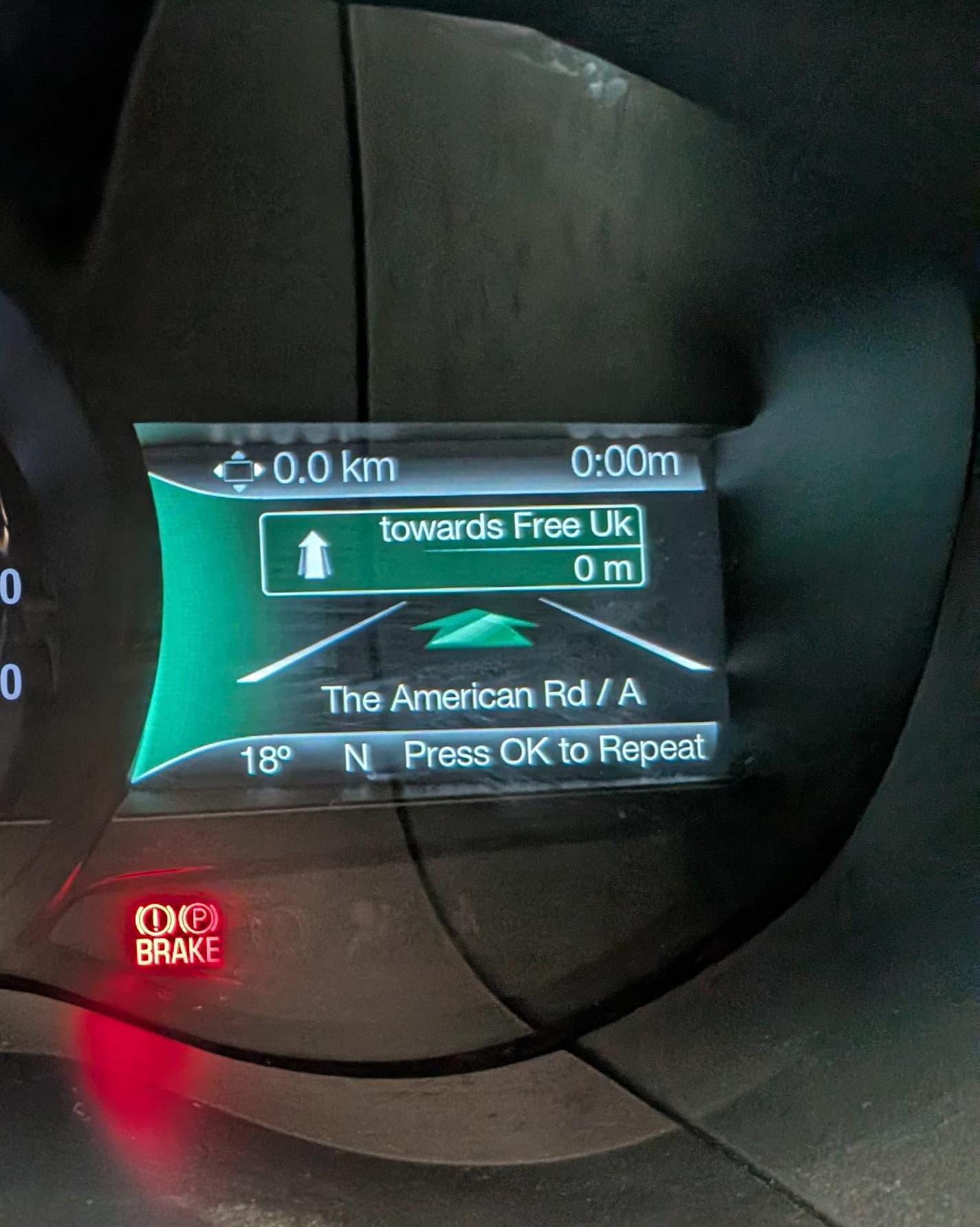
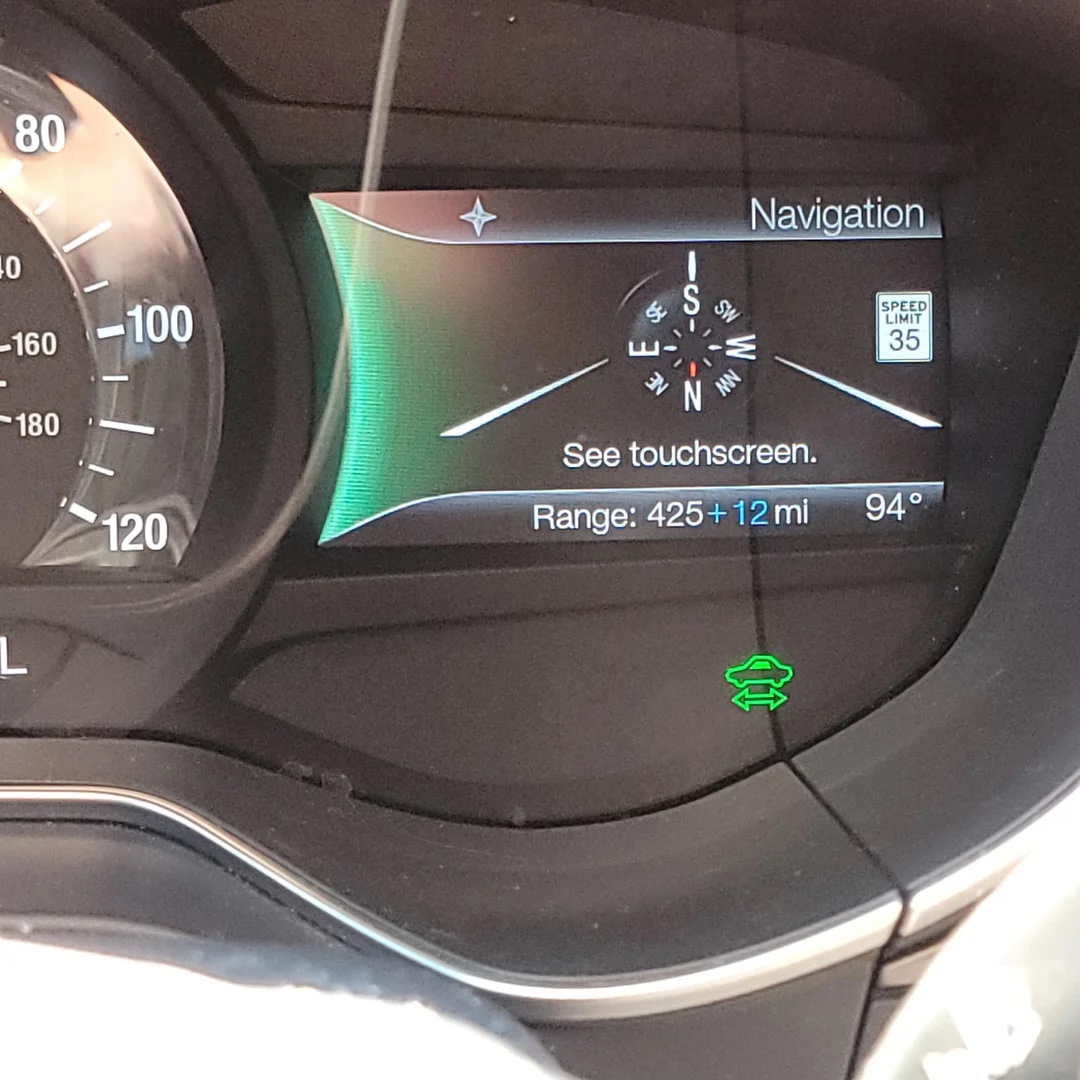
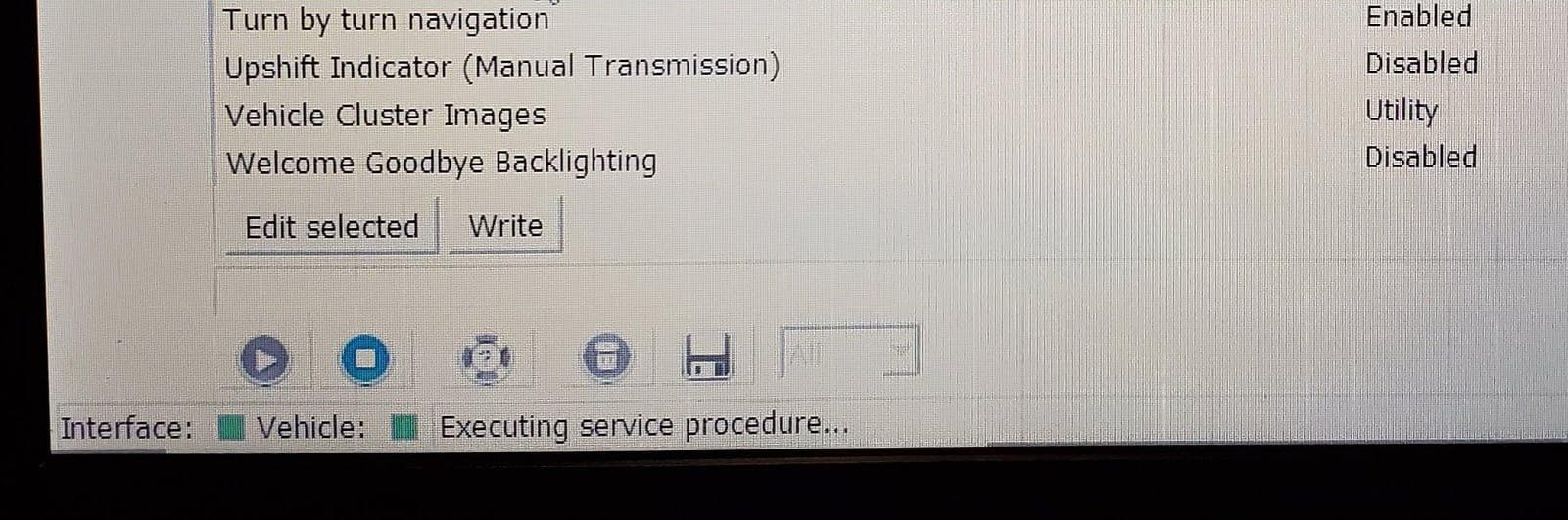
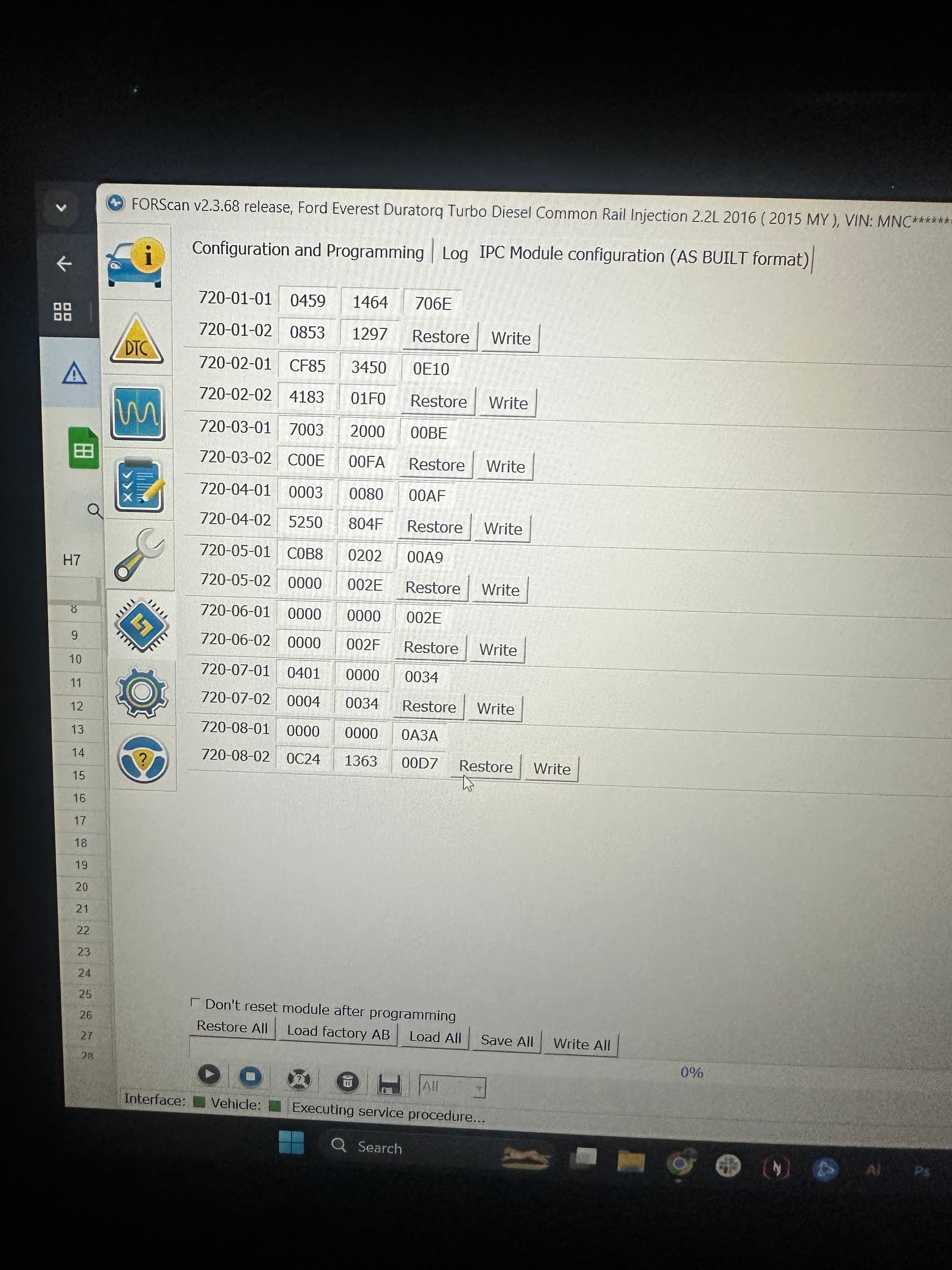
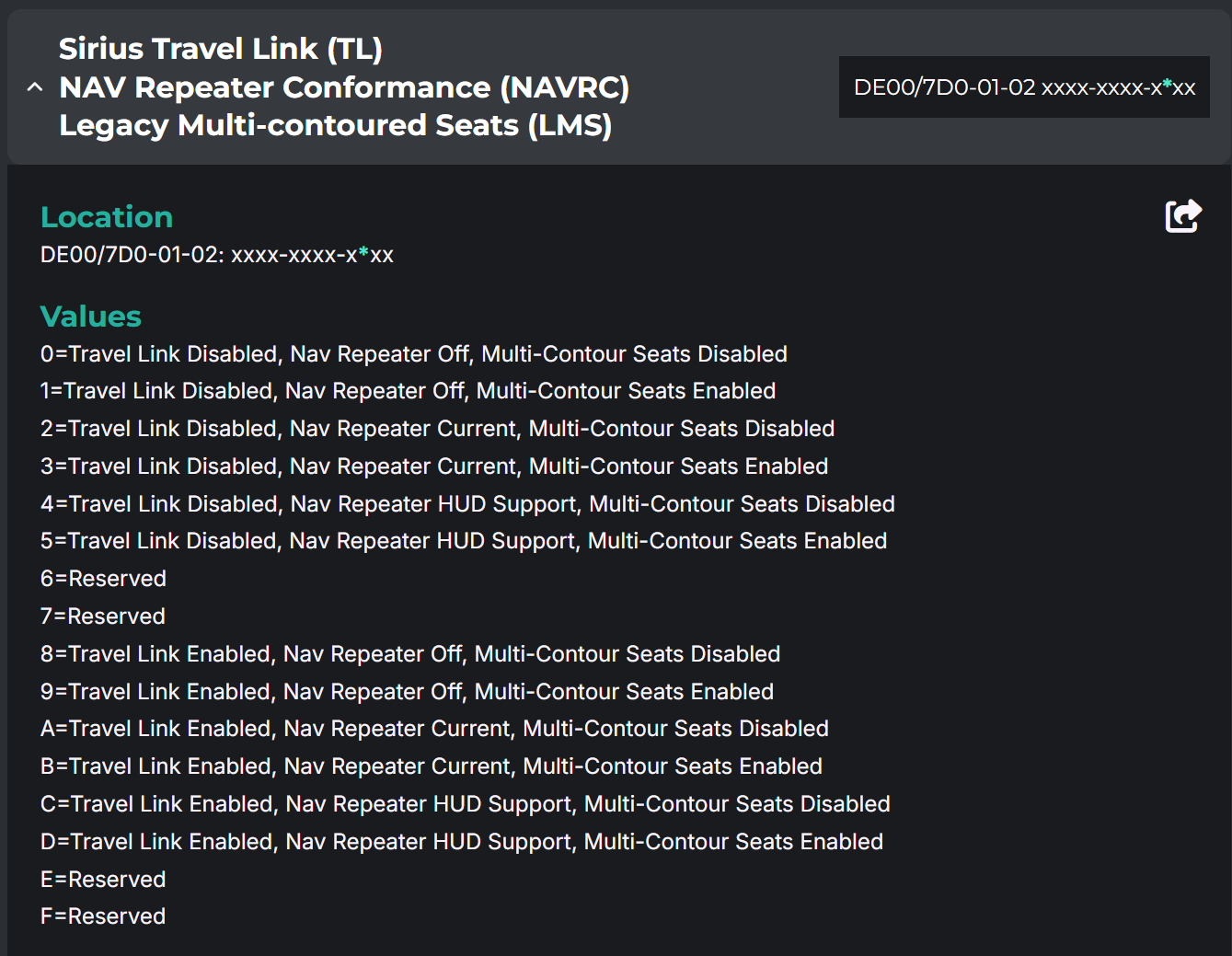
The APIM must have OEM nav and have the option enabled in the APIM for the proper region, like Telenav, etc. This sends the messages for the nav repeater function to the IPC. Google and Apple work after that. The others don’t seem to support it, apparently. Or if they do I have not seen an example.
Yeah not sure if I activate it. I tried the Sync Nav app it doesnt show the turn by turn but I am inside a parking building and the system is searching GPS.
As for Apple Maps the IPC shows Check Touchscreen and when I check the screen it takes me to Carplay and the maps says turn by turn for this destination is not available. Not sure if this just a Apple Map setting issue.
I havent tried Google Maps in Android Auto. I will do this tomorrow I will borrow my friends Android phone
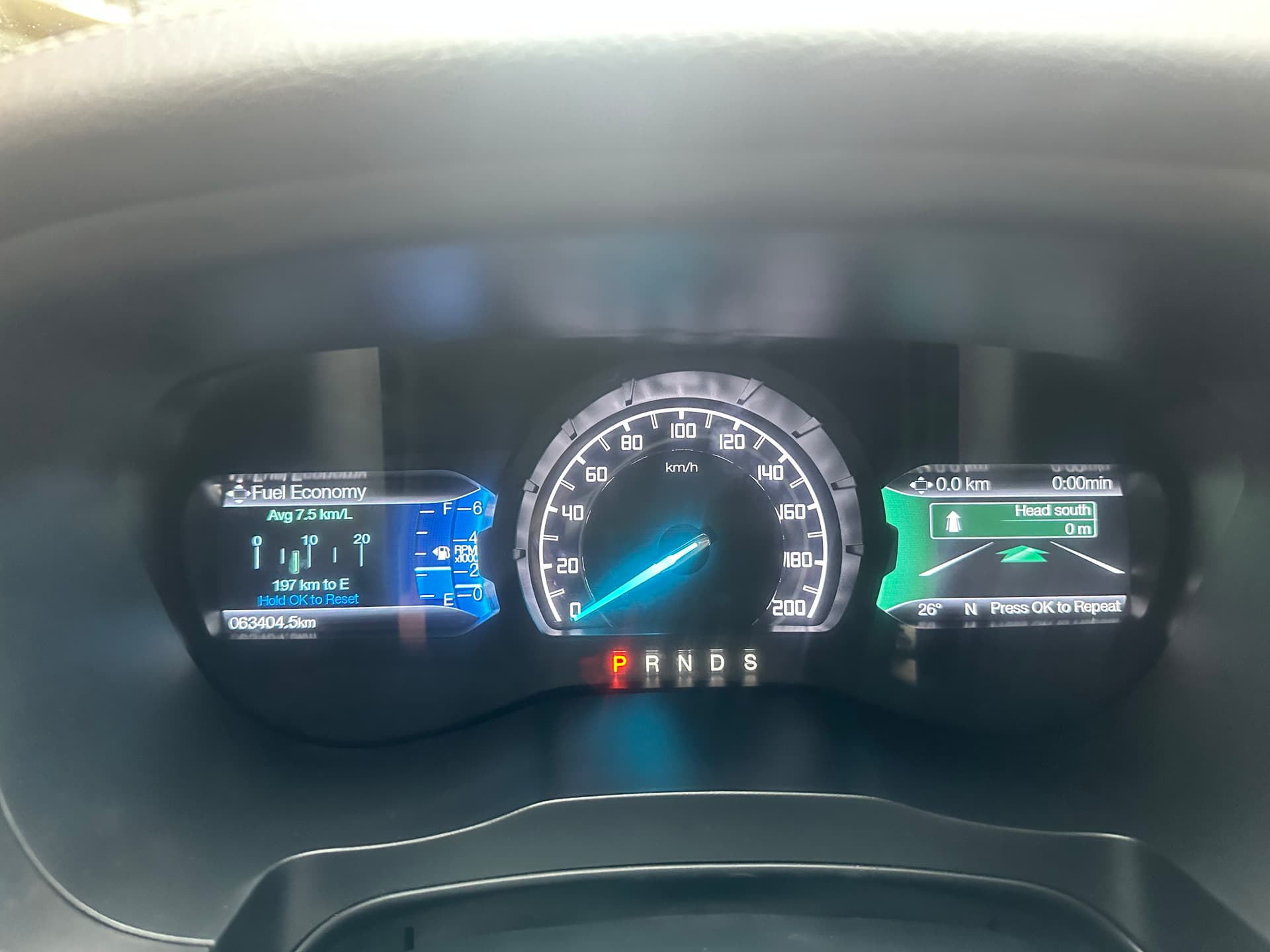
Thanks for your input on this I manage to test it using Android Auto using Google Maps screenshot attached.
I will check my Apple Maps setting hoping to activate the turn by turn in Carplay. Turn by turn is showing in iPhone not sure why it wont show in Carplay.
Hi. One more thing. I have this APIM DTC that I am unable to clear - GPS Antenna: Circuit Open.
Sometimes the Navigation Fault pops in my screen but if I drive in open spaces the navigation goes to normal. I can see there’s a GPS signal, satellite are also visible in the APIM diagnostic/testing menu.
My question is will it harm the APIM if I just ignore it or this should be addressed by replacing the GPS antenna? I am using Google maps for navigation which I think uses my phone’s GPS
It wont harm the APIM. This is a common DTC when you do a Sync 3 retrofit and use an aftermarket antenna that does not ground out. Many of us have found factory antenna’s and retrofitted those for better results.