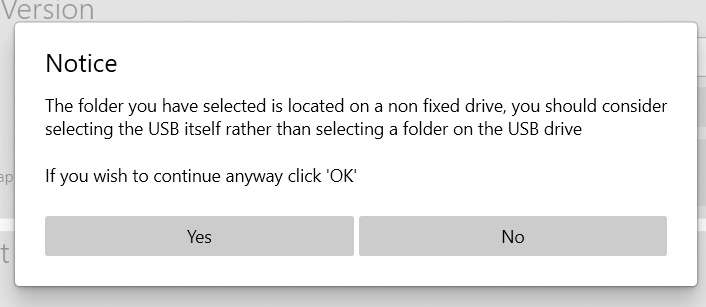
I downloaded syn3 updater. When I try to find the usb drive in the "current configuration” screen using the “select a usb drive or directory”, my usb drive is not displaying in the dropdown. I am using a sandisk ultra 3.0 64gb and its exfat format with an MBR partition style. Not sure what I am doing wrong or how I can get my usb drive to display in the dropdown. If I select the directory option and select the usb drive that way, I get the below error and not sure if I should still proceed.
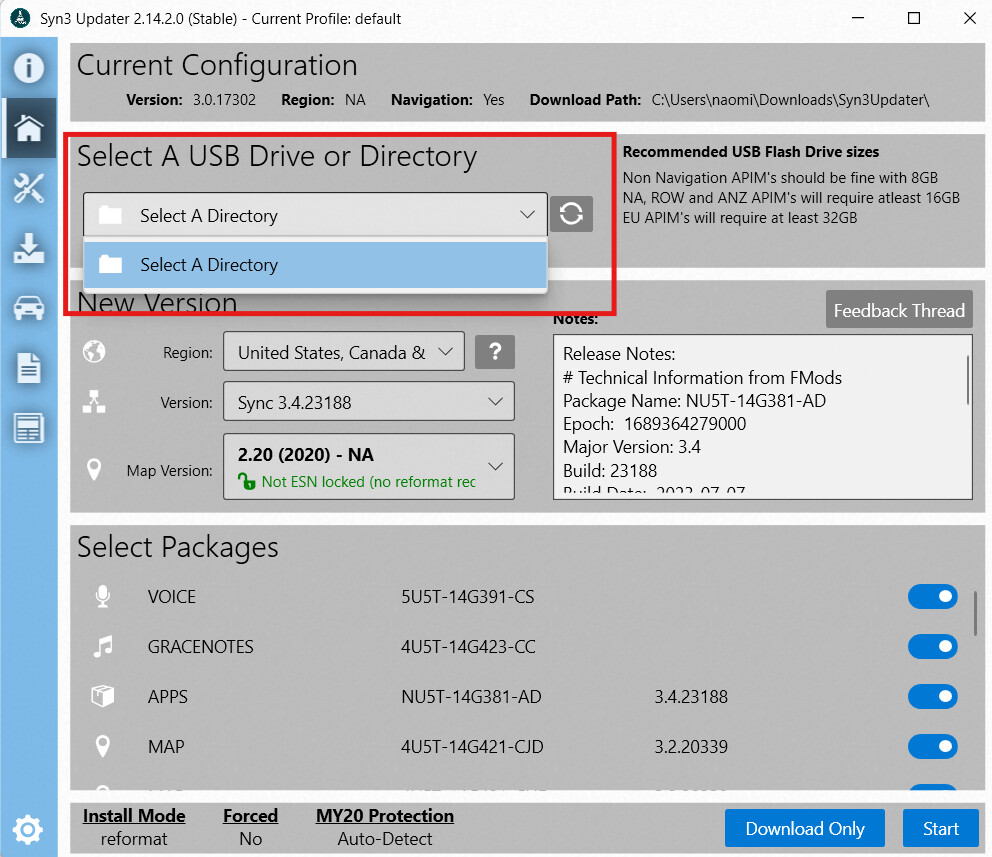
If the drive is not in when you start this process than use the refresh button after you have inserted it.
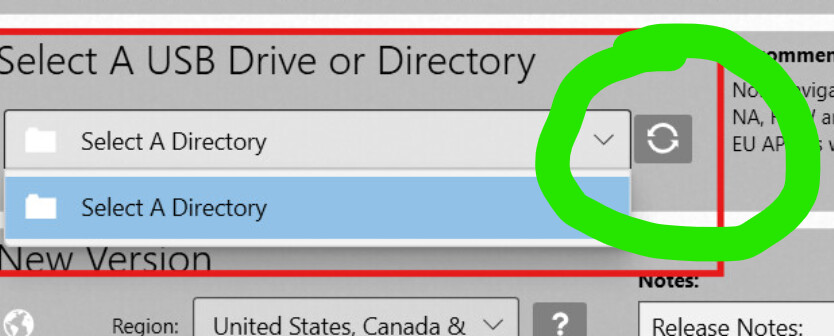
I did multiple times and still no luck. Ive tried on another widows 11 computer and no luck there either. I did select the directory option and chose my usb drive that way and that seemed to work. Just a little hesitant on inserting the usb drive into my truck.
Create a directory on the C: drive, select that as the download location.
That worked - thank you!