Can the 2019 Ford Explorer with Sync 3.0.23219 and the Middle East map be updated?

Can the 2019 Ford Explorer with Sync 3.0.23219 and the Middle East map be updated?

If yes, can I use the CyanLabs app?


SYNC Region: ROW

Navigation Variant: Nav

Manufacturer Year: Pre MY20

Install Type: OEM

Old SYNC Version: 3.0.18093

New SYNC Version: 3.0.23219

Do you have a error message, if so what is it?
no

Update Method: Official Ford

The updater is built around getting the APIM on 3.4.x.

You cant use 3.4 maps in an APIM running 3.0.

Can I update my Sync 3.0 to 3.4?

Read Basic Usage - CyanLabs .

Also, if the car is imported and a change of regions occurred, we do not support changing regions and you may loose NAV if you do not reconfigure the APIM afterwards.

Imported ???

The car was sold by Ford in UAE

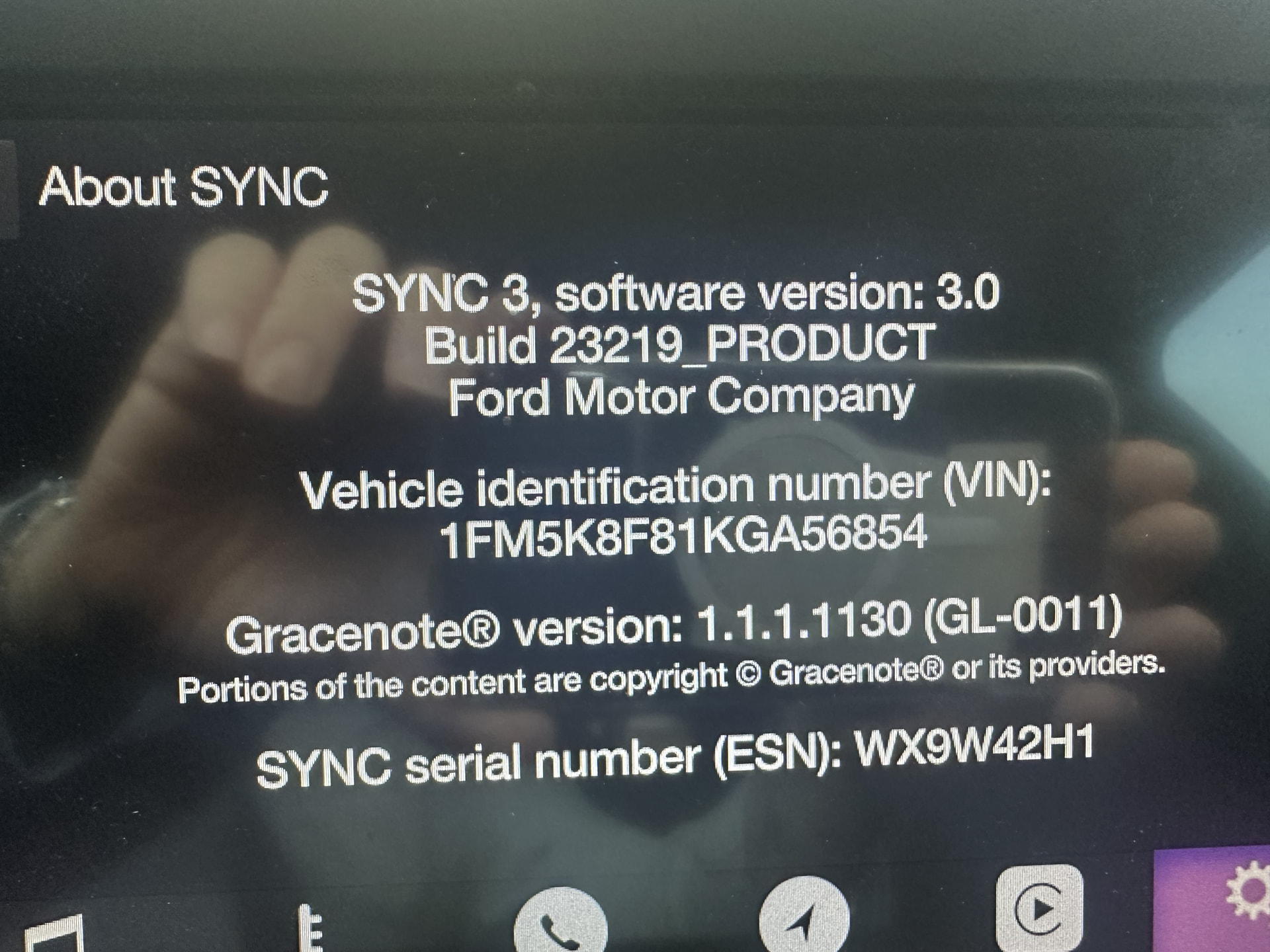
The Sync version was 3.0.18093. Then I accessed the Ford website, entered the VIN, and downloaded the update. I followed Ford’s instructions, formatted a USB drive, and put the files on it. I plugged it into my car’s USB port, and Sync updated to 3.0.23219.

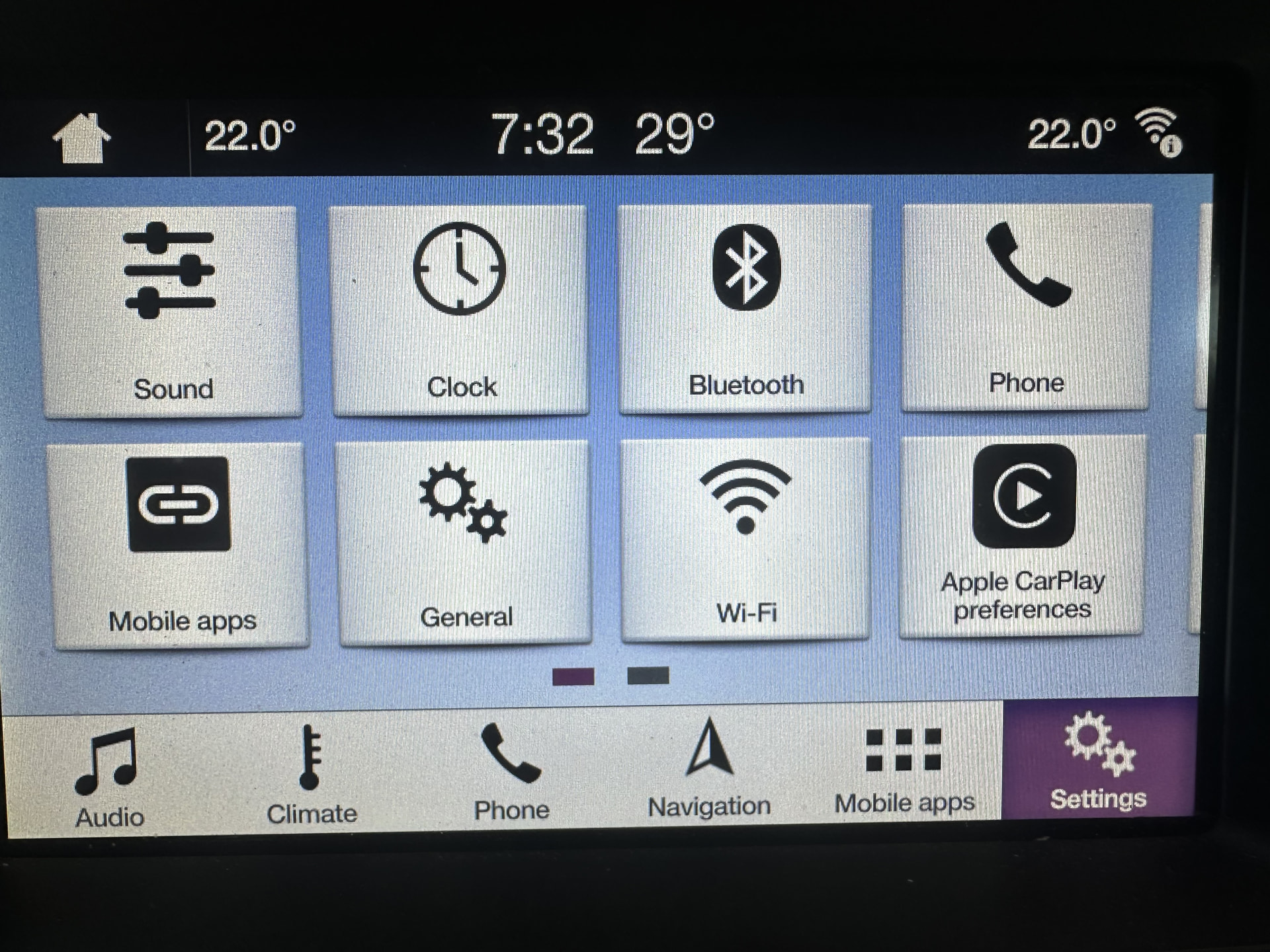
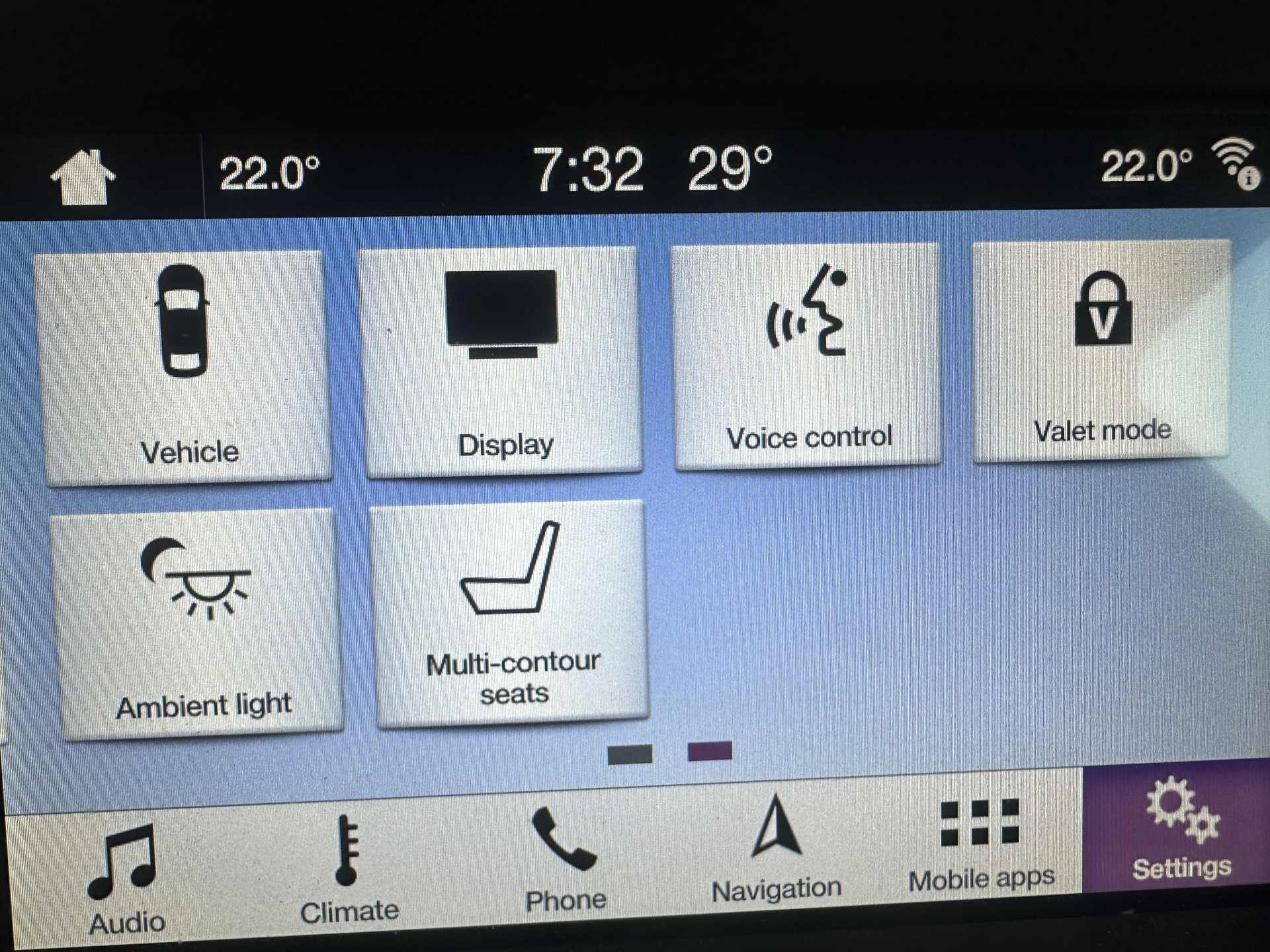
Sync has NAV with the Maps for the UAE, but then I accessed Settings/About Sync, the NAV version does not show (see the image below).

First of all, do not post multiple messages, use the edit button instead. I’ve merged all your messages.

Then go for it

Does built in nav work?

Has this APIM been jailbroken? Those are not the stock Icons.

no
i only aplyed the Sync update that i downloaded from the Ford website

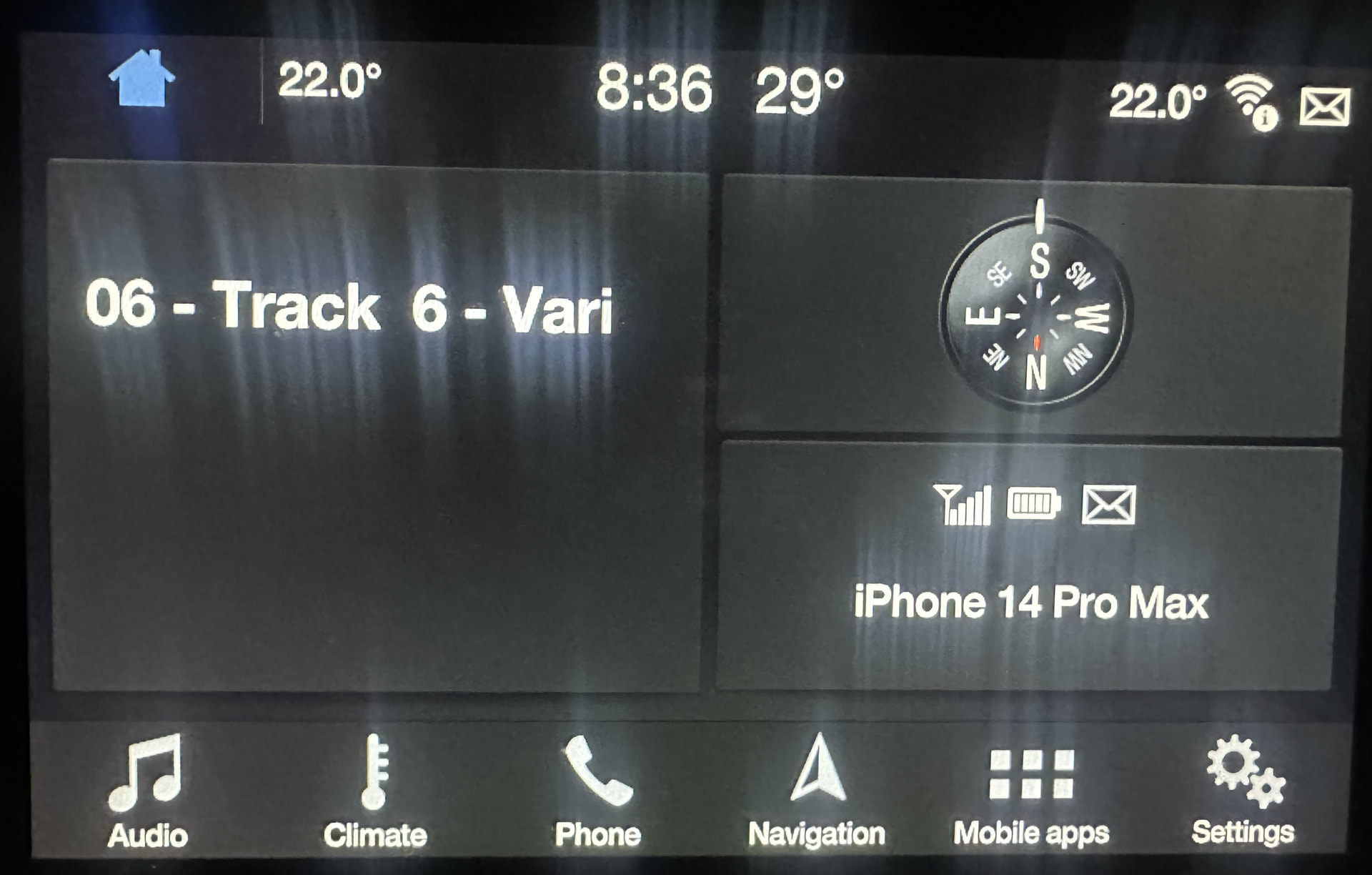
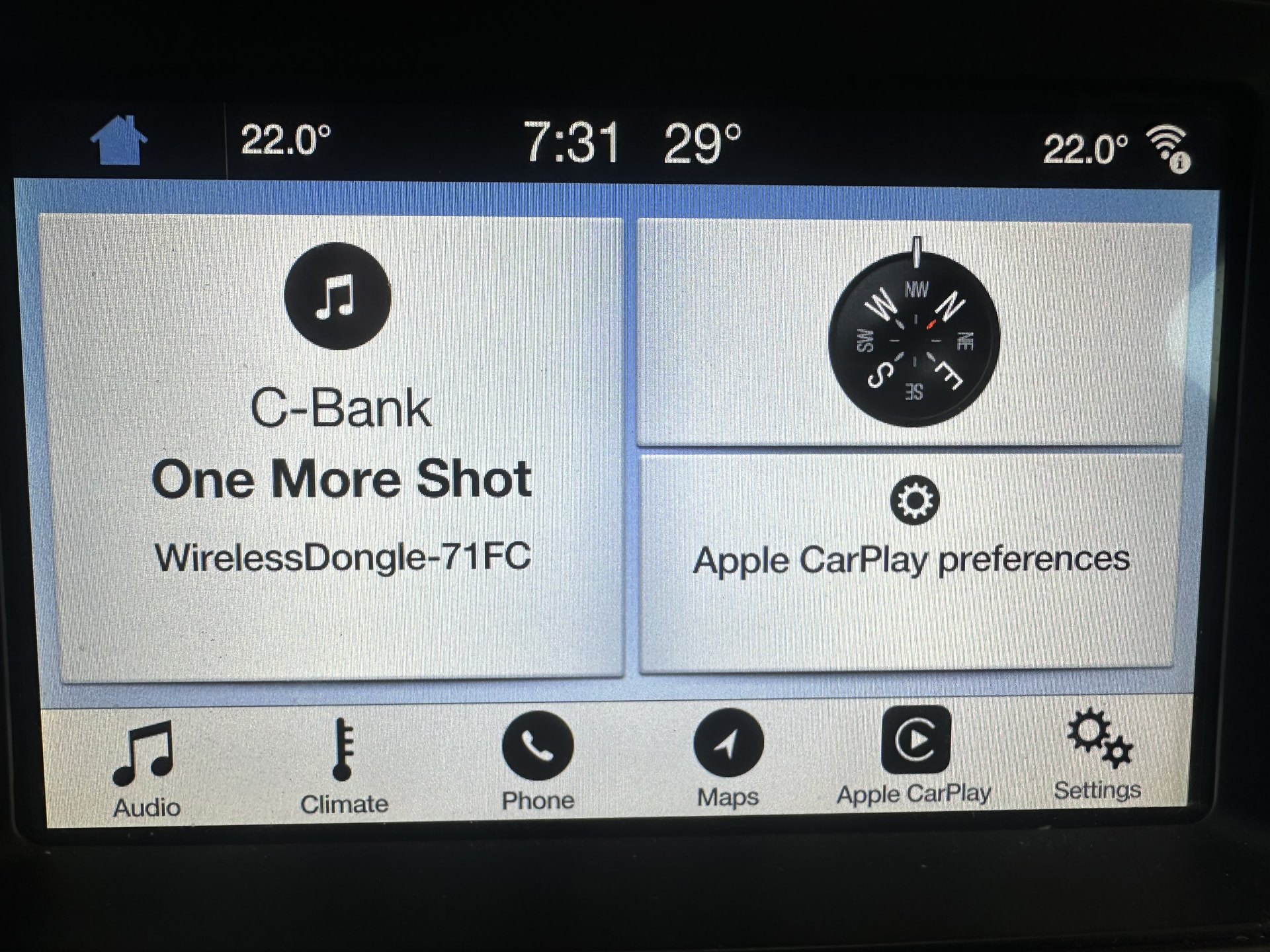
Does the home screen have a map layout on it or a compass ball?

yes
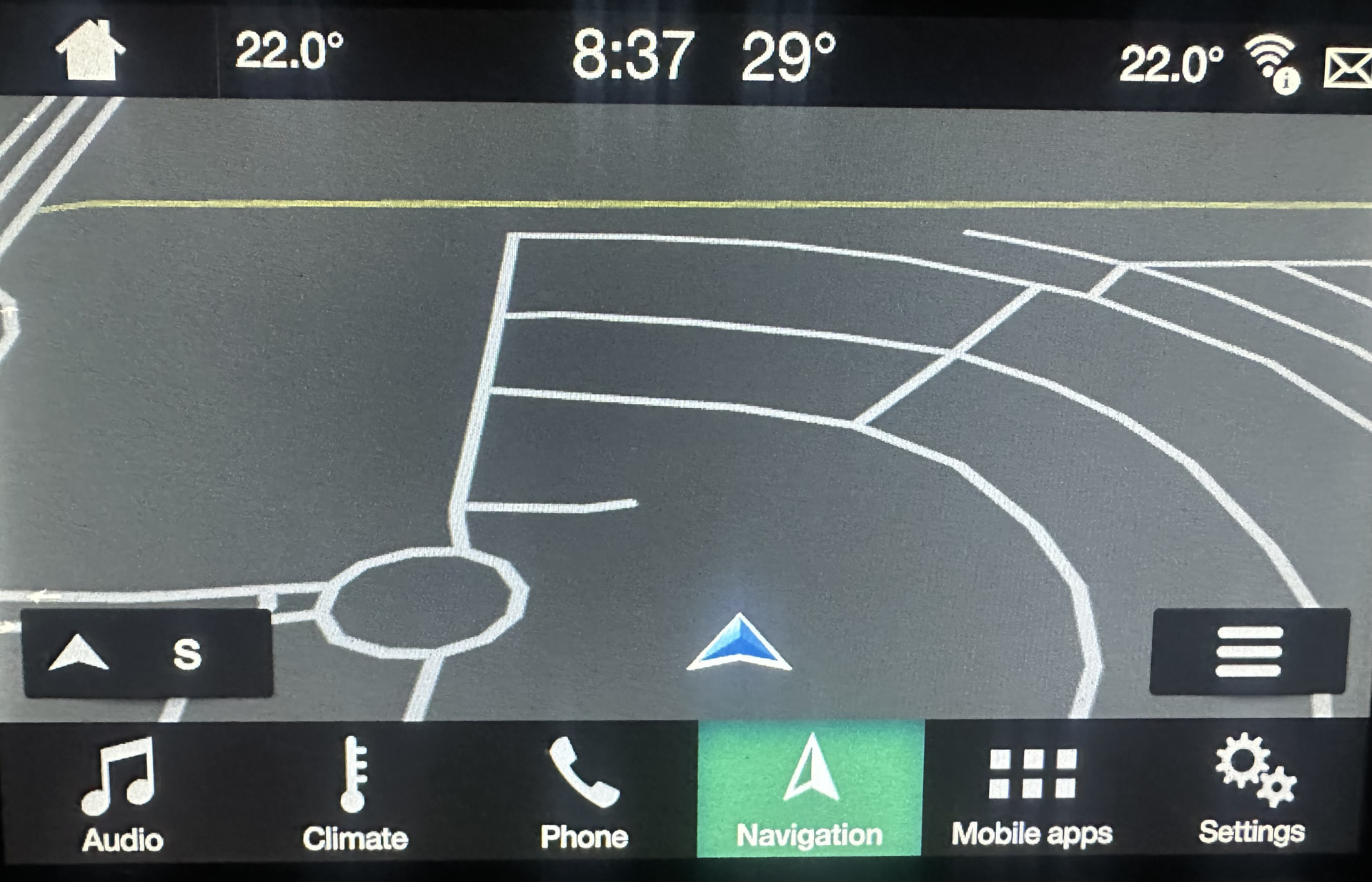
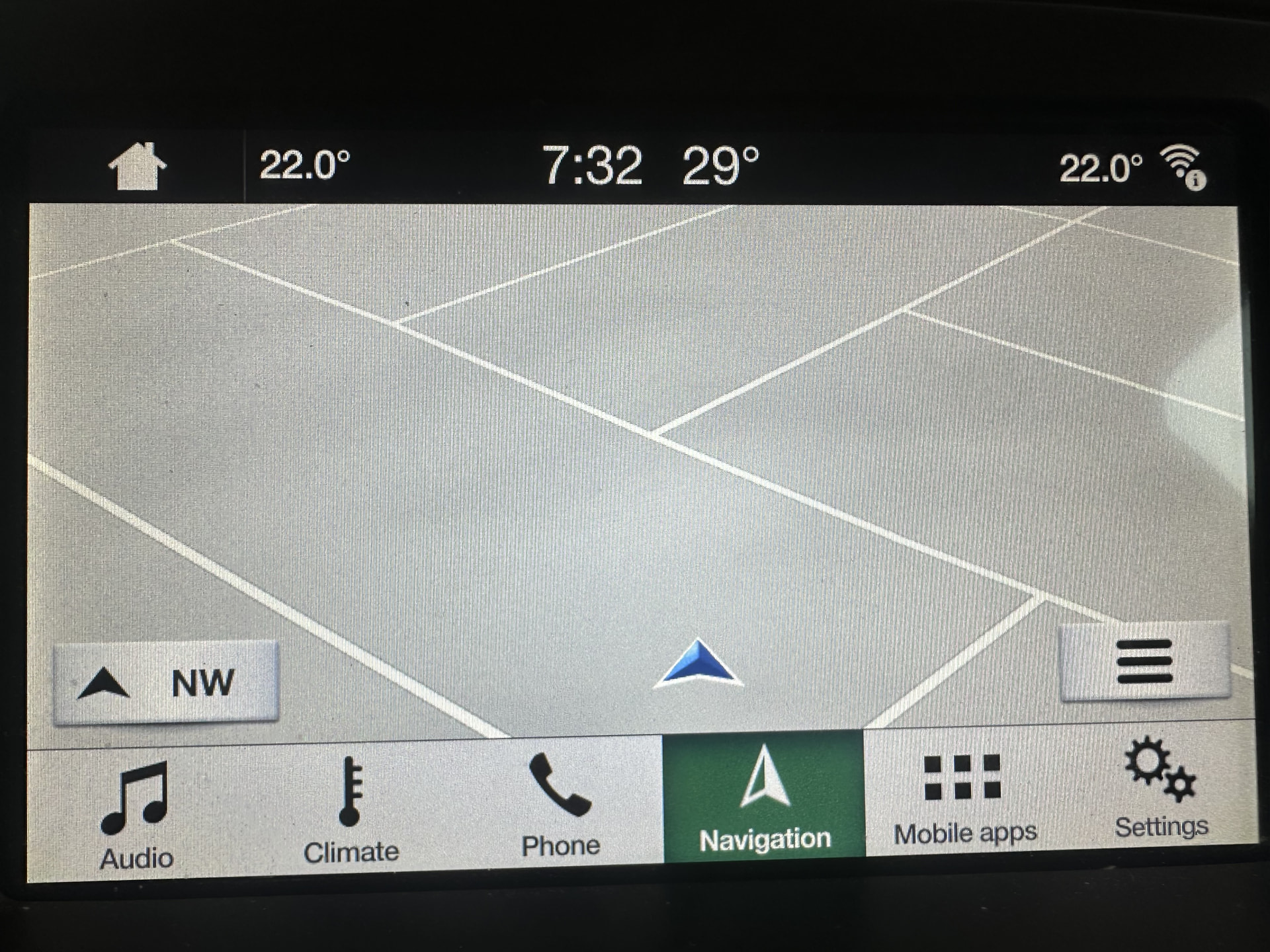
The home screen has a Map menu option at the bottom of the screen
If I touch it, the navigation map screen opens

Disconnect the car play dongle.

What does the screen look like then?

I believe it’s the same
Only in the first picture did I have the CarPlay dongle connected
Then I disconnected it to allow me to access the NAV screen (with the CarPlay dongle connected i could not open sync NAV)
I’ll do it tomorrow morning has here in the UAE, and it’s midnight
Run the interrogator against it.

The model year doesn’t mean that the APIM doesn’t have the newer IC.

what do i need to do?

Use the Updater to create the interrogator USB and then run it

Sync_WX9W42H1_1FM5K8F81KGA56854.xml (10.1 KB)

Interrogator Log file uploaded

I created the interrogator log
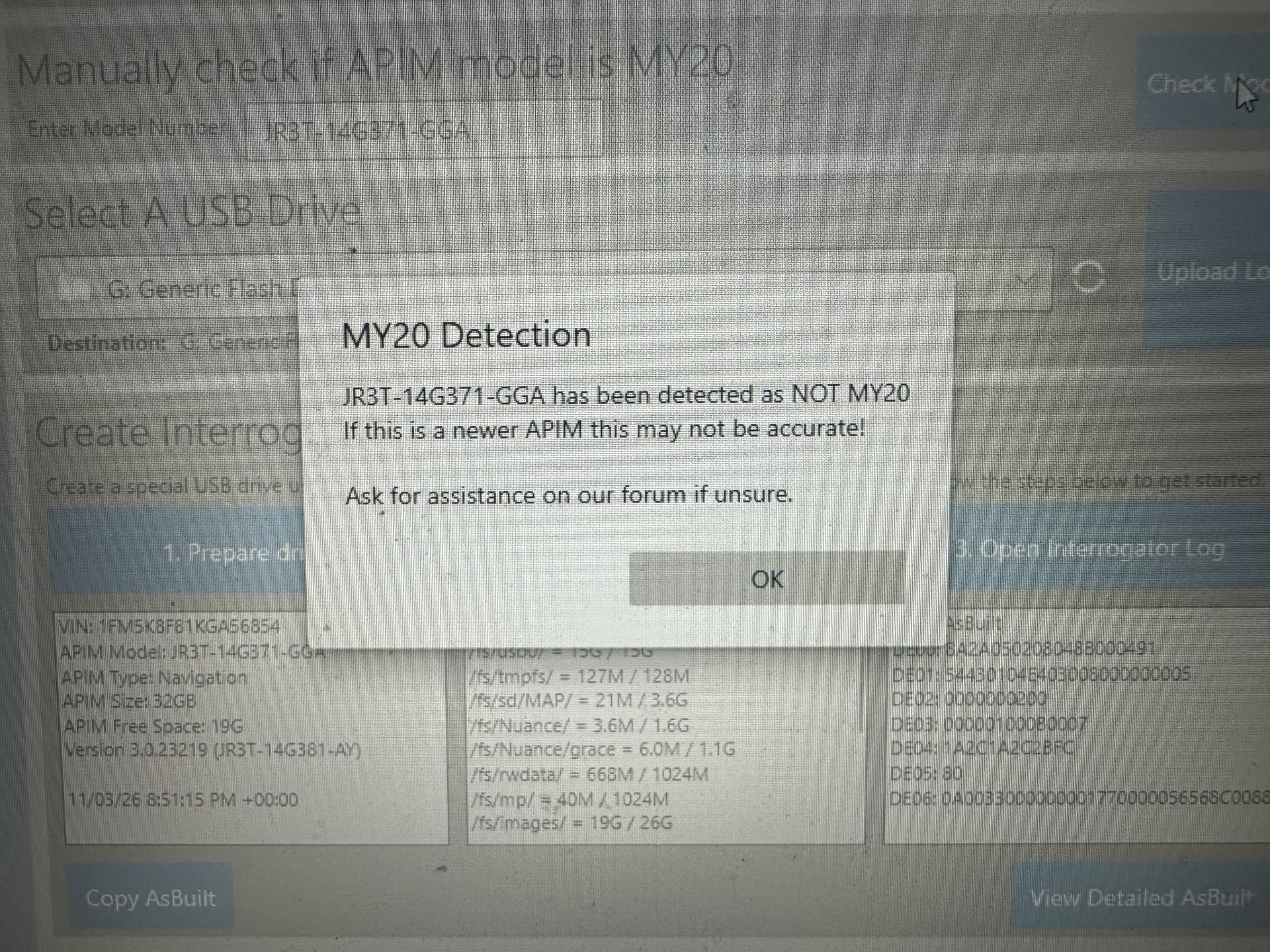
Took the APIM model and manually checked if my APIM model is MY20
And was detected as NOT MY20

That would mean you can do a straight reformat and go from 3.0 to 3.4 with whatever 3.4 map set is available for your area.

Keep in mind, once you go to 3.4 you can’t go back to 3.0 without replacing the APIM