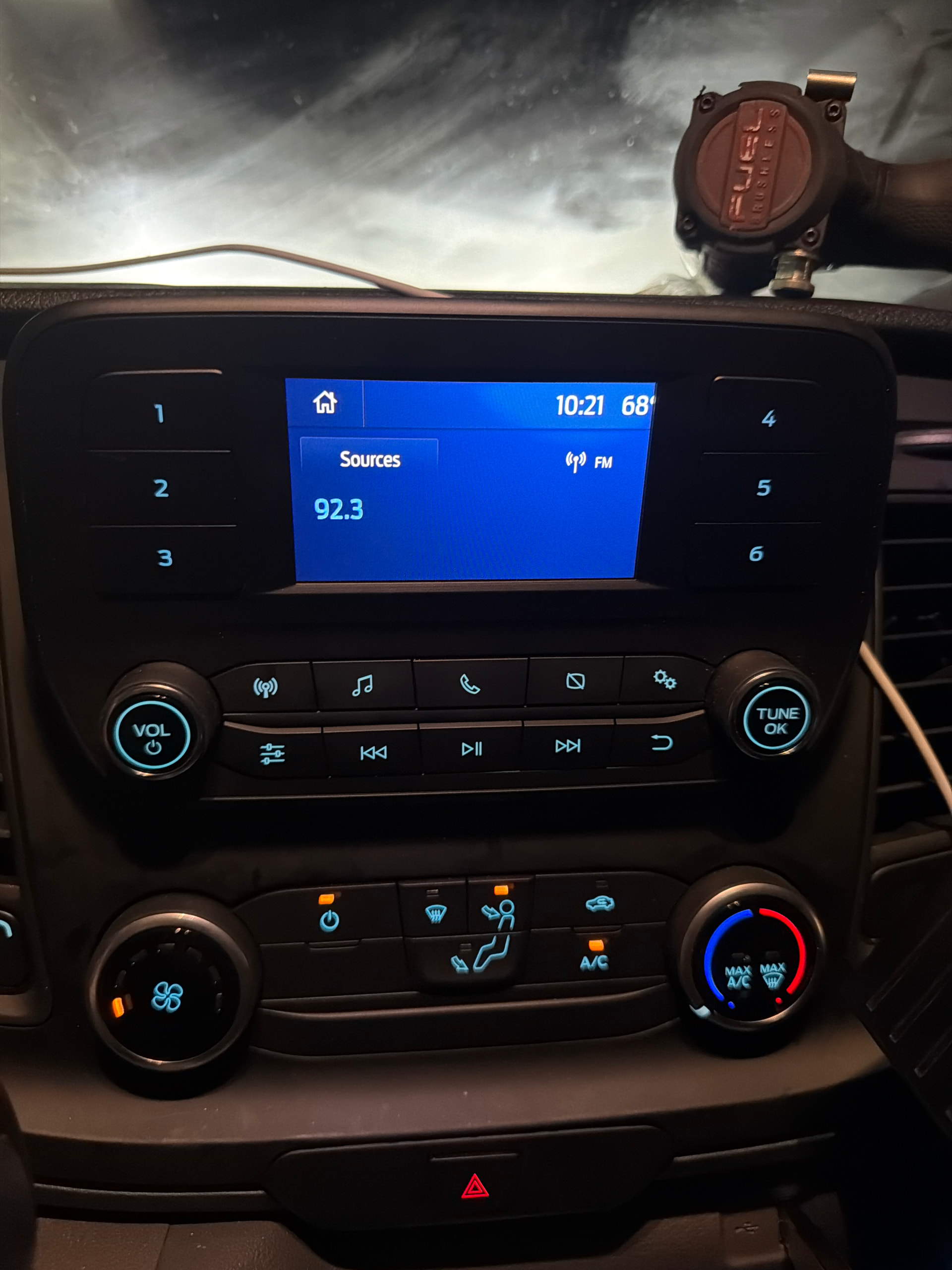
Afternoon all, i upgarded my screen from the 4" to the 8". Iactivated the wifi for the truck via ATT however from the 8" screen i can not edit the wifi name and password. I connected the 4" screen back but i am not able to see rthe full screen. Anyone know how to change the setting to fit the 4" screen ?
SYNC Region: NA
Navigation Variant: Nav
Manufacturer Year: MY20
Install Type: OEM
Old SYNC Version: 3.4
New SYNC Version: 3.4
Do you have a error message, if so what is it?
nonre
There’s no setting for 4/8 inches. Why can’t you edit the wifi?, have you master reset?.
You must install the Sync3 3.x package for 4 inches if you want to “shrink” the image…
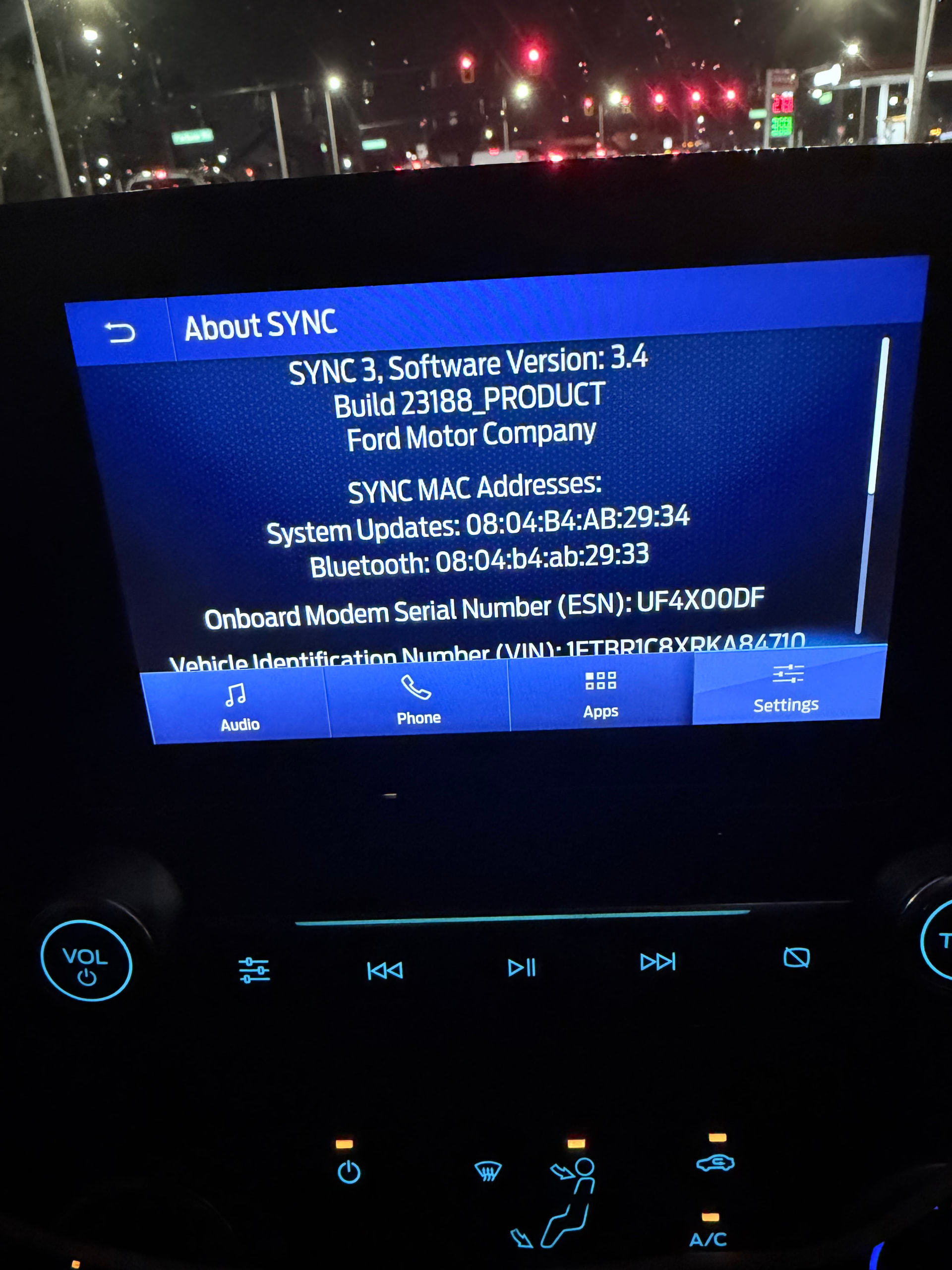
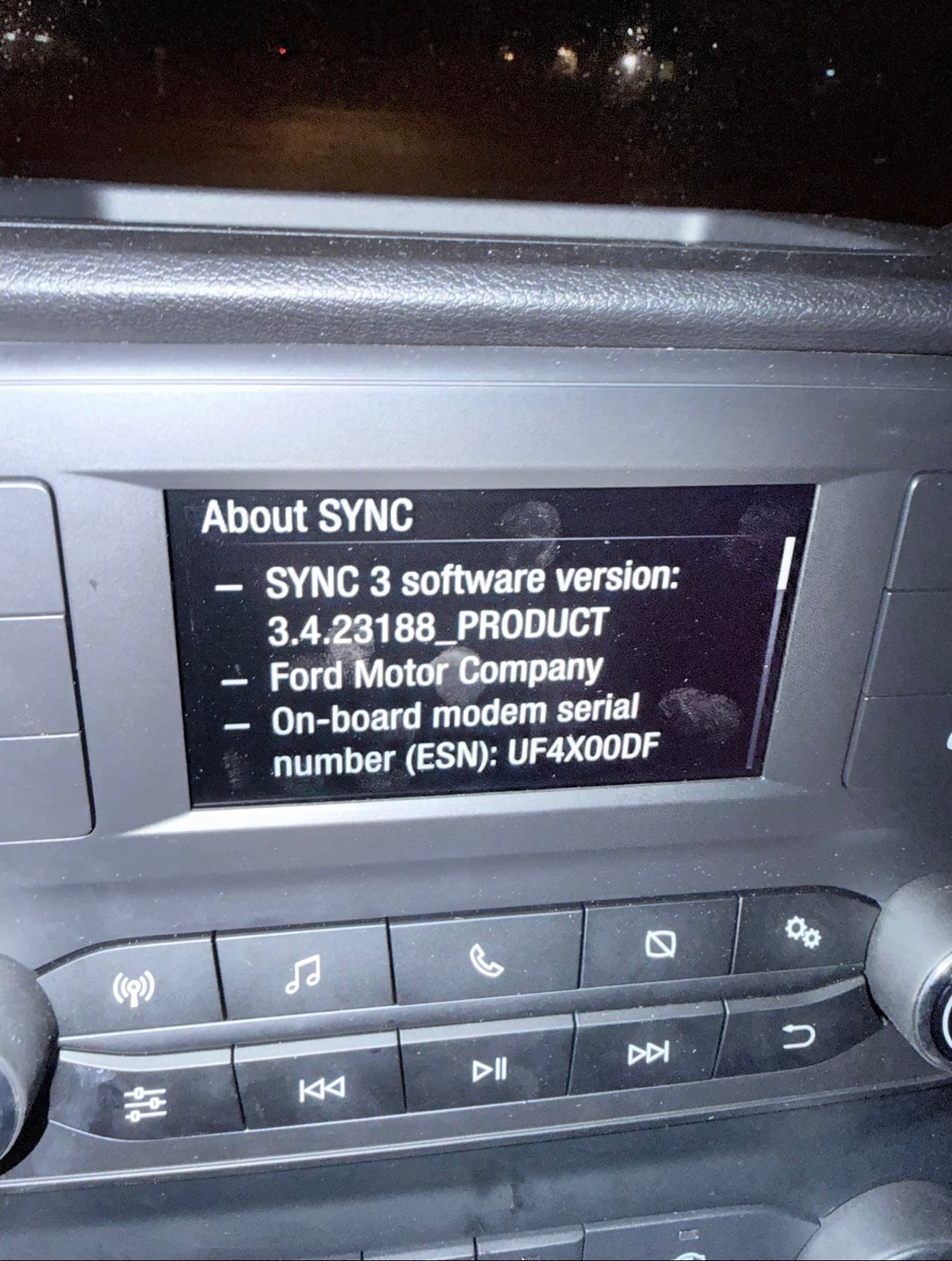
I am not sure what ForScan is, I just change the screen, inserted a USB and the 8” screen worked. I activated the Modem to the trucks WIFI to connect my work laptop, but I dont see the setting to set the Name and password, thats the reason I wanted to put the original 4” screen just to change those settings. Screen says version 3.4 build 23188_PRODUCT
I dont see a place to change the wifi name and set password on the 8” screen settings. I have not done a Factory reset since I will have to sys the truck back with the phone. I am just trying to Shrink the image again to set the wifi and password then switch it back to the 8” since after that I will not have to make any further adjustment.
There are 2 versions of Sync, one for the 4" screen and another for the 6-8-10 " screens. Put in the 4" screen and load the 4" version of Sync for the screen size.