I have never done anything like this in the past.
I am in the UK and have a 2020 focus ST line, i have just updated to the latest sync3 (3.4.23188), file size 3.11G, this completed successfully.
The ford site also say there is a maps update available my current version is F8 so clearly outdated. My issue is when i download it from the ford site (https://www.ford.co.uk/support/sync-maps-updates) the download size is only 49kb so clearly not the correct size.
Is there any way for me to get the latest maps?
SYNC Region: EU
Navigation Variant: Nav
Manufacturer Year: Unknown
Install Type: OEM
Old SYNC Version: 3.4.19274
New SYNC Version: 3.4.23188
Do you have a error message, if so what is it?
No error
If you are using the Ford site the 49Kb file is the interrogator file. Download and run this in your car. A log file will be created on the USB drive, upload this to the Ford site and then it will eventually give you access to the latest map files.
This only works if you are eligible for map updates in a certain time period, usually 5 years with Ford in NA. Not sure the time period in EU, but may be the same.
@AyJ Unfortunately not. Ford being Ford it can vary, it say that it should be instantly but I have found that it could be up to a month or more.
Re: Time period updates. I have updated both my ST and my wife’s Fiesta via the Ford website and both cars are 2018. My car is still 3.0 as it has a MY20 APIM but my wifes car is 3.4.
i have just done live chat on the ford website and they have advised that they know about the issue with the maps download and are working to fix it.
Bit strange though as the Sync3 updater pulls the updates from the ford servers yet ford cant even manage to do it. shame it doesnt support 2020 models
I can’t speak for Ford, I don’t know what their issue is…
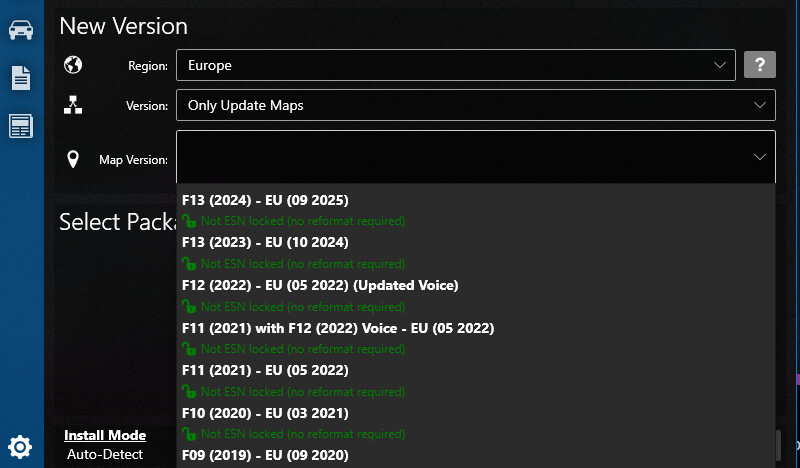
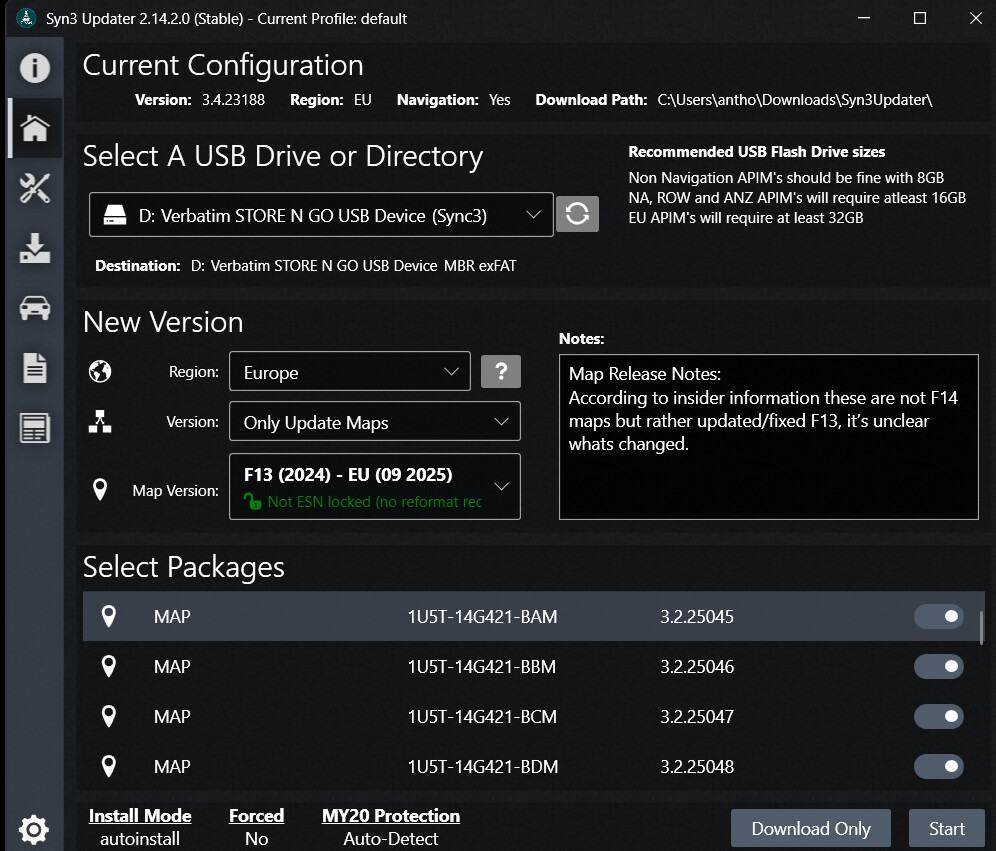
But, you are wrong about something: Syn3updater can handle MY20 hardware for your particular scenario, you can autoinstall the latest found EU maps using Syn3updater.
You can do that because EU maps are not ESN locked, so no reformat needed. You can update just the maps, with a simple autoinstall.
Great to hear. So now the about Sync3 screen show the updated map version? If yes, you can leave Ford’s inefficiencies behind and consider the system updated. Just ignore whatever package Ford sends your way, unless it’s a newer version.