Previous owner had upgraded to the 8 inch display, w/ apple car play, unbeknownst to me. I could not get my phone to connect to FordPass for the remote start so I updated the software. Now I have the 4 inch display in the top left corner and no way to control it. My phone still acts if its connected to Apple car play and the ford logo still takes up the full screen on start up.
Ive tried the previous solutions from SaNdMaN following the 2018 f-150 thread with no luck besides a PKG-ERROR004.
Any help would be greatly appreciated.
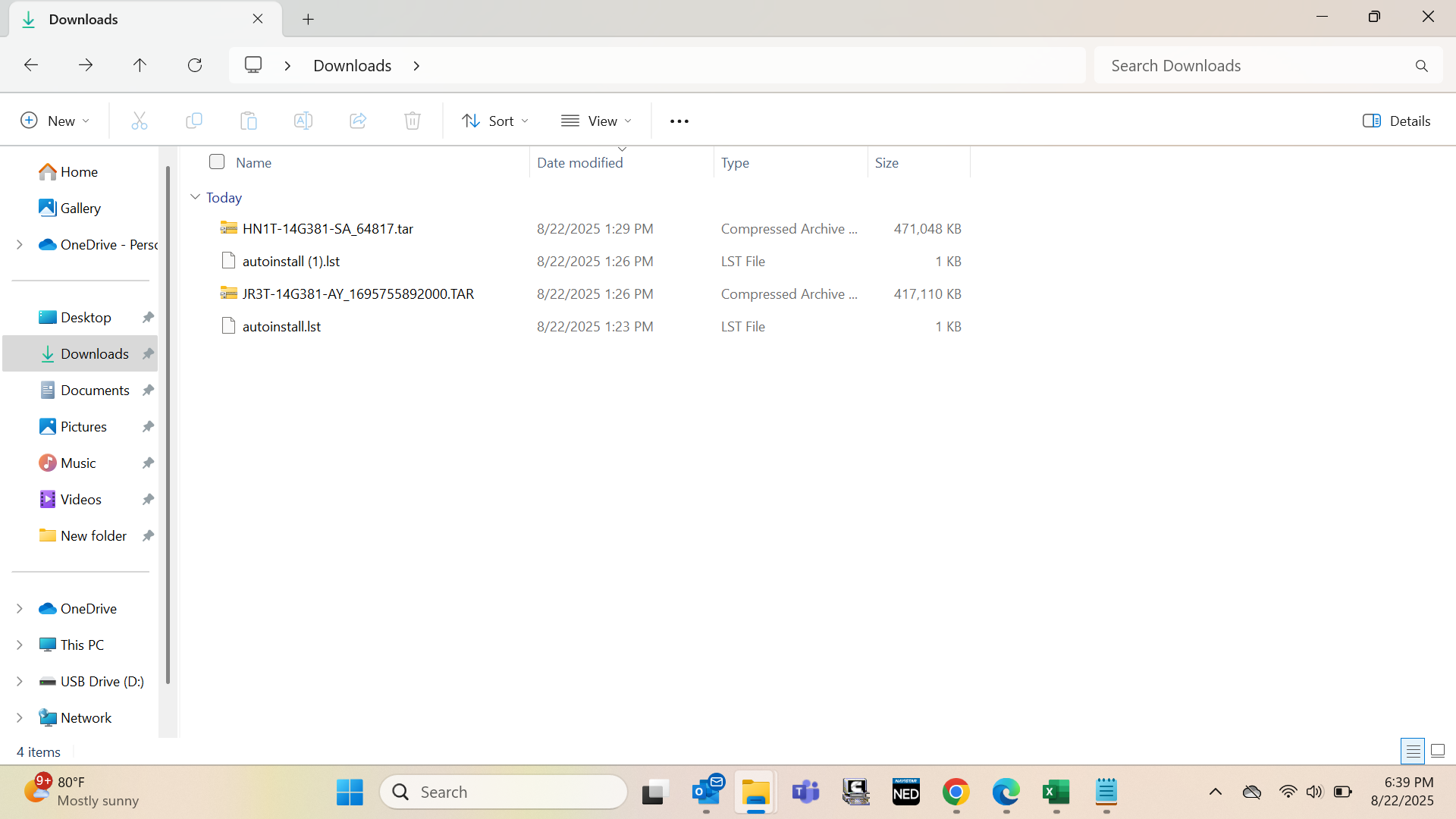
EDIT* attached is a screen shot of the ford update i manually installed as well as the two packages i attempted to install to fix my screw up.
SYNC Region: NA
Navigation Variant: Non Nav
Manufacturer Year: Unknown
Install Type: Unknown
Old SYNC Version: 3.4.21194
New SYNC Version: 3.4.23188
Do you have a error message, if so what is it?
PKG_ERROR004
Update Method: Official Ford