UPDATED/FIXED F13 EU MAPS RELEASED

Introduction

It appears some updated F13 maps for EU have been found online and added to Syn3 Updater! thanks once again to @AuRoN

Important Notes

According to insider information these are not F14 maps but rather updated F13, it’s unclear whats changed.

I just talked with kind lady from Ford (working on FordPass dept.) which have specific info and asked about packages which we though that they are F14

She told me that something was wrong with ISVU and it was showing that there was a map update and that they were sending a manual link to the F13 files.

I gave her the names of the files that had been recognized as F14 for some time, and she said that they were sending identical ones to F13 to customers for manual updates.

This release only updates the Nav, Voice Nav package no new application etc.

It is not ESN locked as per other EU map packs

Rules

  • Do not reply to this thread with general issues that are not specific to F14 Maps
  • If you notice a bug or change specific to this feature report it below

Failure to follow the above rules will result in your post either being moved (if moderators or myself are feeling generous) or deleted without warning

To clarify, MEM_ERR’s, Missing Logos, LST_ERRS etc should not be posted here, make a new thread using this Support Link

Install Methods

Syn3 Updater

You can update using Syn3 Updater

Manual Method

It’s also added to the manual method available at the below link

Cutdown Maps

It’s also added to the cut down maps at the below link

Package URLs

License:
1U5T-14G424-BP

Nav Voices:
4U5T-14G422-BAM
4U5T-14G422-BBM
4U5T-14G422-BCM
4U5T-14G422-BDM

Maps:
1U5T-14G421-BGM
1U5T-14G421-BAM
1U5T-14G421-BBM
1U5T-14G421-BCM
1U5T-14G421-BDM
1U5T-14G421-BEM
1U5T-14G421-BFM
1U5T-14G421-BGM
1U5T-14G421-BHM
1U5T-14G421-BJM

SYNC 3 Common Issues and FAQ’s

Technical Information from FMods

— Maps Released —
Release Date: 2025-08-26
Package Date: 2025-02-25
12 Likes

Hello everyone.

Thank you for new EU map 2025, F14.

I wanna ask, which month of 2024 is this new update. I don’t see new road, which was built october 2023, end of 2023 year.

Thanks for help

Regards

Bostjan from Slovenia

They usually do not share that info so only they would know.

1 Like

Hello Bill,

Thank you for answer. I was think, somebody know, what is problem, why I don’t see a new road in my town.

Thanks.

Regards, Bostjan

1 Like

I think the packages date in February.

1 Like

The date on the files are from late May, but that only tells us the package’s “creation” date, not the content’s.

Could you imagine trying to list ALL the road updates, speed updates, business updates and all the other changes in it? The list would be huge.

Many years ago before HERE maps took over for the NA maps they used to have a map the showed the updates.

1 Like

Ford don’t even share the APP changes no way they are sharing a MAPS changelog lol

1 Like

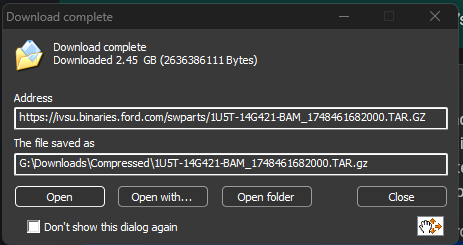
Is anyone else having issues with downloading 1U5T-14G421-BAM_1748461682000.TAR.GZ? I am using the latest Sync3Updater app but it keeps on failing at random points, retries 3 times then quits. It got to 70% on the last try? After quitting, it starts from scratch again. Laptop is being kept awake so it is not going to sleep or the like.

The app errors wirh “Unable to read data from the transport connection. The connection was closed. I have tried setting download connections to 4, 8 and am now on 1 but still no joy.

Nope

hmmm… How long did that take to download? Mine is on attempt 2 again and is 32% after 11mins. Am I doing something wrong?

I’m trying the download links in Chrome and they seem to be falling in that too. At least I can resume the downloads and will see if I get there in the end :grinning_face:

Yep, retrying the download using the same network and/or computer that’s failing.

Thanks @SaNdMaN - so how can I work around that if I only have the one laptop? Try a VPN connection? Download speeds are pretty slow although one of the files coming down just over 200KB/s. Is it better to download files one at a time? Chrome is definitely having more luck…and the ability to resume from where I left off seems to be working as I have now downloaded a few of the files.

Is it really F14 because doesn’t look like it - old number, unknown map changes (if any)? Is it official release or still unofficial and real F14 might come next weeks/months?

:person_shrugging: we are not ford, the packages are new….
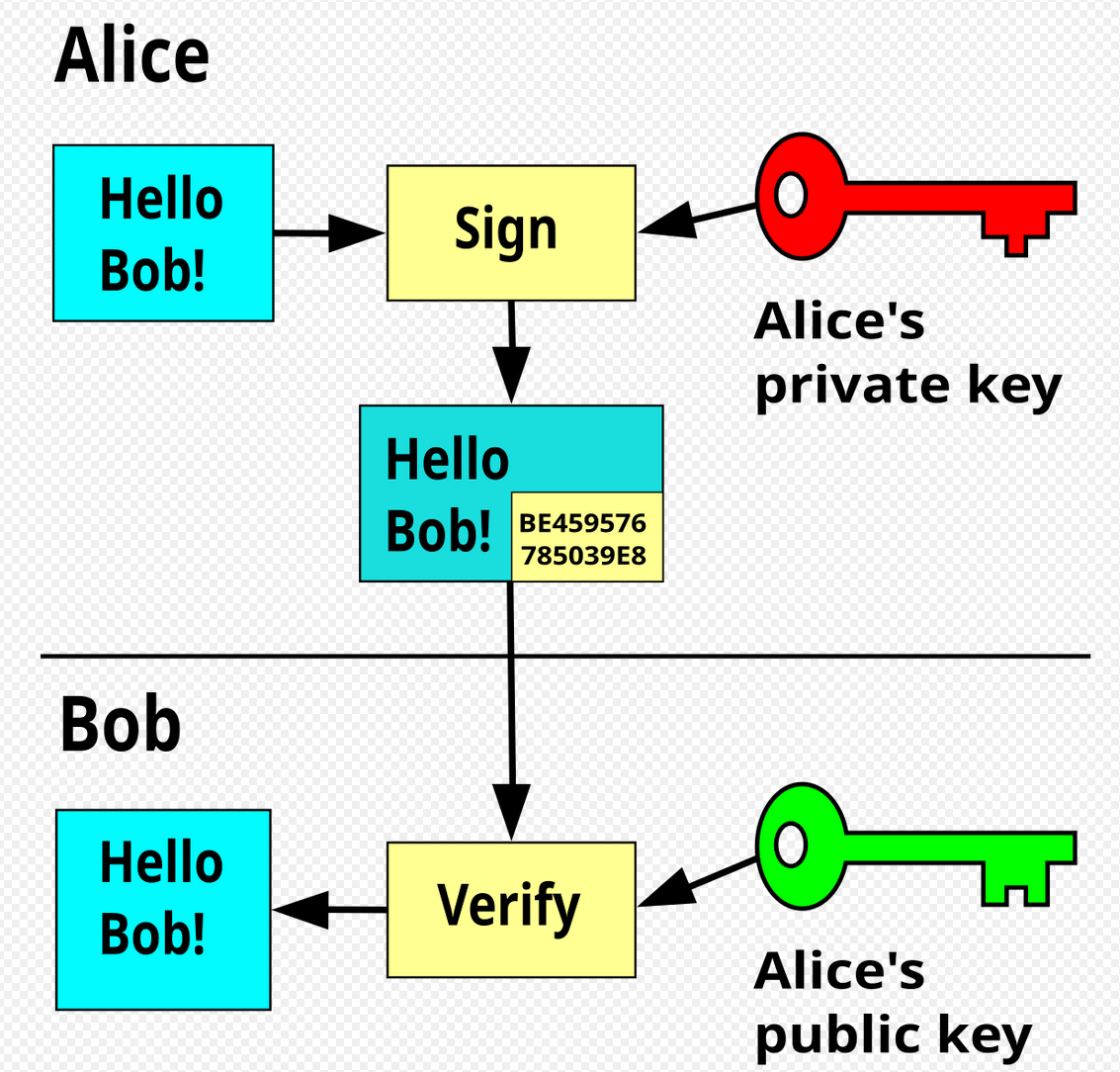
There are no unofficial releases, as mentioned so many times. ALL PACKAGES HAVE TO BE SIGNED BY FORD’S PRIVATE KEYS

I’m not saying you’re Ford, I’m not saying it’s not Ford release. I’m asking if it’s offcial - offcial I mean: “Is it automaticaly downloading when updating directly from Sync 3, through WiFi or from USB prepared according to Ford instructions / files available online when logging to Ford account?” In short words: is Ford pushing (giving possibility to pull) this particular update through official Ford channels?

To be fair, that’s not what official means. official means the package was authorized by the manufacturer and signed off etc of which it has to have been, because it was signed with Fords production private keys. they have dev private keys for development packages to use on development units with the associated dev public keys. So yes this is official, is it correct? who knows. My car is 100% in Android Auto not Ford Maps.

Ok, thanks - anyway, is Ford pushing (giving possibility to pull) this particular update through official Ford channels - WiFi / USB prepared according to Ford official instructions? For me Sync 3 shows “no updates available” but I have MY15 so 3.434188 installed manually is not visible in my Ford.com account and I not sure if my case is good example for tests.

If you have manually upgraded your car to Sync3, then I don’t think you will be able to pull map updates via the official device WiFi / Ford portal methods as your car VIN will not show up in their records as having Sync3. As such the only way to update your system/maps is using the Cyanlabs methods (hope I am interpreting this right? - I only upgraded from Sync 2 to 3 a few weeks back so this is all still mega new to me).

Re my above download issues. I am now downloading the files individually in Chrome and this seems to be working better. I have now got the original file that the Sync3Updater app was struggling with so making progress. I am maxing out at 200-270KB/s so the big files will take several hours each. By only downloading one at time, the downloads seem more stable but Chrome allows me to easily restart them if they do encounter a network issue.

Quick (newbie) map update query:

As my system is already running the latest OS (3.4.23188), when I come to create my upgrade USB stick, do I just need to select the following?

Region = Europe (matching my system)

Version = Only Update Maps

Map Version = F14

When I click Start, I assume the app will validate all the files I have manually downloaded separately using Chrome and then write everything to USB stick?