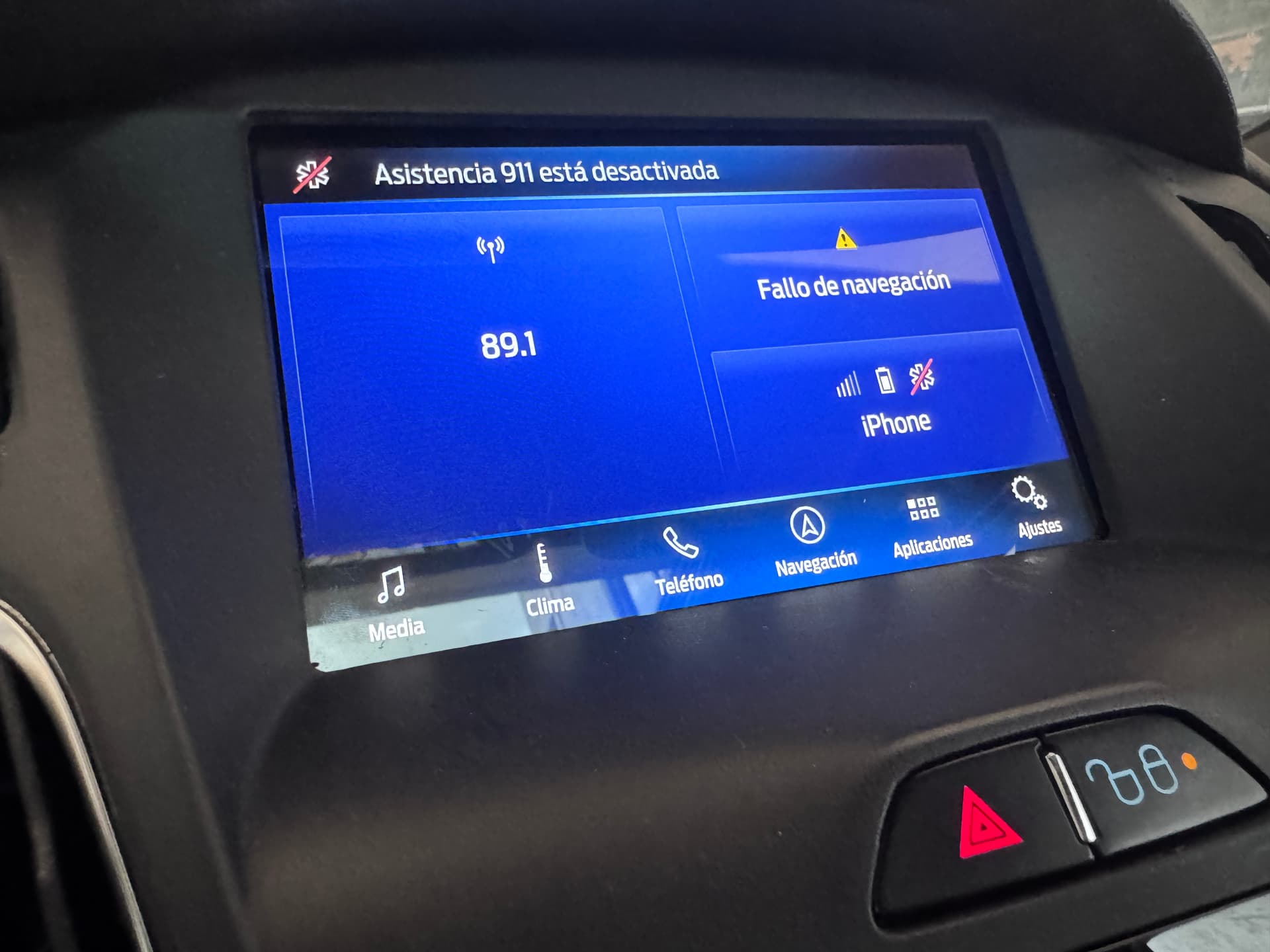
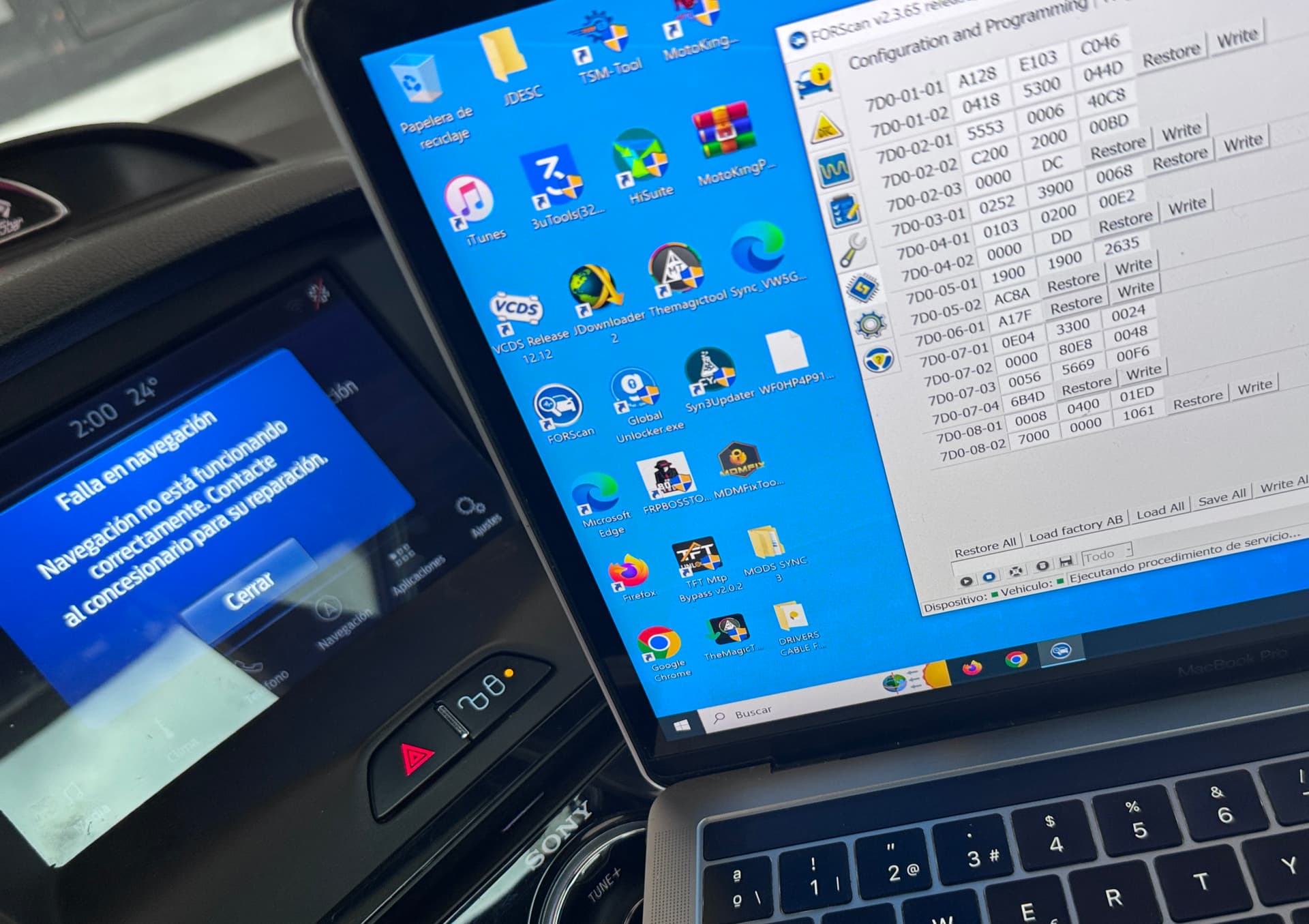
Hi, I have a 2014 Focus ST with Sync 1 with Swap for Sync 3. Everything is fine except my GPS doesn’t give me the correct location and I have to configure, according to a Cyanlabs post, the As-Built of an original 2016/17 Focus ST with factory Sync 3…
If anyone could do me the favor of donating me the asbuilt file, thanks
SYNC Region: NA
Navigation Variant: Nav
Manufacturer Year: MY20
Install Type: OEM Replacement
Old SYNC Version: 3.0
New SYNC Version: 3.4
Do you have a error message, if so what is it?
GPS bad position
I have already configured As-Built in DE02/7D0-03-01: x*XX-XXXX-XXXX
1=Instrument Panel (IP) Mount (Non-Heated Windscreen)
However, the problem persists and, as I read in the thread in the previous link, the current configuration for my As-Built is not correct because it comes from another donor APIM.
Try to copy those blocks from 7D0-01 to 7D0-04 and see if it improves navigation for you. If you get any DTCs let me know we can try to keep correcting the asBuilt until no dtcs appear.
BTW is your gps an aftermarket or it’s OEM antenna?
Focus ST with Sync 2 + Nav, but from what I see, it closely matches sync 3 so it’s a good start because Ford focus from 2014 didn’t have sync 3 by default.
You can use it as a foundation and then customise more. Main thing is for you to safely go from sync1 4’’ to 8’’ config and then customise more until you meet sync 3.4 specs.
Its going to be a trial and error thing because you made a huge upgrade
No, It looks upside down just because of the navigation error message, when I start moving the map is placed as it should be in the place you mentioned.
It’s worth mentioning that the first few meters it works in the correct location, but after one or two blocks the GPS doesn’t give the exact location, and the same thing happens with CarPlay.
The settings at 7D0-05-xx thru 7D0-07-xx are vehicle specific and must be correct for the NAV to function properly. They would not have been from Sync 2 as they do not exist for that NAV system.