Problems Updating from 2.3.17109

I am trying to update a really old Version of Sync3. The interrogator-Stick does not work. It gives me alway the Error-Code 0221-9999-2999. So I wanted to try to update first to an older Version of like 3.0.20204. I hope than the USB-Port does work with exFAT and newer sticks. But I cannot choose such an old version in den Sync3-Updater. Does somebody know an easy solution?


SYNC Region: EU

Navigation Variant: Nav

Manufacturer Year: Unknown

Install Type: Unknown

Old SYNC Version: 2.3.17109

New SYNC Version: 2.3.17109

Do you have a error message, if so what is it?
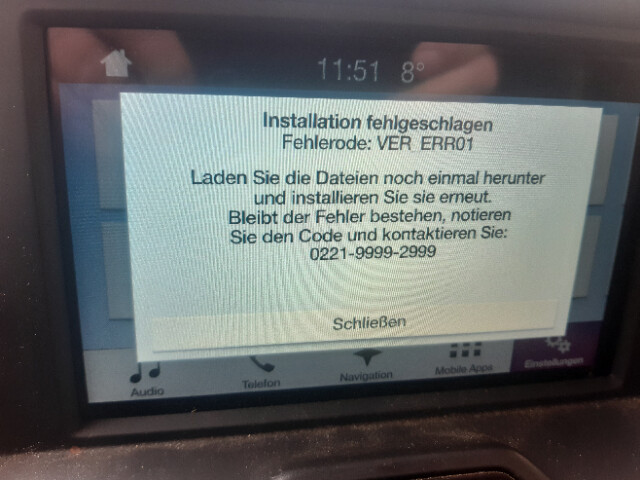
Error-Code 0221-9999-2999

Update Method: CyanLabs Syn3 Updater

Syn3 Updater Version: newest

Syn3 Updater Documentation Read: yes

Syn3 Updater Log File

none

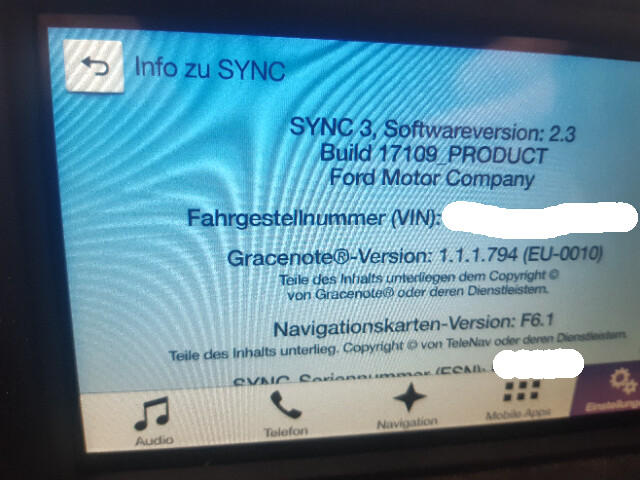
Post a picture of such error and also of the about Sync screen on the unit.

Here are the pictures. It is in German. But I hope it doesn’t matter. Thank you

Just as I posted I recognised that I interpreted the error code wrong: The correct one is of course VER_ERR01.

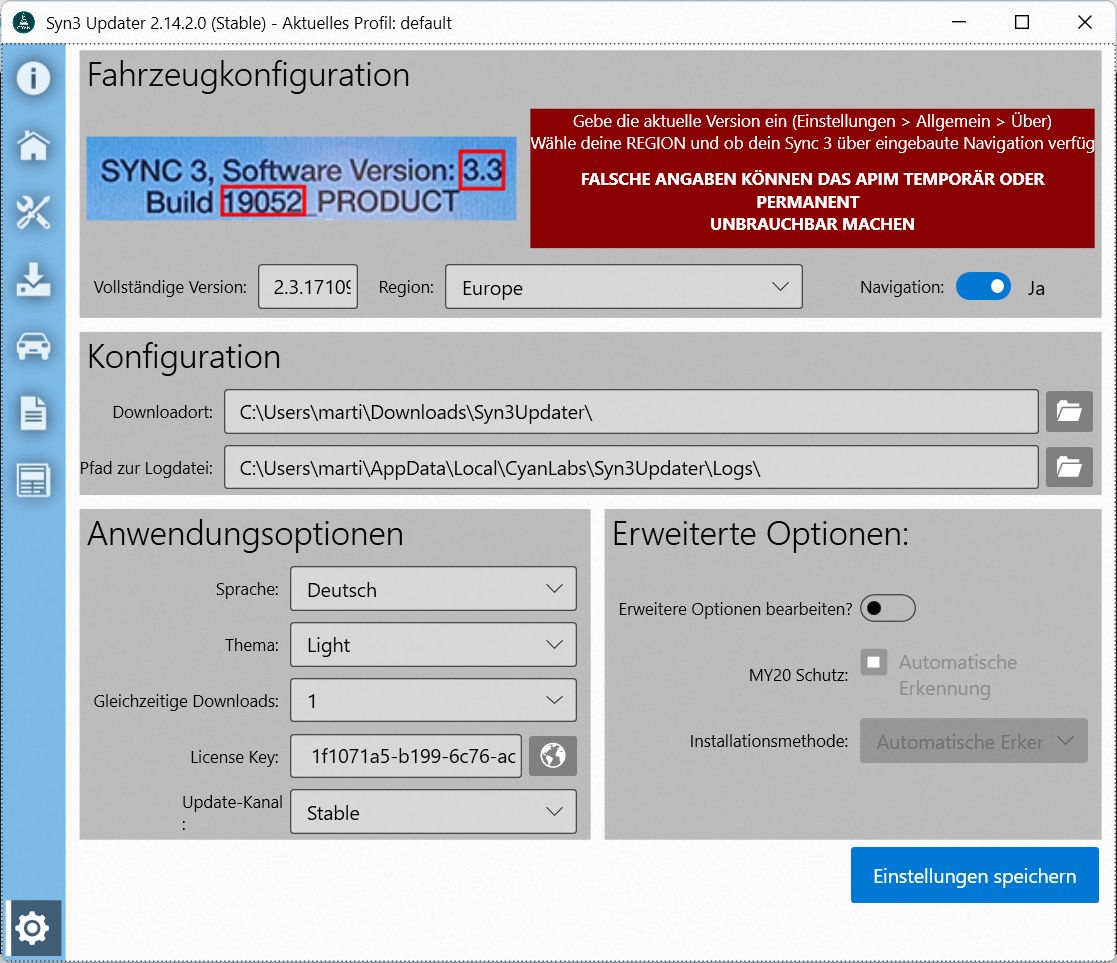
But I inserted the correct version in the Sync3-Updater. So why is it not accepted?

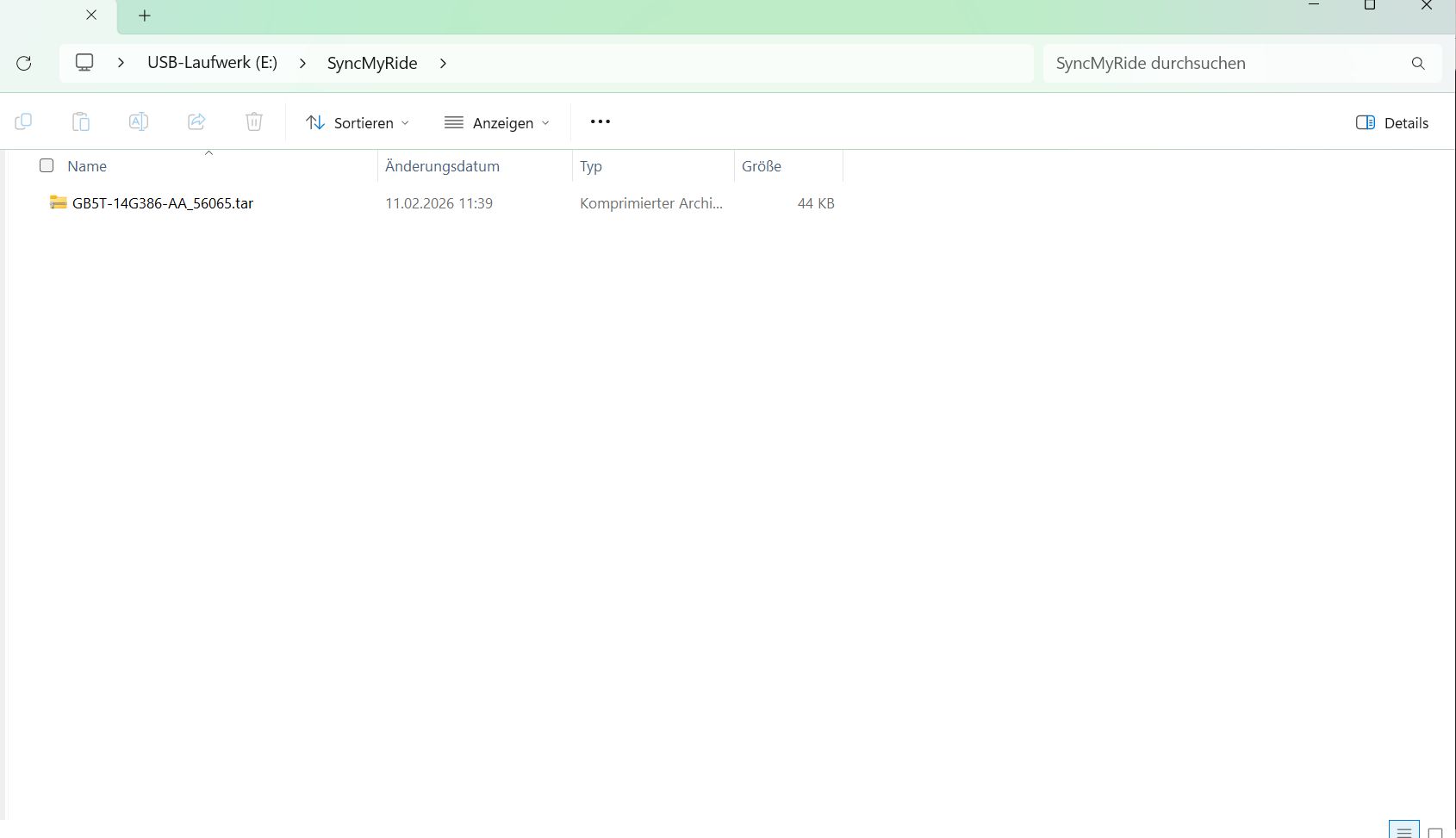
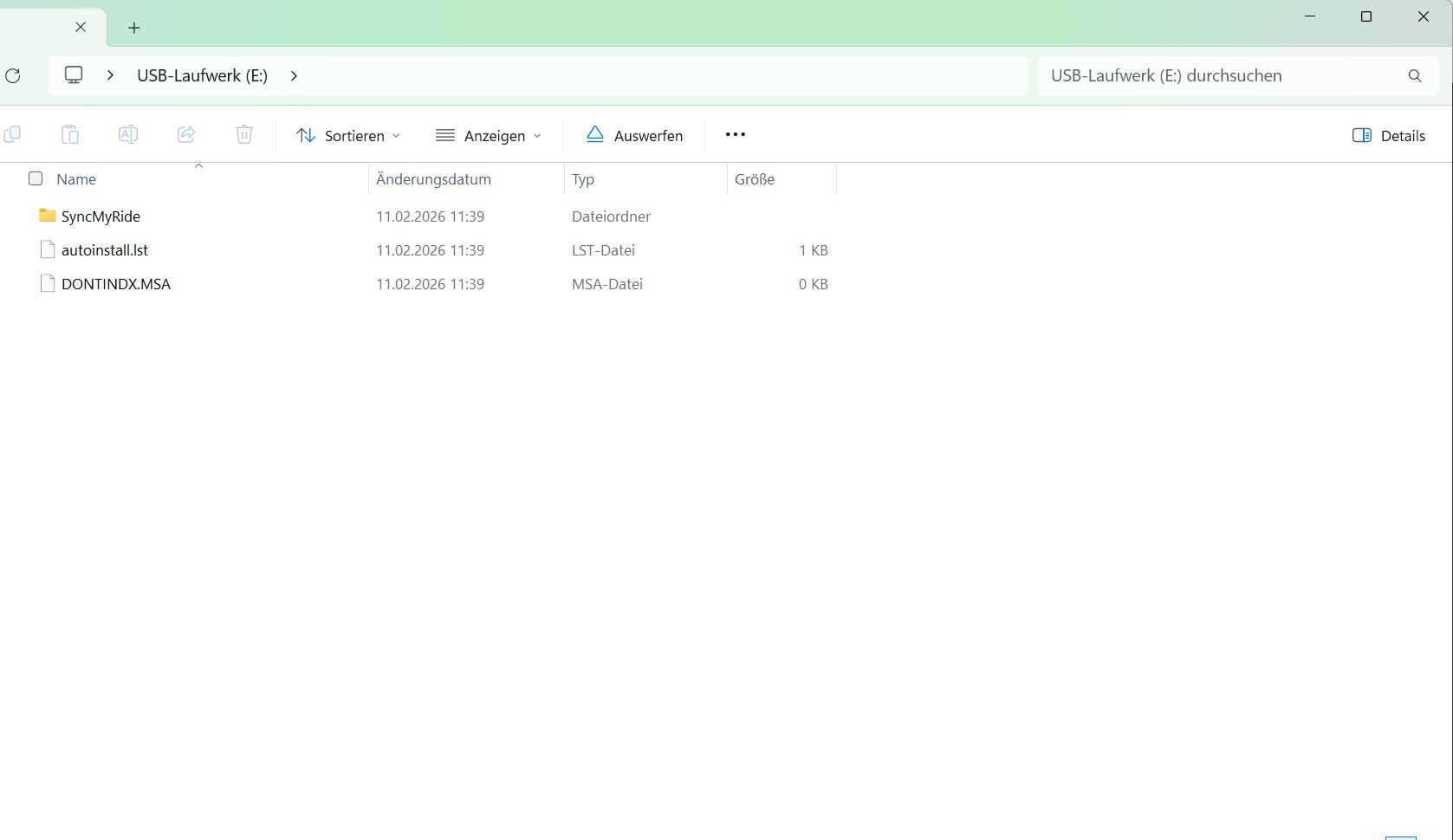
Can you share a screenshot of the Syn3updater configuration and also a screenshot that shows the USB 's root, along with all the .lst files contents and what files are in the SyncMyRide folder…

The error you are getting is not a nice one…

The updater is meant to get you to v3.4.x not a 3.0.2xxxxx

I know but I wanted to try that to be careful since the interrogator is not working.

The safe method would be to go to Ford’s owner site owner.ford.com and pull down the version of 3.0.x for your vehicle, it doesn’t require a reformat.

If that doesn’t install with a good quality USB formatted as exFAT and nothing else plugged into the USB ports then the odds are high you’ll have issues trying to go to 3.4.

Keep in mind that if you don’t have a NAV APIM you may have to use 3.4.21265 instead of 3.4.23188 due to compatibility issues with non-Sync 3.4 native modules in the car

What device are you using?.
Try manually upgrading to the latest 3.0, you can take this post as reference for the needed files → 2016 Mustang Sync3 1.0 updated to 3.0 and no Apple Carplay! - #10 by SaNdMaN

Once on 3.0, try running the interrogator again…

I use a Verbatim-Stick with 15GB and FAT32. Is it a problem when there is still a hidden folder “System Volume Information” on the stick?

I tried both Versions in the 2016 Mustang-Post. But always comes the same error-message.

On the German Ford-Page I don’t get another version because they tell me that for my car there is no newer version.

Are there any other ideas?

Thank you so far!

As I said before, this error is not a nice one: “VER_ERR01 – Error is VER_UNABLE_TO_FIND_VER_FILE”.

If nothing works and you already have tried another USB pendrive, then this seems like a faulty APIM…

Does a master reset work?

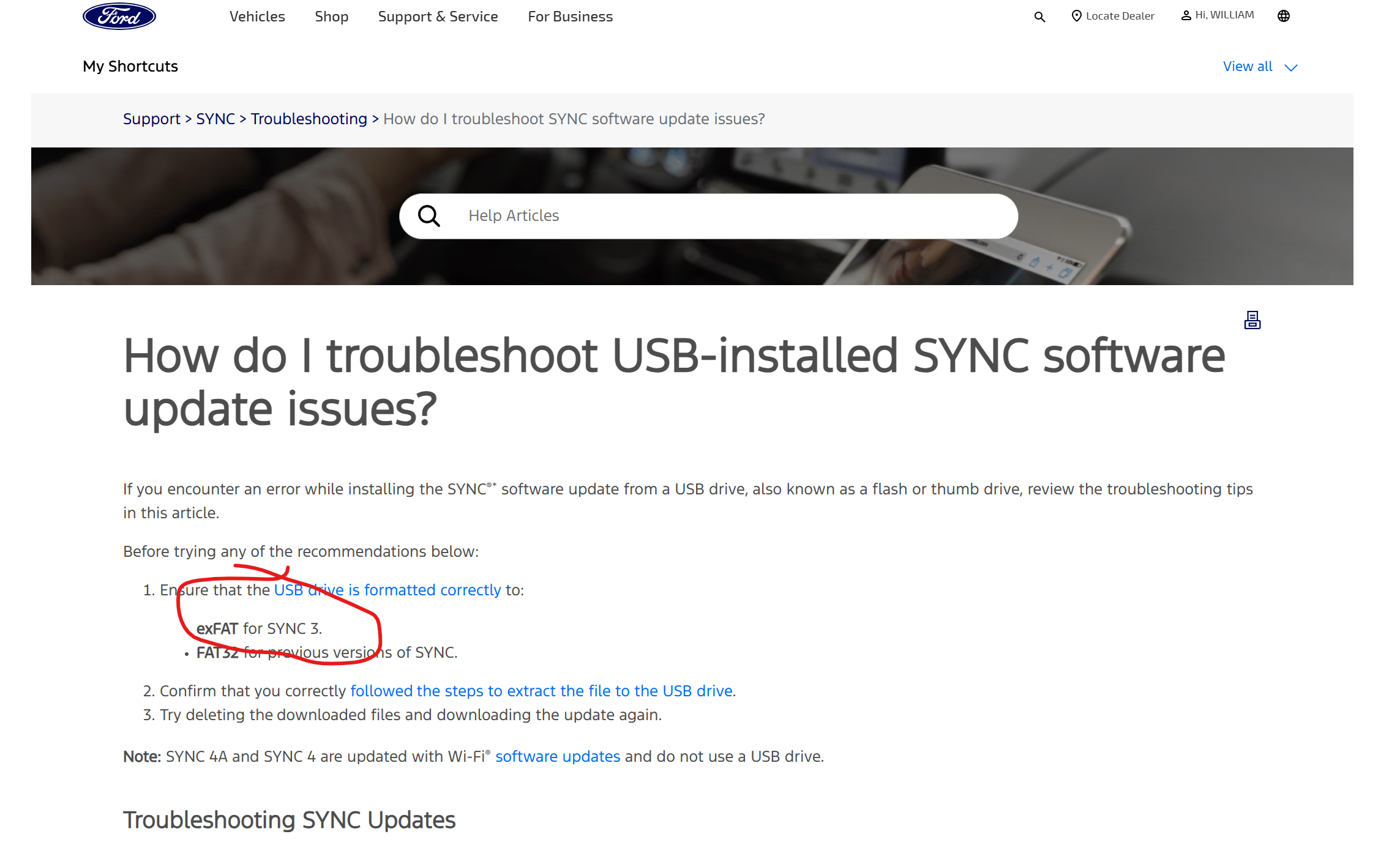
Should be formatted exFAT

Reformat the stick, uncheck the “quick” block so that any bad blocks are deallocated

The apim doesn’t react to exFAT at all. Only FAT32 shows at least the error message.

A master reset does work. The APIM does have problems with GPS and the android bluetooth connection is very unstable. Those are the reasons I want to update.

Ok, now I gave it another try: After another master reset, running engine and a FAT32-Stick it showed me a different error-code: LST_ERR05

Sorry for the wrong information. The different error-code was only because I forgot the “SyncMyRide”-Folder…

That’s good.

Again, I may be biased, but this also points towards a faulty APIM…

1 Like

Let Ford know they are wrong than.

So I gave it a last try with exFat und the 3.0-Version. I did put the Stick in while the engine was running and the APIM didn’t react at all. I will bring the car to man who does those APIMs for a living. Probably he will replace the APIM. Thanks for the help so far.