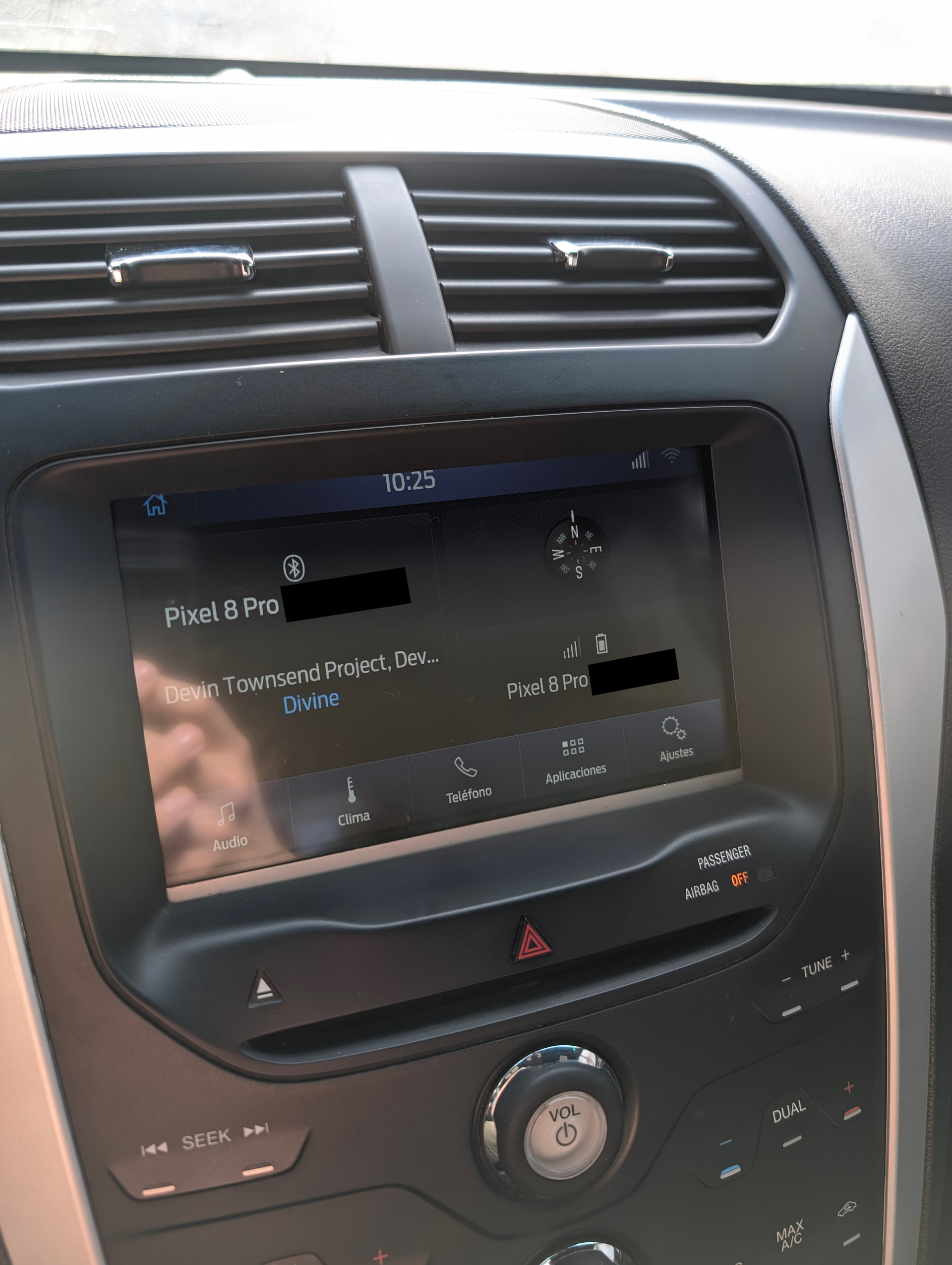
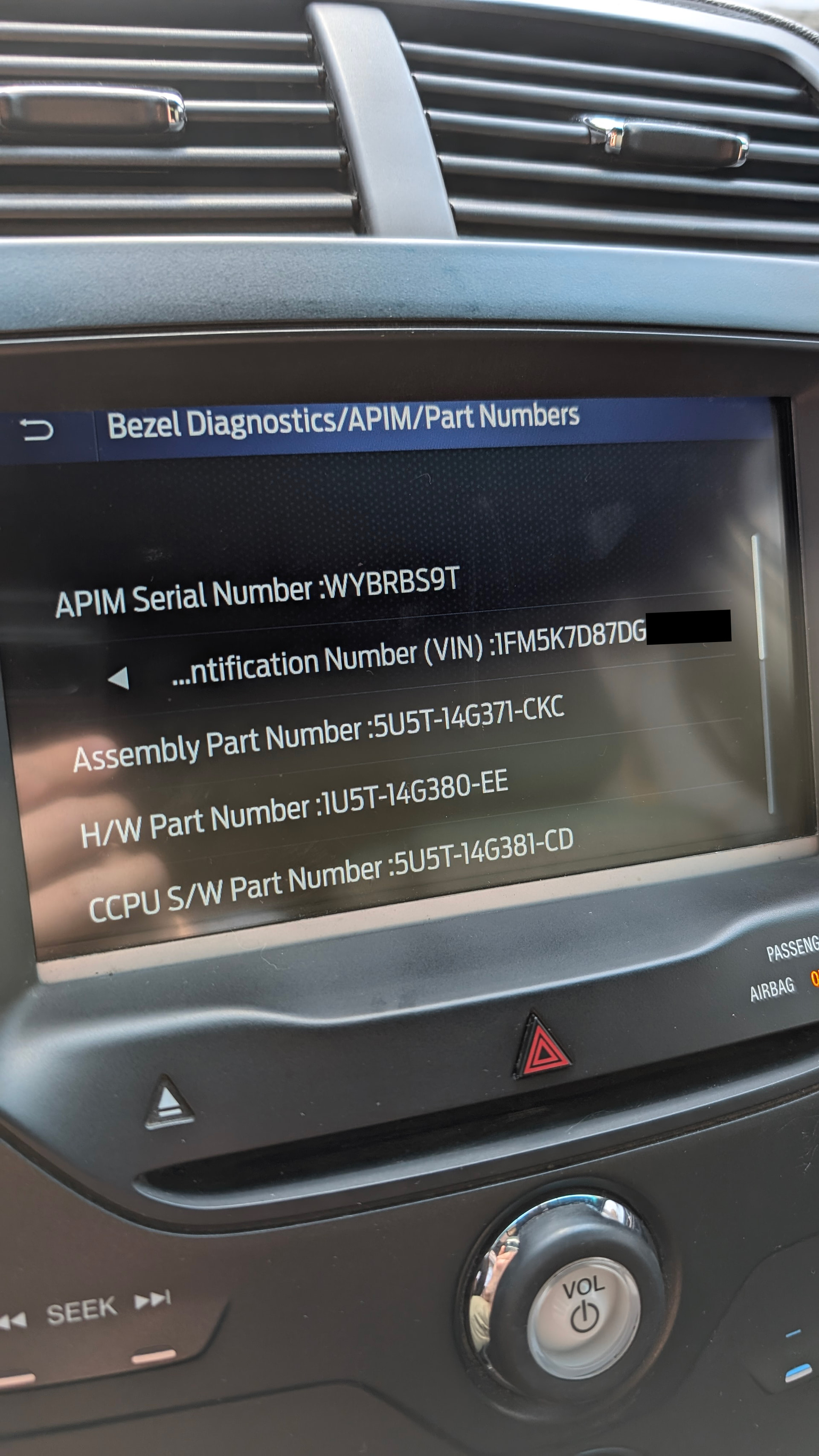
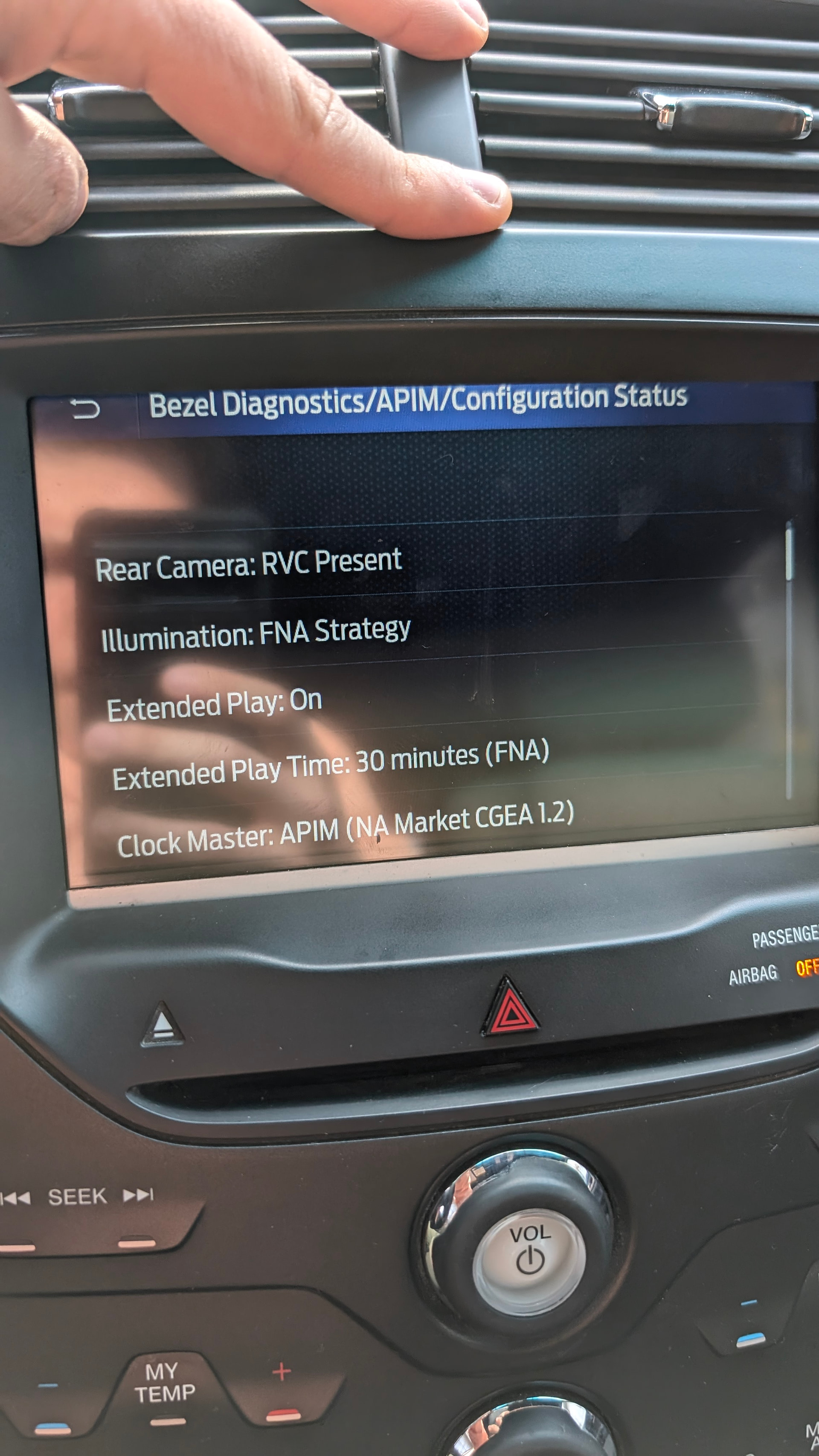
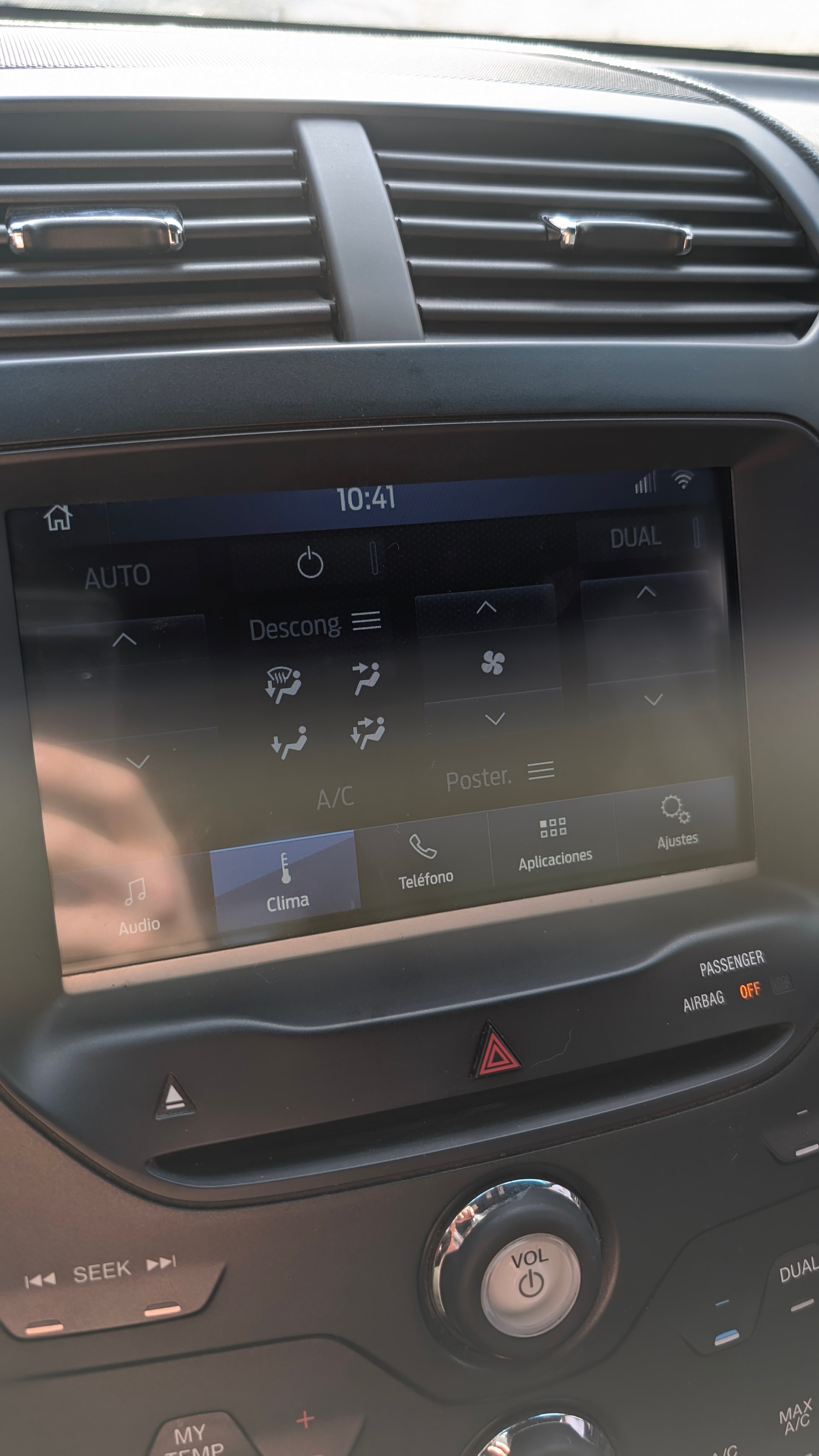
Hi, i just swapped a Sync 2 APIM to a SYNC 3.4 unit, working well, but the rear camera is not working, and the APIM doesn’t start when the car starts, i need to press the power button.
1 week after, the car just got discharged. Even the clock doesn’t run when turned off.
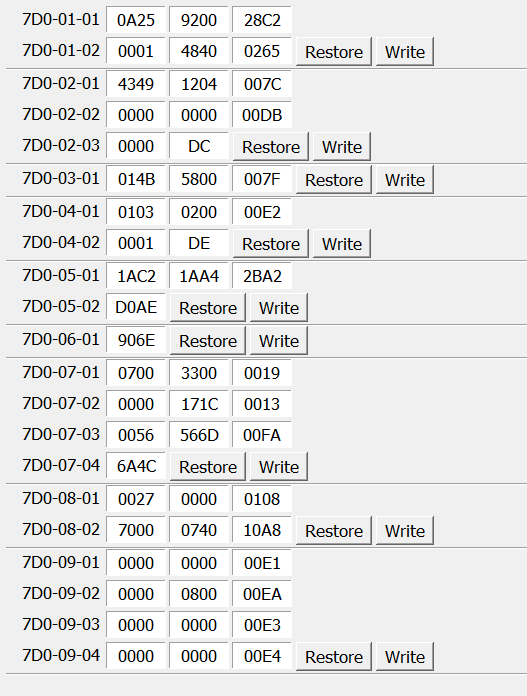
I uploaded the As-Built from OBD2 extracted from Ford Motorcraft website.
(https://www.motorcraftservice.com/)
APIM model is: GR26ALS7T-14G370-BCG
Any solution? Thanks.
SYNC Region: NA
Navigation Variant: Non Nav
Manufacturer Year: Pre MY20
Install Type: OEM Replacement
Old SYNC Version: 3.4.19200
New SYNC Version: 3.4.26057
Do you have a error message, if so what is it?
Update Method: CyanLabs Syn3 Updater
Syn3 Updater Version: 2.14.2.0 (Stable)
Syn3 Updater Documentation Read: no
Syn3 Updater Log File
    CYANLABS - SYN3 UPDATER - V2.14.2.0
  Branch: Stable
  Operating System: Microsoft Windows 11 Home Single Language (2009)

  PREVIOUS CONFIGURATION
  Version: 3.4.19200
  Region: NA
  Navigation: False
  Install Mode: reformat (reformat)
  Install Mode Overridden: True
  My20 Protection Enabled: Desactivado

  DESTINATION DETAILS
  Mode: Drive
  Model: Kingston DataTraveler 2.0 USB Device
  Size: 14,4GB
  FileSystem: exFAT
  Partition Type: MBR

  REFORMAT.LST
  VOICE=5U5T-14G391-BS_1660772122000.TAR.GZ
  APPS=NU5T-14G381-AE_1778770590000.TAR.GZ


  AUTOINSTALL.LST
  ; CyanLabs Syn3Updater 2.14.2.0 Stable - reformat FORCED  Mode - Sync 3.4.26057 ANZ

  [SYNCGen3.0_ALL_PRODUCT]
  Item1 = RWDataCleaner TOOL - PU5T-14G386-BB_1690840002000.TAR.GZ
  Open1 = SyncMyRide\PU5T-14G386-BB_1690840002000.TAR.GZ
  Item2 = REFORMAT TOOL  - 1u5t-14g386-cb.tar.gz
  Open2 = SyncMyRide\1u5t-14g386-cb.tar.gz
  Options = AutoInstall

  FILES (4)
  1u5t-14g386-cb.tar.gz (8,5MB)
  PU5T-14G386-BB_1690840002000.TAR.GZ (3,2KB)
  5U5T-14G391-BS_1660772122000.TAR.GZ (1,4GB)
  NU5T-14G381-AE_1778770590000.TAR.GZ (869,9MB)

  LOG
  [16-09-2026 19:25:10] Selected Region: ANZ - Release: Sync 3.4.26057 - Map Version: APIM sin Navegación
  [16-09-2026 19:25:10] Install Mode: reformat (reformat) Forced: True
  [16-09-2026 19:25:10] MY20 Protection: Desactivado
  [16-09-2026 19:25:11] Formatting USB drive
  [16-09-2026 19:25:11] Re-creating partition table as MBR and formatting as ExFat on selected USB drive
  [16-09-2026 19:25:18] Checking Existing File: 1u5t-14g386-cb.tar.gz
  [16-09-2026 19:25:18] Validated: 1u5t-14g386-cb.tar.gz (Skipping Download)
  [16-09-2026 19:25:18] Checking Existing File: PU5T-14G386-BB_1690840002000.TAR.GZ
  [16-09-2026 19:25:18] Validated: PU5T-14G386-BB_1690840002000.TAR.GZ (Skipping Download)
  [16-09-2026 19:25:18] Checking Existing File: 5U5T-14G391-BS_1660772122000.TAR.GZ
  [16-09-2026 19:25:23] Validate: 5U5T-14G391-BS_1660772122000.TAR.GZ (Failed!, Downloading)
  [16-09-2026 19:25:23] Downloading: 5U5T-14G391-BS_1660772122000.TAR.GZ
  [16-09-2026 19:26:23] Validating: 5U5T-14G391-BS_1660772122000.TAR.GZ
  [16-09-2026 19:26:29] Downloaded: 5U5T-14G391-BS_1660772122000.TAR.GZ
  [16-09-2026 19:26:29] Checking Existing File: NU5T-14G381-AE_1778770590000.TAR.GZ
  [16-09-2026 19:26:29] Downloading: NU5T-14G381-AE_1778770590000.TAR.GZ
  [16-09-2026 19:27:17] Validating: NU5T-14G381-AE_1778770590000.TAR.GZ
  [16-09-2026 19:27:19] Downloaded: NU5T-14G381-AE_1778770590000.TAR.GZ
  [16-09-2026 19:27:19] Preparing USB drive
  [16-09-2026 19:27:19] Checking Existing File: 1u5t-14g386-cb.tar.gz
  [16-09-2026 19:27:19] Copying: 1u5t-14g386-cb.tar.gz
  [16-09-2026 19:27:21] Validating: 1u5t-14g386-cb.tar.gz
  [16-09-2026 19:27:22] Copied: 1u5t-14g386-cb.tar.gz
  [16-09-2026 19:27:22] Checking Existing File: PU5T-14G386-BB_1690840002000.TAR.GZ
  [16-09-2026 19:27:22] Copying: PU5T-14G386-BB_1690840002000.TAR.GZ
  [16-09-2026 19:27:22] Validating: PU5T-14G386-BB_1690840002000.TAR.GZ
  [16-09-2026 19:27:22] Copied: PU5T-14G386-BB_1690840002000.TAR.GZ
  [16-09-2026 19:27:22] Checking Existing File: 5U5T-14G391-BS_1660772122000.TAR.GZ
  [16-09-2026 19:27:22] Copying: 5U5T-14G391-BS_1660772122000.TAR.GZ
  [16-09-2026 19:35:24] Validating: 5U5T-14G391-BS_1660772122000.TAR.GZ
  [16-09-2026 19:36:13] Copied: 5U5T-14G391-BS_1660772122000.TAR.GZ
  [16-09-2026 19:36:13] Checking Existing File: NU5T-14G381-AE_1778770590000.TAR.GZ
  [16-09-2026 19:36:13] Copying: NU5T-14G381-AE_1778770590000.TAR.GZ
  [16-09-2026 19:40:57] Validating: NU5T-14G381-AE_1778770590000.TAR.GZ
  [16-09-2026 19:41:13] Copied: NU5T-14G381-AE_1778770590000.TAR.GZ
  [16-09-2026 19:41:13] Generating reformat.lst
  [16-09-2026 19:41:13] Generating autoinstall.lst
  [16-09-2026 19:41:13] ALL FILES DOWNLOADED AND COPIED TO THE USB DRIVE SUCCESSFULLY!