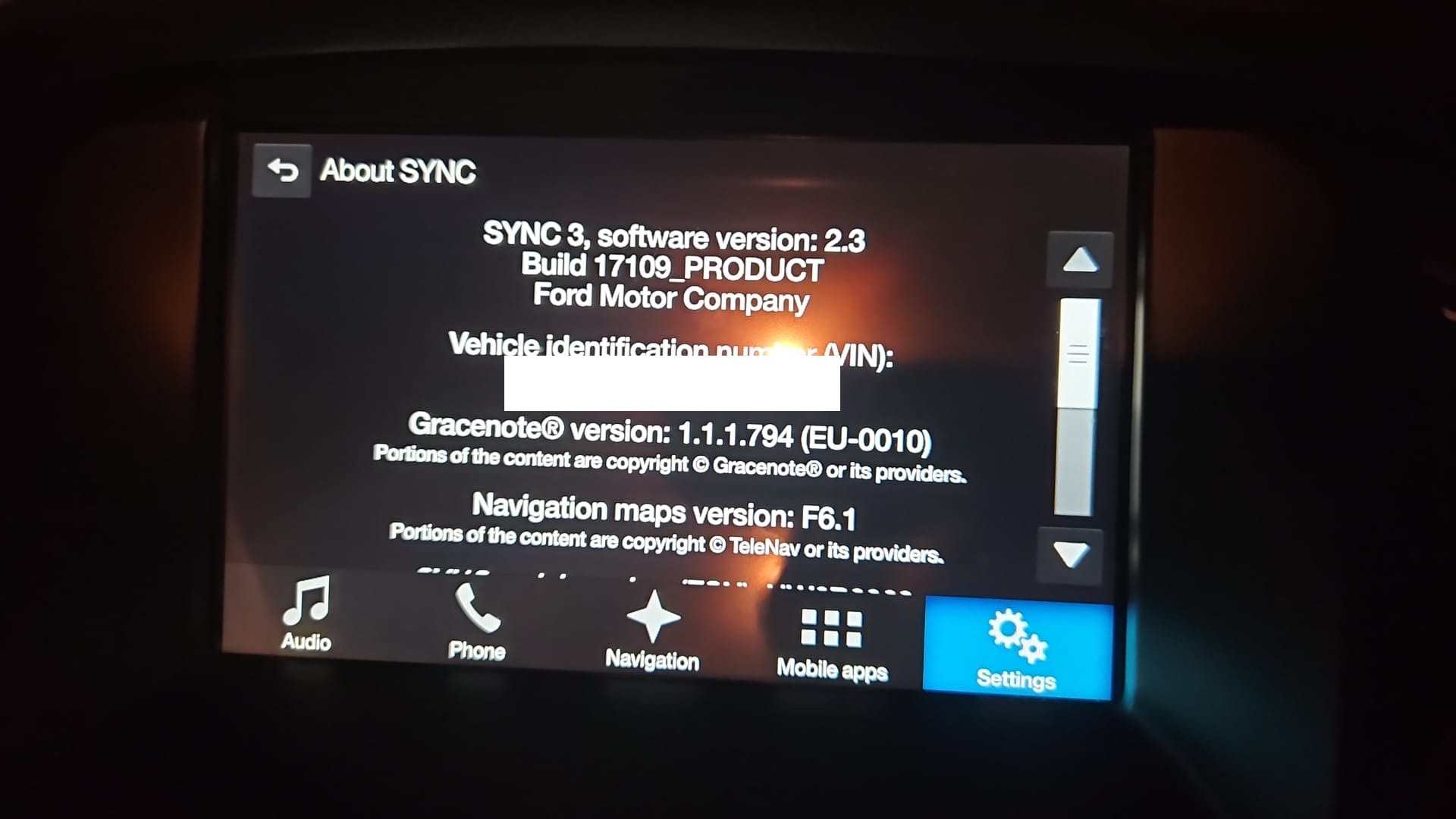
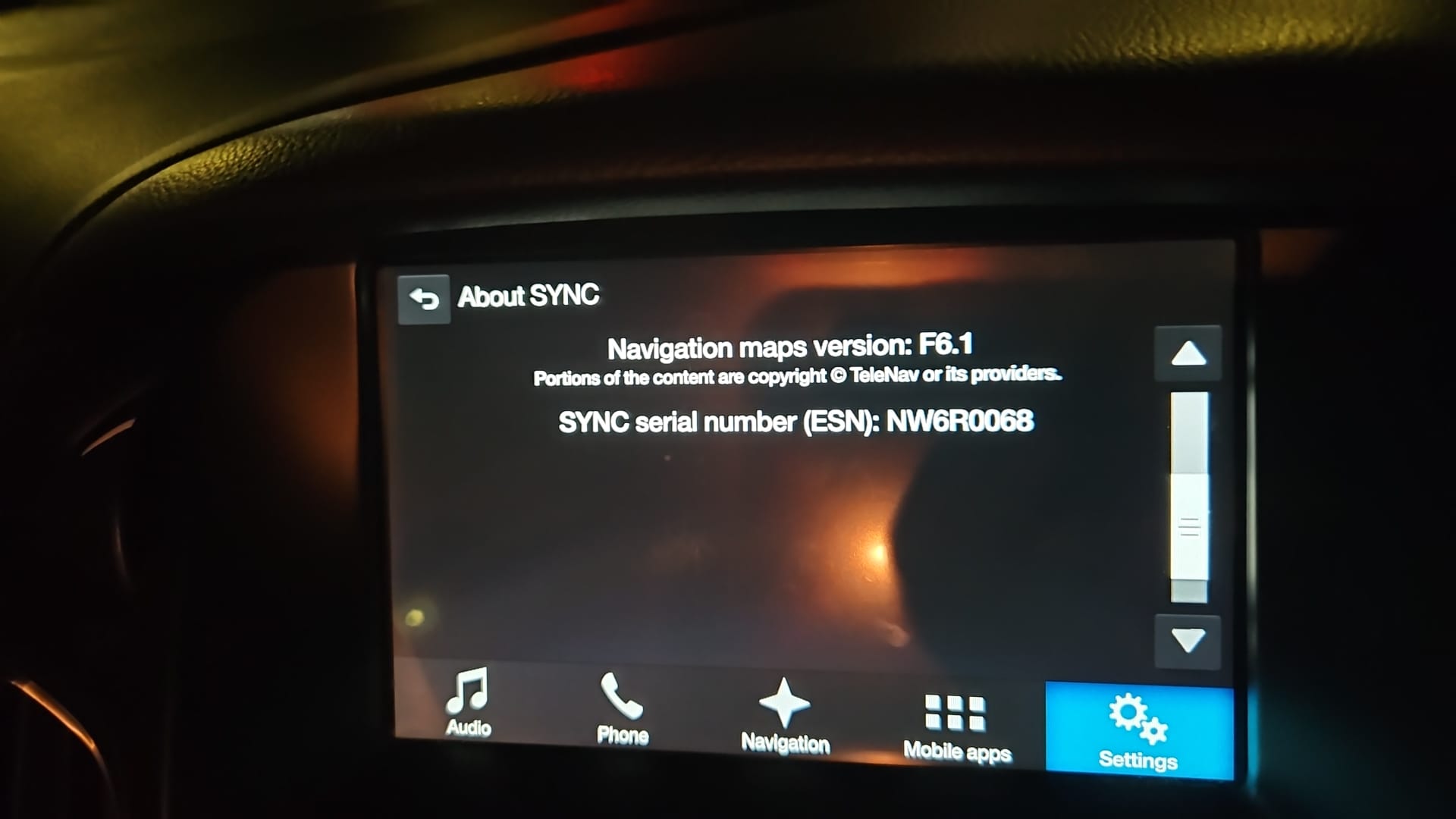
Hello, I am new here so please bear with me if i ask obvious questions. We are new to the ford scene having recently purchased a ford 2017. I am interested in upgrading the sync 3 software to the latest version in the hope that Apple Car Play will work. Having read a few of the comments it seems like the latest version may cause an issue where the scrren flickers. My question is, what is the most stable version to upgrade to if we want Apple Car Play.
SYNC Region: EU
Navigation Variant: Nav
Manufacturer Year: Pre MY20
Install Type: OEM
Old SYNC Version: 2.3.17109
New SYNC Version: 2.3.1709
Do you have a error message, if so what is it?
none
That should work already, there’s no need to upgrade for that. So before moving forward, make sure you have a certified cable and proper configuration on the phone.
Have you tried Android Auto?
As far as I remember, only Kuga and Focus. There’s no solution on 3.4 for that, other than running a very old 3.4 in which you can disable the auto adjusting brightness .
You do not need to upgrade for that, it should be working on your current build.
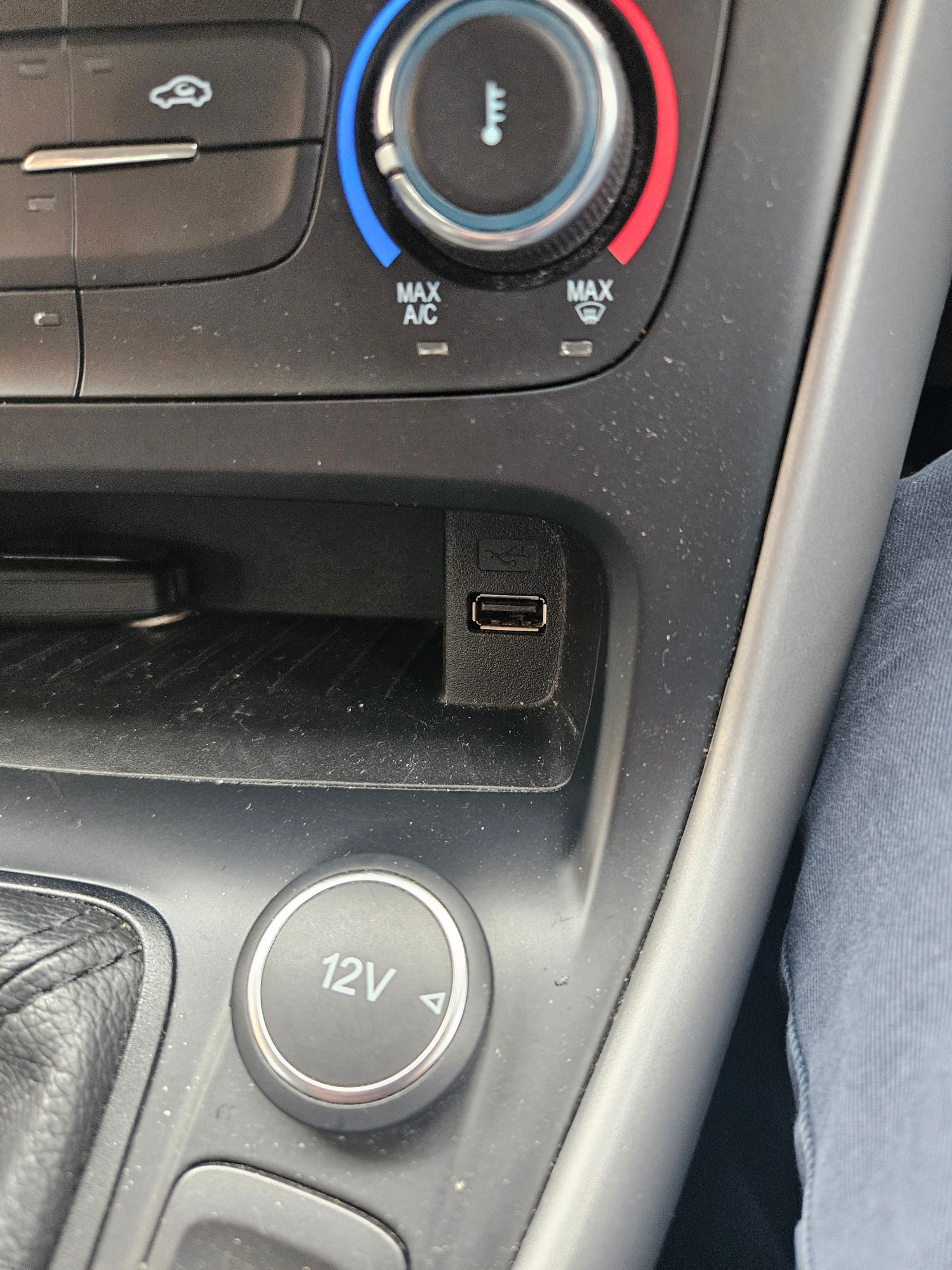
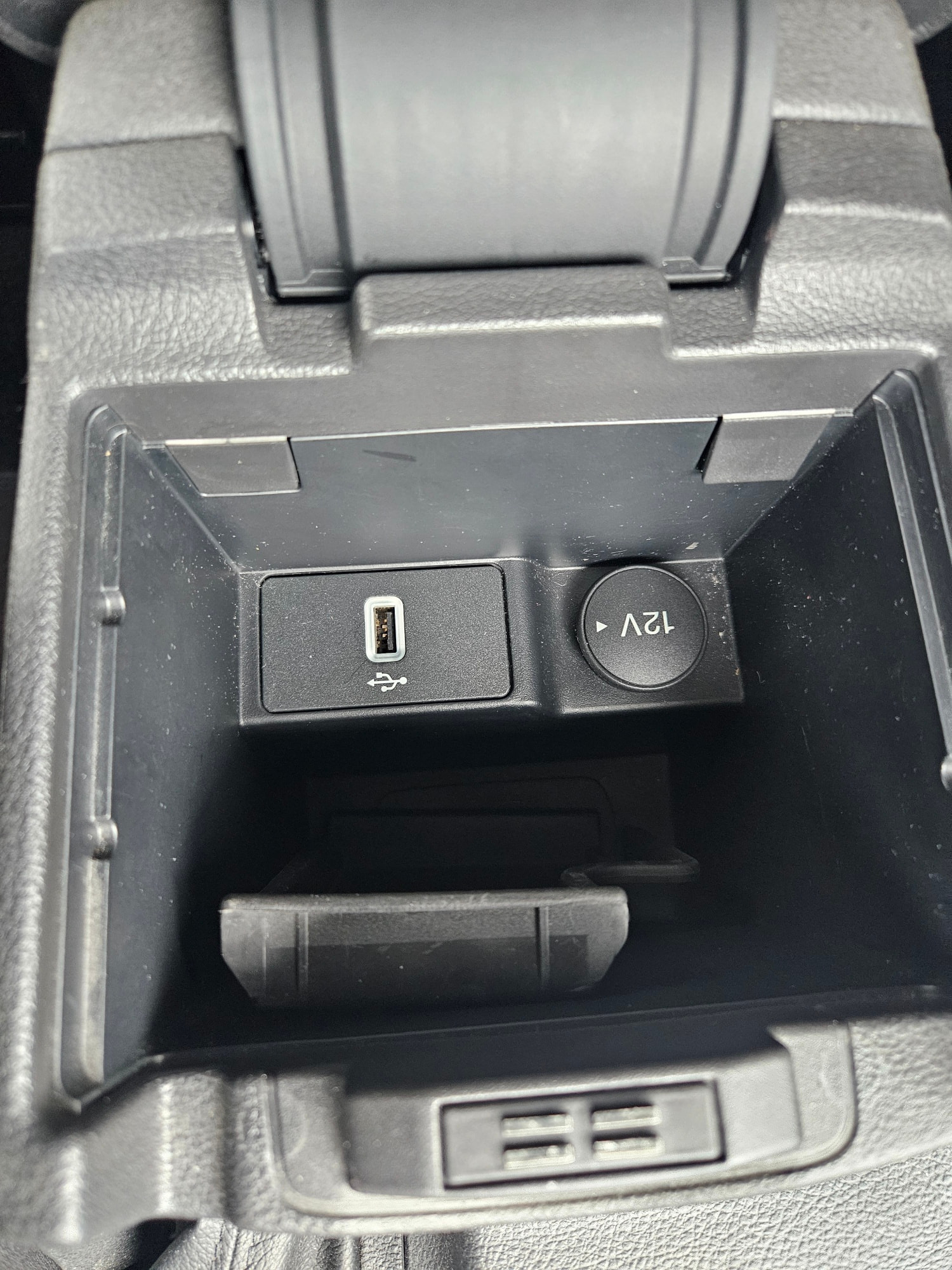
I am not sure if android car play is working correctly. I have attempted using two different cables to connect my Samsung S23 to the car but it dosnt seem to work. Is there a particular brand of cable that is know to work well? most of the cables i have are usb-c to usb-c, car port is usb-a.
I am still thinking of upgrading to a newer version however as we do have a Focus, i would be interested in seeing the differences between sync versions to be able to see what features each version offers. Is this information available anywhere?
Ok, lets focus on Android Auto for the time being, because Android Auto is more forgiving, and if Android Auto is not working, I’m almost positive Car Play won’t either.
In my personal experience with Android Auto, as long as it’s data capable it will work. Android Auto is really forgiving.
For the moment, don’t. I recommend ensuring AA/CP works on your current build, then you can decide if you wanna update or not.
No, it’s not.
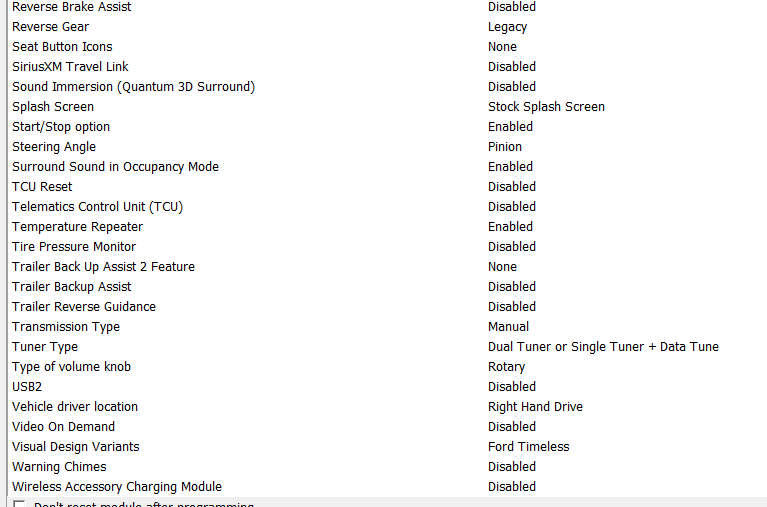
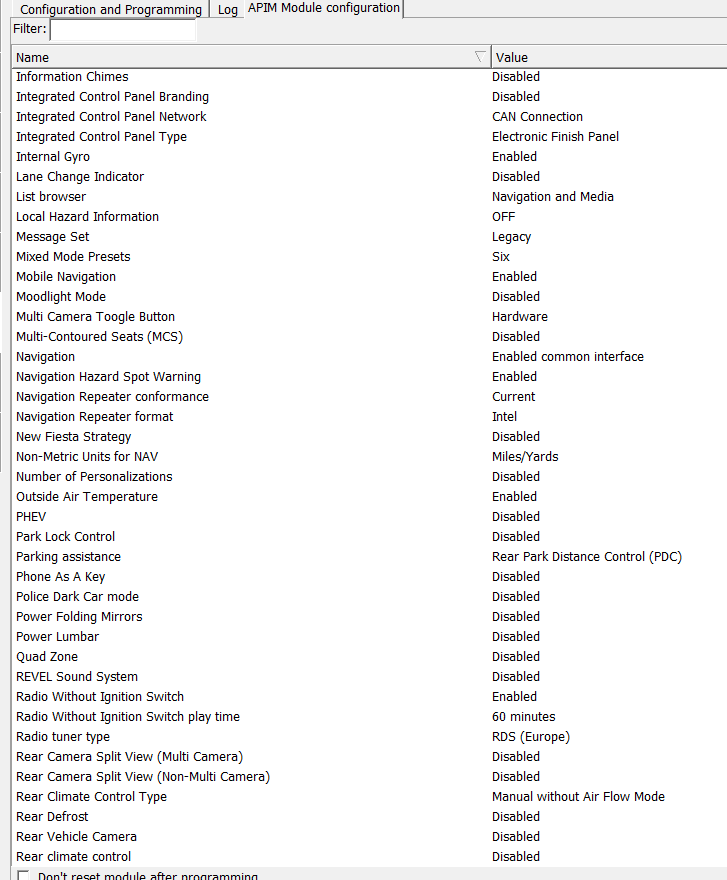
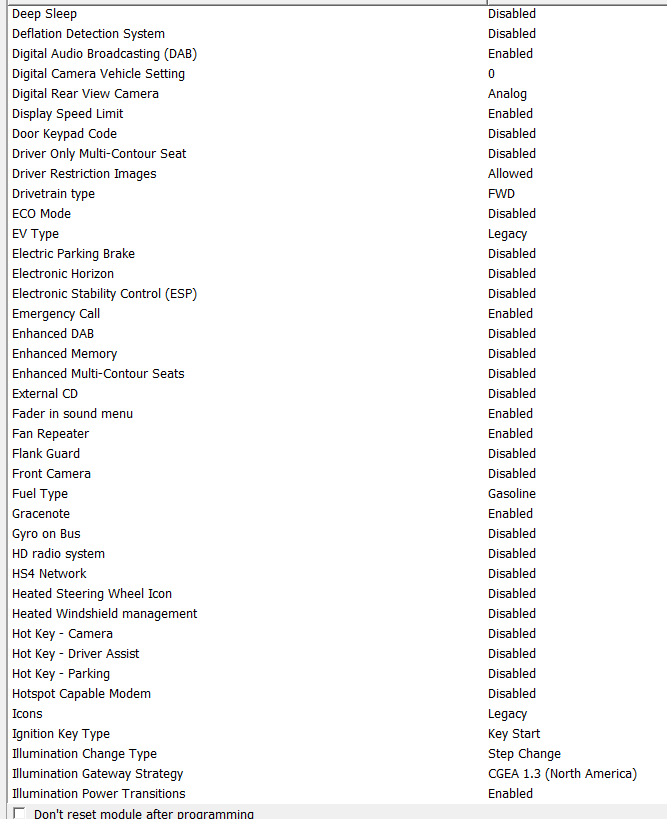
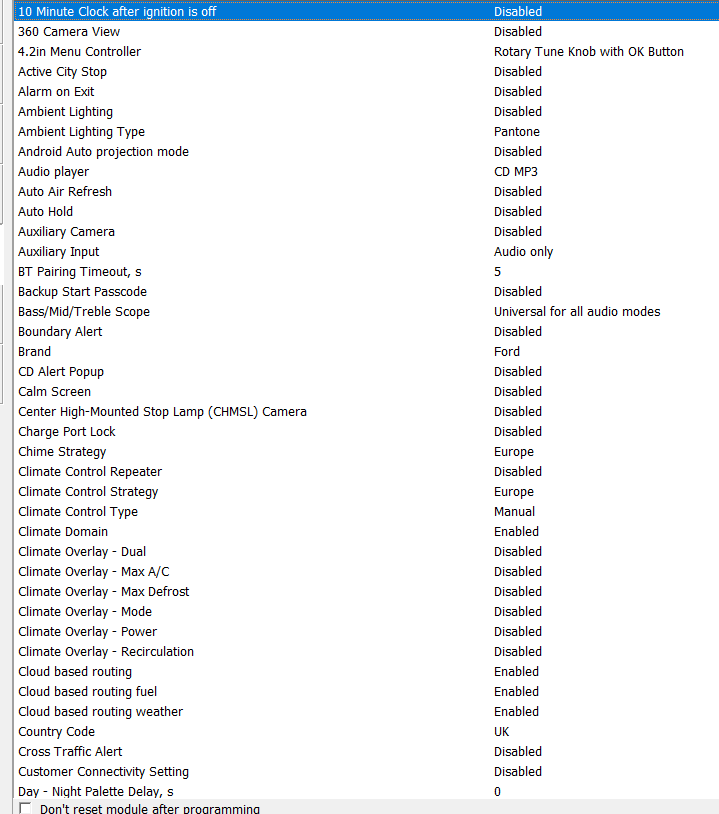
Now, going back to the no AA/CP issue, at this point I would check 2 things:
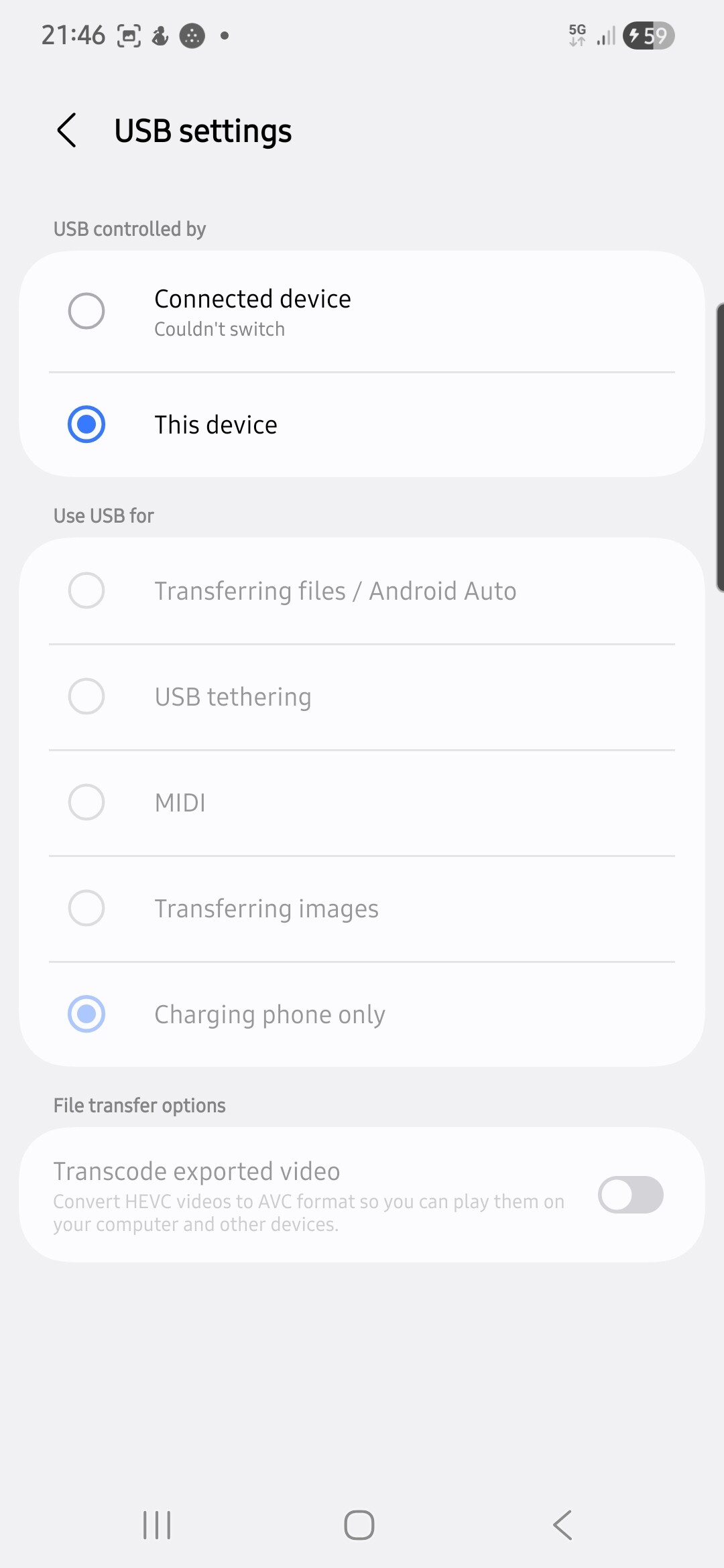
I am trying to get android auto to work, phone makes a Bluetooth connection with the car without any issues, contacts download too. However Android auto dosnt seem to work, I’ve tried a few cables I have arround but the most progress I have had shows the following options on my phone. I don’t know why the other options are greyed out. I am still waiting for the data cables I ordered to arrive. I guess I’ll be pulling the USB port out to check the part number. See where that leaves us
I am following the guide, but the usb interrogater utilty is just not working for me. I have tried with 2 different USB’s (one is sandisk 128gb usb 3) both formatted as exFAT but nothing seems to happen. also tried to use forscan to find the info but its nowhere to be seen. What do you suggest i do next?