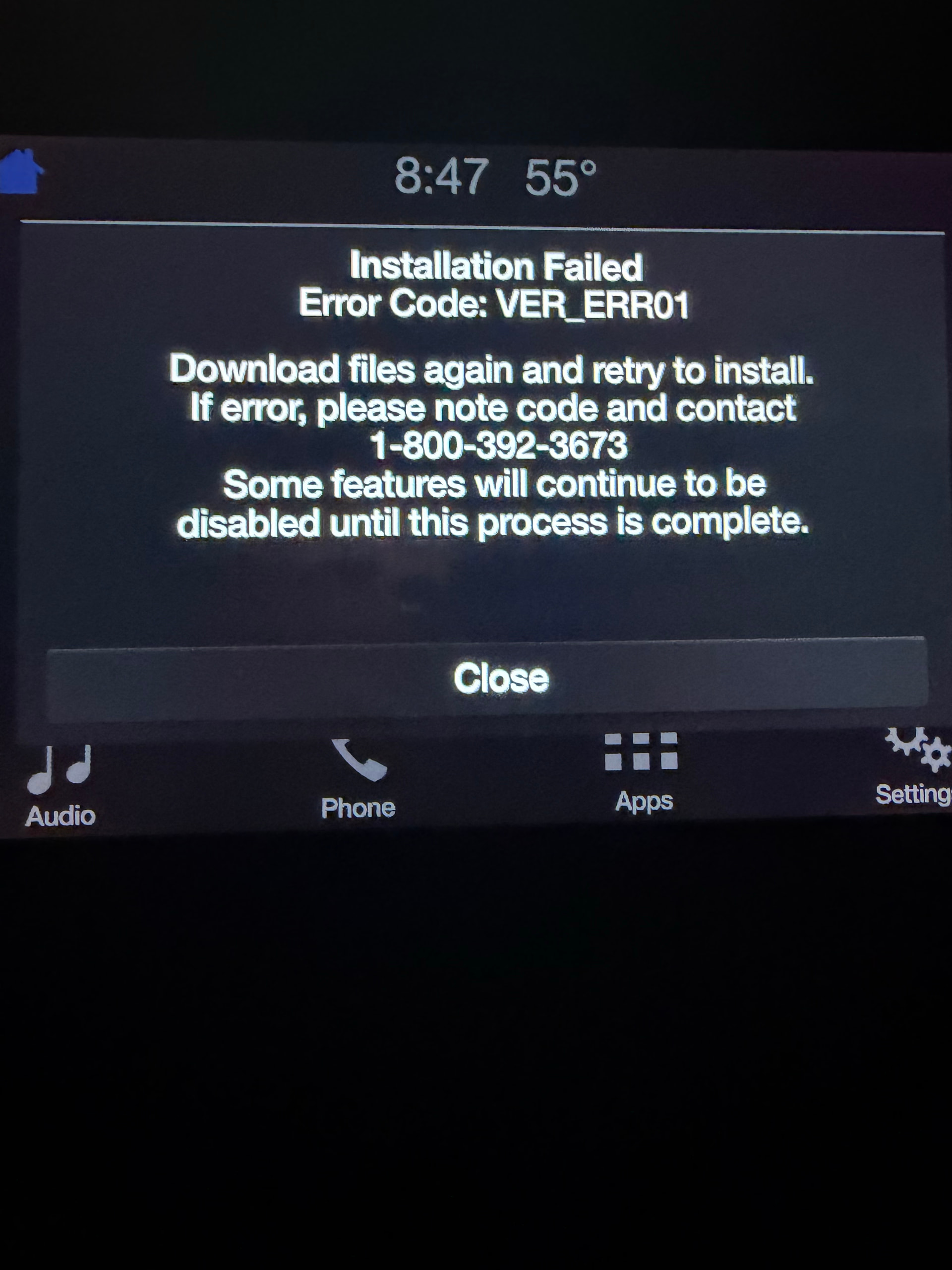
I plug the thumbstick in and a few seconds later I get an Installation Failed Error Code: VER_ERR01 on my screen. I currently have Software Version 2.2 Build 1628 and I am trying to upgrade to 3.4 (latest on your site).
SYNC Region: NA
Navigation Variant: Non Nav
Manufacturer Year: Pre MY20
Install Type: Retrofit
Old SYNC Version: 2.2.16280
New SYNC Version: 3.4
Do you have a error message, if so what is it?
VER_ERR01
Update Method: CyanLabs Syn3 Updater
Syn3 Updater Version: 2.0
Syn3 Updater Documentation Read: yes
Syn3 Updater Log File
Not sure how to get this info.
You can’t go directly from 3.0 v2.2xxxx to 3.4 vxxxxx without reformating the APIM.
Think of this as installing Windows11 on Windows7 hardware
This makes sense. Do I just update to an earlier version first? How do you reformat the APIM? I used the NAVI upgrade files to rewrite the ACM and APIM files. This worked as is should have, I just needed to upgrade the SYNC 3 but I couldn’t get it to work and so here we are.
UPDATE - I had seen two other users post some “solutions” to their issues by not trying to upgrade all the way to the latest version of SYNC. So instead I downloaded 3.319052 on the thumb drive, slid it into place this AM and it worked perfectly. Updated in 10 minutes. I may try to upgrade all the way to the latest version next. Cheers!!!