I’d like to update my Tourneo Custom (built 11/2018) to Sync 3.4 (currently 3.0) so I can then program the silent mode using Forscan, which can then be switched on and off in the menu.
For the past four days, I’ve been trying to copy the necessary files to a 32GB USB stick using the Cyanolabs tool Synupdater 3.
The download starts smoothly (8 downloads allowed simultaneously), but then it stalls and eventually stops hours later with various errors (host aborted, end of file reached, etc.).
I suspected my internet connection, but even using the 5G network doesn’t change anything.
Is this a known problem? Are Ford’s servers overloaded, and is there a workaround?
SYNC Region: EU
Navigation Variant: Nav
Manufacturer Year: Pre MY20
Install Type: OEM
Old SYNC Version: 3.0.19502
New SYNC Version: 3.4
Do you have a error message, if so what is it?
end of file, intterupted by host
I am not near as versed at this as most in here are, but, personally I would try a different device . I was doing a Sync update and it took way too long , after that I tried to use the same stick and it was defective. Just a thought
Thank you very much for your support. I connected the laptop with an other cable directly to the router and the download Works. Today in the morning the update was finished.
I updated my sync now to 3.4.23188 and After the generally Reset the Error: PKG_ERROR4 i gone and it should work, also with the Station logotype.
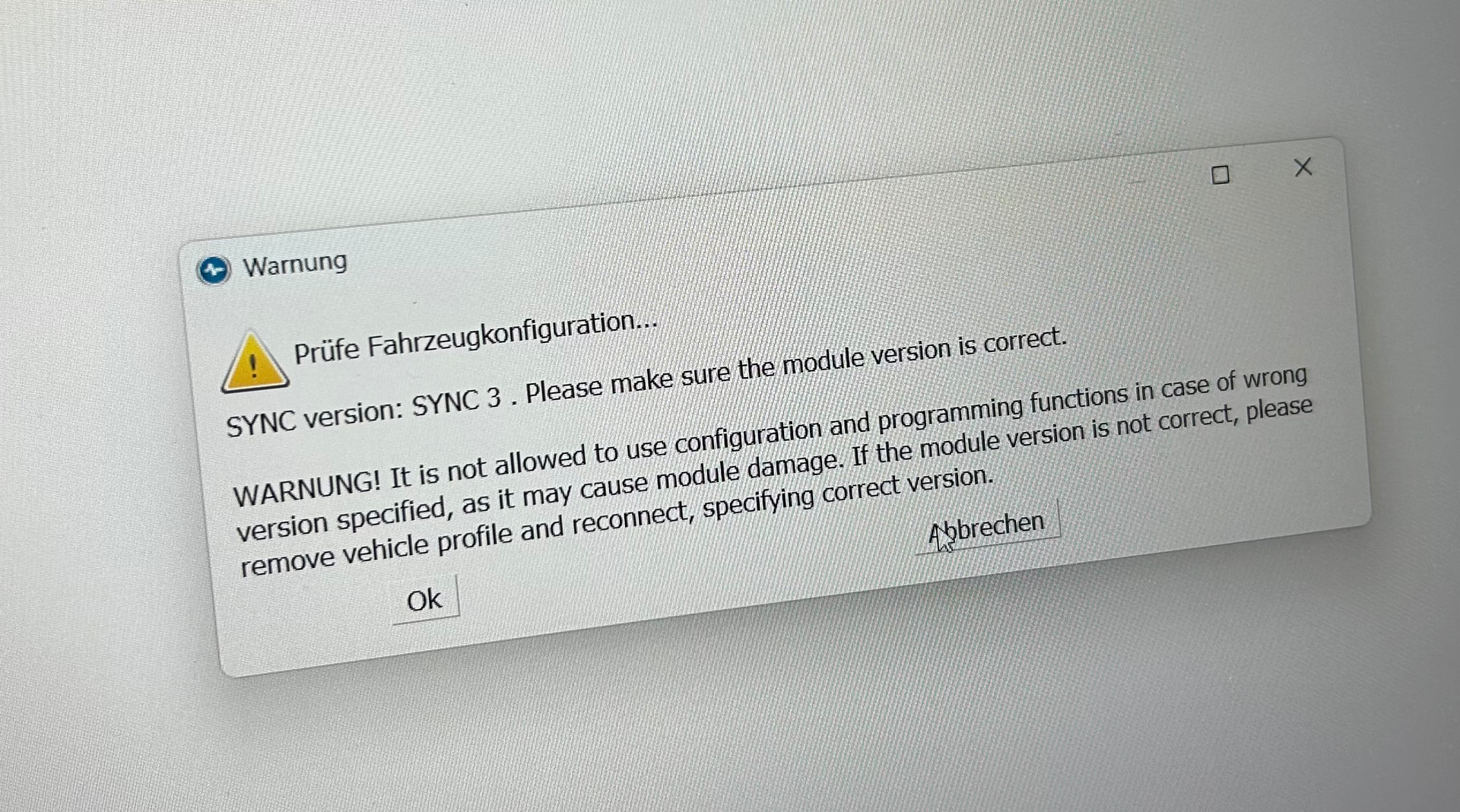
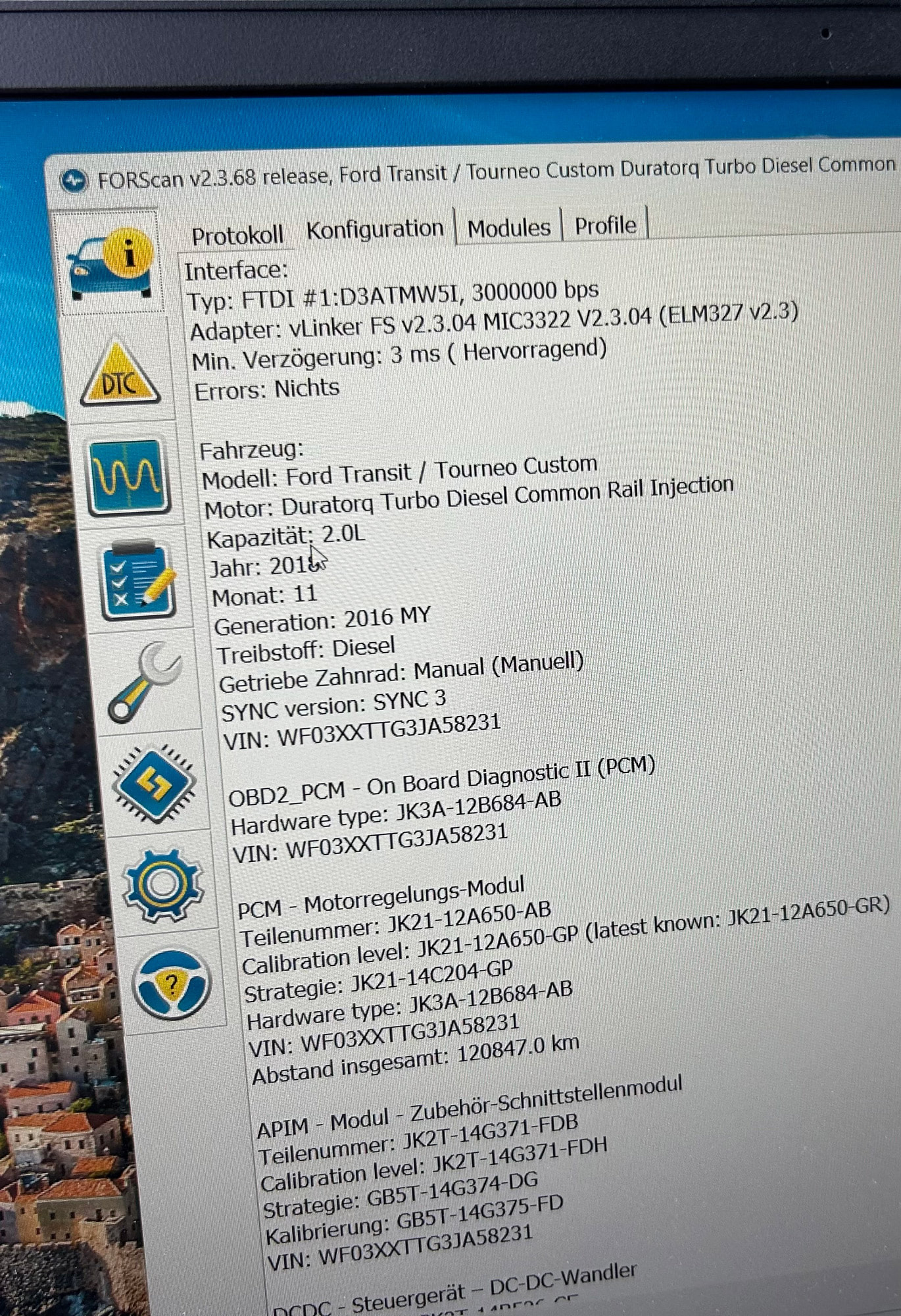
But if I connected Forscan to configure on the APIM the silent mode, I get a warning that the Modul Version is still 3.
What did i do wrong?
SYNC version: SYNC 3. Please make sure the module version is correct.
WARNUNG! It is not allowed to use configuration and programming functions in case of wrong version specified, as it may cause module damage. If the module version is not correct, please remove vehicle profile and reconnect, specifying correct version.
I think you can ignore that, the module is in fact still Sync3.
I remember another topic where that was discussed, but I cannot remember where it was, or if it was related to calibration. So I think you can still use it to program the module.
What you can try is deleting Forscan’s profile and start a new fresh one.
Thank you! I’m new at forsscan and the first thing I do after the error is to delete the profile of the car. No change.
In the configuration screen of Forscan the car is still sync 3. I think thats the reason why forscan makes an error if I try to configure the APIM-modul
I tried running the tool on the car today, but I’m still getting the PKG_Error4 error message again.
I think I might have made a mistake at the end of the installation process, specifically when I removed the USB stick as prompted and then plugged it back in.
Could reinstalling everything be a solution? As far as I know, no error occurs during normal operation, but I want to program the control unit with FORSCAN so I can then activate silent mode.