i have a 2013 platinum f250 that came with sync 2 and i did the upgrade to sync 3 and since then ive had very innacurate navigation so i got a new gps antenna from sync my rides and the issue still persists. sometimes map is accurate for the first few minutes and then it starts to move miles away from where i actually am. i read on here that someone else had a similar problem with a different kind of vehicle due to some asbuilt data or something like that.. Please if anyone has some pointers id love the help i am completely stumped.
SYNC Region: NA
Navigation Variant: Nav
Manufacturer Year: Unknown
Install Type: Unknown
Old SYNC Version: 3.4.23188
New SYNC Version: 3.4.26057
Do you have a error message, if so what is it?
no error messages
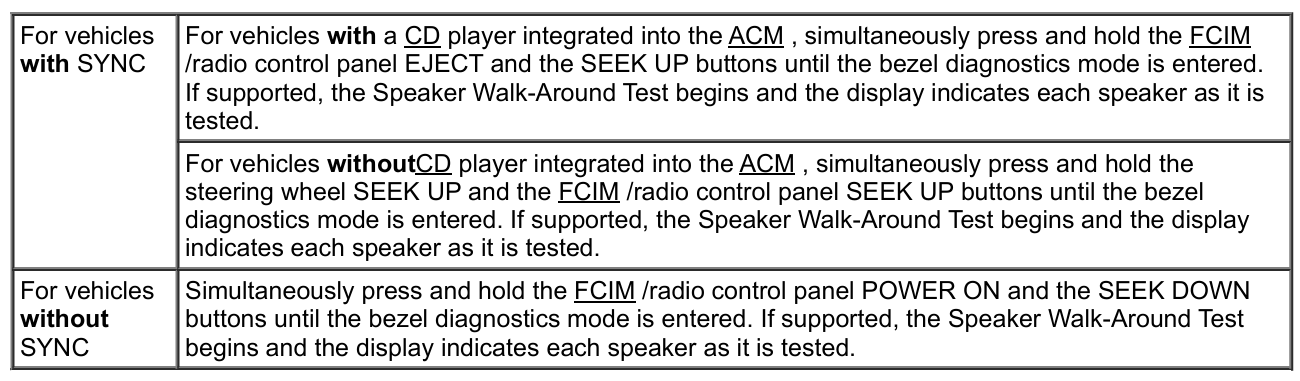
i got it online somewhere about 6 months ago and cant find the order information but as far as the diagnostics menu is that in the settings on my sync 3 unit?
i may have messed up and re wrote the data without keeping a backup of it, is there anything i can do now that i re wrote it to my asbuilt that was sync 2?
Then load ForScan with no saved profile, go to the APIM in ASBuilt mode, chose load from file and select the AB that you downloaded. Save, then the APIM will restart, once its back up do a master reset.
From there test and see what works and what doesn’t work, if everything works crack a beer, if some things don’t work post it here along with a saved copy of the AB loaded in the APIM at that time (not the AB your downloaded from Ford).