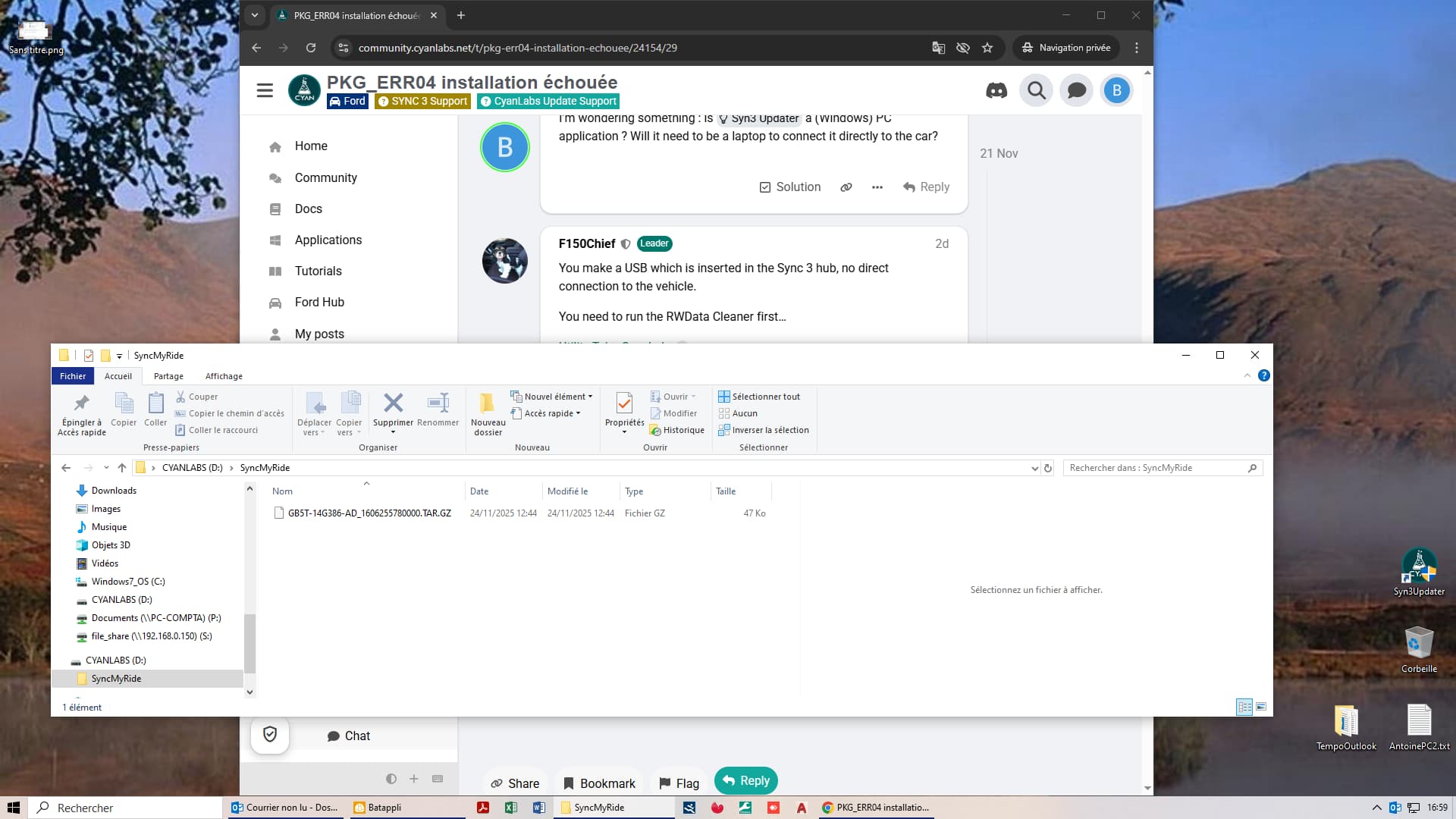
Here is what is on the USB drive.

I believed it for a moment
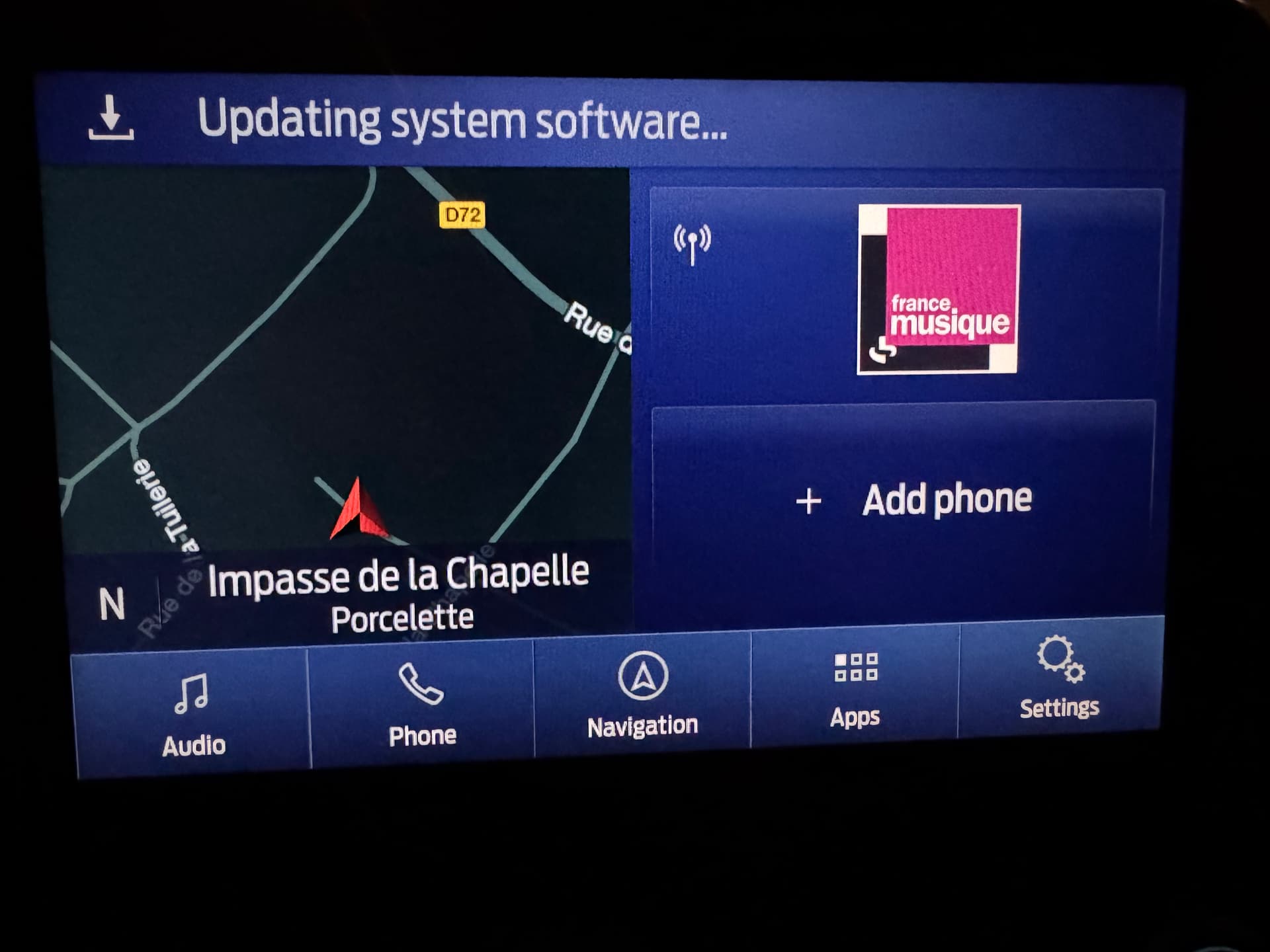
And 5 minutes later

After that, when I removed the key from the USB port, I had the impression that it wasn’t holding properly. Is it possible that there was a reading error?
Here is what is on the USB drive.
I believed it for a moment
And 5 minutes later
After that, when I removed the key from the USB port, I had the impression that it wasn’t holding properly. Is it possible that there was a reading error?
You need to run the RWData Cleaner first…
I don’t know where to find the RWData Cleaner.
Unlikely. What kind of USB are you using?.
Can you perform a master reset?.
If it freezes and does not complete, then you have another issue: there’s a partition which is full, a known bug in 3.4.22251.
Take a look at this guide → APIM Sync Settings Not Saving, VER_ERR08 Errors, Cannot Perform Master Reset or Upgrades/Updates (Solved), it has all the information needed to diagnose the issue (which includes the use of the interrogator log and rwdata partition cleaner).
A quick and simple test without making any USB is just trying to perform a Master Reset… So try that and share with us the result.
I already know Master Reset doesn’t work.
I’ll try to diagnose the issue maybe tomorrow.
Thank you guys.
In what way does Master reset not work?
Are you able to access it or is it greyed out on sync? You probably are aware that the engine needs to be running or at least the ignition on.
Or is it the case that there is no change after you run it?
I’m wondering something : is Syn3 Updater a (Windows) PC application ? Will it need to be a laptop to connect it directly to the car?
You make a USB which is inserted in the Sync 3 hub, no direct connection to the vehicle.
You need to run the RWData Cleaner first…
Hello,
Yesterday, I installed Syn3Udpdater on my work computer.
Here is what he installed on the USB drive.
It doesn’t work, again.
The files doesn’t look correct ?
What do you think ?
That is the Interrogator Utility. Run the RW Cleaner first…
RW Cleaner done yet. It takes less than a minute or two. I thought it would last longer
What’s next ?
The RW Cleaner should clean out the RWData folder. Perform a master reset and see if the unit is better.
I already know 3.4 22251 is full of bug.
It seems to me that an update is needed. But I understand that first a necessary downgrade to 3.3 must be made. Is that correct ?
Using autoinstall you can go directly to 3.4.23188. You only need to downgrade to 3.3 if you use the reformat tool.
Version 22251 is a just a bad version, full of issues. Lots of folks have the same problem with it.
I’ll try.
But @Sandman first response was : “You need to downgrade to 3.3 first, the reformat package is blacklisted in your current 3.4 build.
Once the unit is on 3.3, you can continue with the guide as normal.”
I have to tell you something: it worked!!
The system is now version 3.4.23188, and Nav F13.
It was function RWData Cleaner that broke the deadlock.
I first launched a downgrade to 3.3.19052; Nav F11.
Then upgraded for the latest available version.It lasted 54 minutes.
The system is more responsive. The settings seem to remain in memory. I can’t wait to test all the features, including the increase in sound with speed.
THANK YOU very much for your help guys.
This topic was automatically closed 2 days after the last reply. New replies are no longer allowed.